A suite of device-diagnostic products spanning retail, carrier, and enterprise —
from in-store retail tools to a nationwide carrier diagnostics program, a multimode
production line, and an agent on-boarding tool. Four products, one design system.
Role
UX design manager
Duration
2015 — 2018
Team
Pervacio design team
Scope
Diagnostics product suite
Overview
Diagnostics tools for every stage of the device lifecycle
Over four years at Pervacio I designed the UX and UI for a range of device-diagnostic
tools, each built for a different context across the mobile lifecycle — retail stores,
carrier-scale rollouts, high-throughput warehouse production lines, and support agents.
They weren't one unified design system; each was its own product, shaped around the very
different people and environments it had to work in.
1
Retail Suite
In-store diagnostics, trade-in, device-switch, wipe, and app loader — a full retail toolset. 2016
2
T-Mobile Diagnostics
A carrier-scale diagnostics program deployed to 2,000 locations with Razorfish. 2015
3
Multimode Diagnostics
A high-throughput production line tool testing up to 56 devices at once. 2015 — 2018
4
On-boarding tool
An agent on-boarding experience for Asurion / Amazon PC support. 2018
1
Retail — 2016
Pervacio Retail Suite
A complete in-store toolset for retail associates — bringing diagnostics, trade-in,
device switching, device wipe, and app loading into a single, consistent interface.
I designed the end-to-end UX and UI for each tool in the suite.
Client
Various retail stores
Role
UX design manager
Year
2016
Designer
Amy Shin (Lead), Nayoung Kim, Nikki Yeam
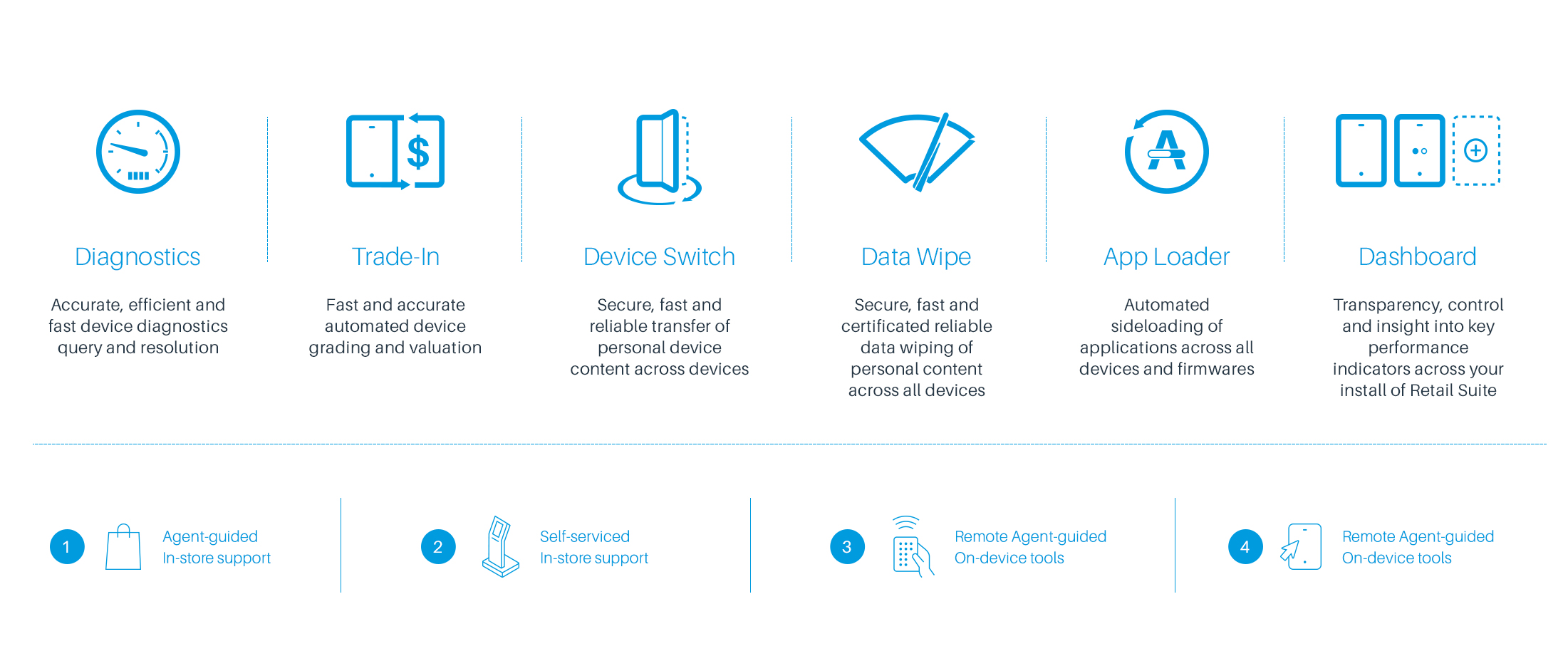
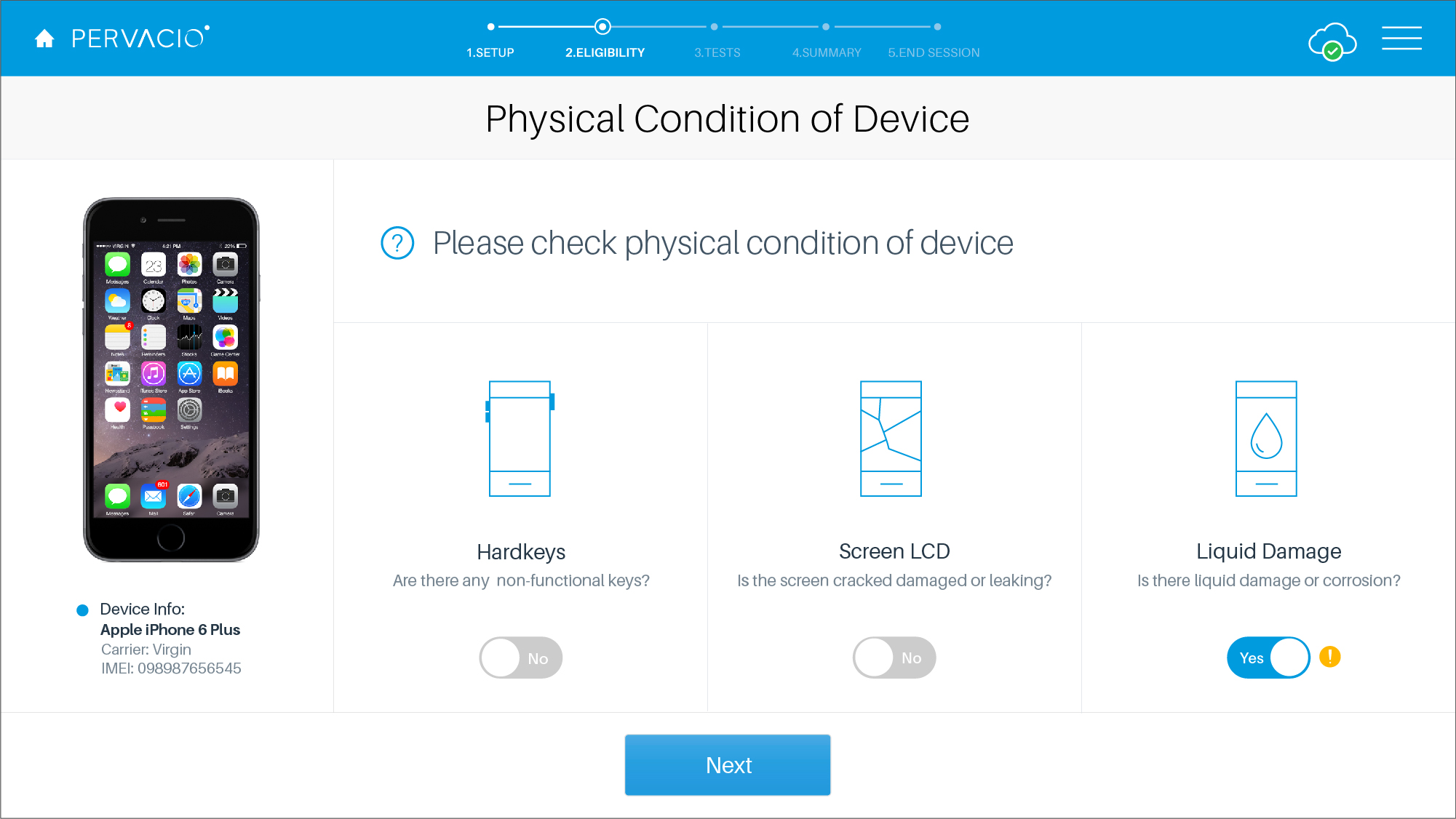
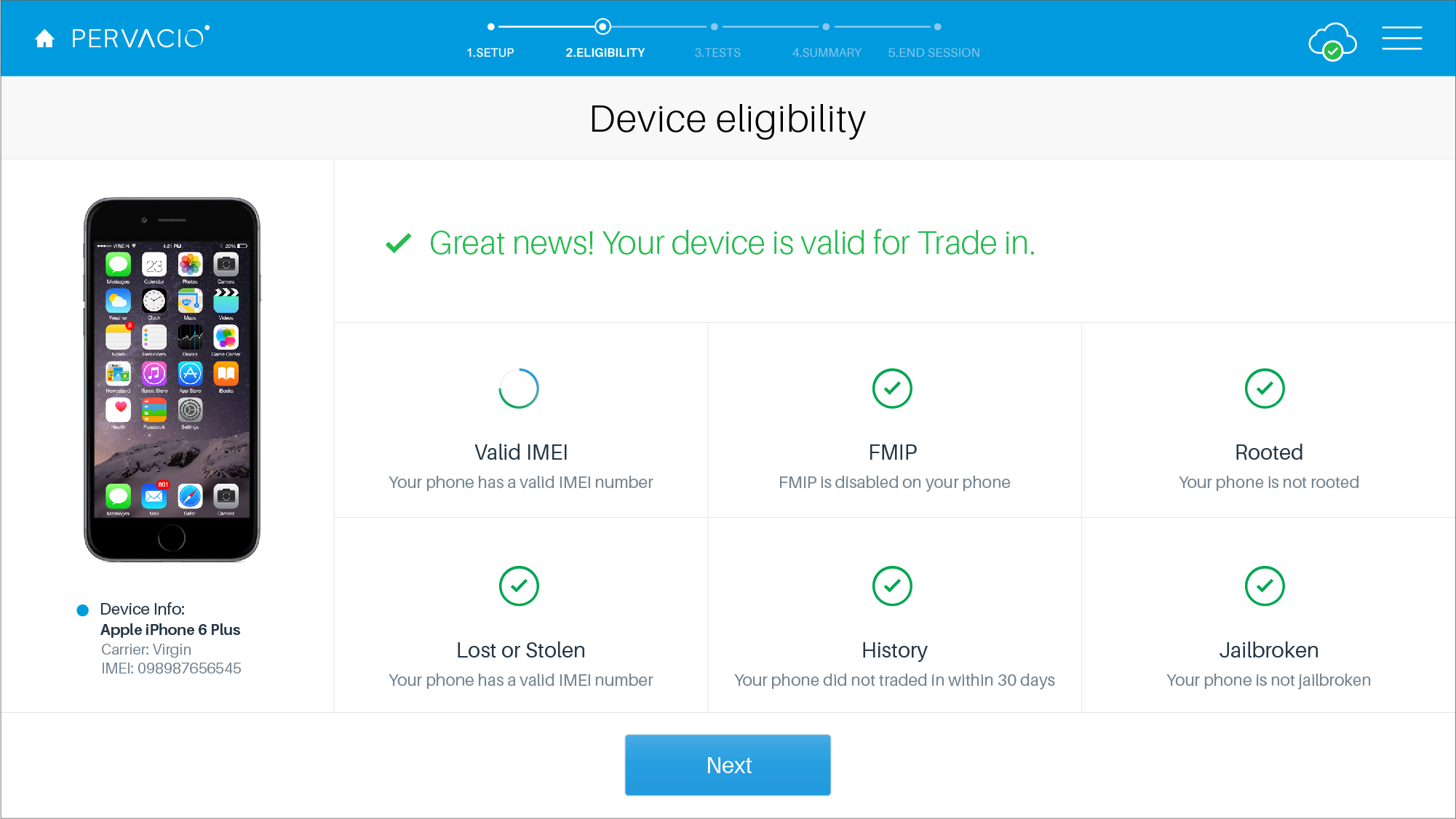
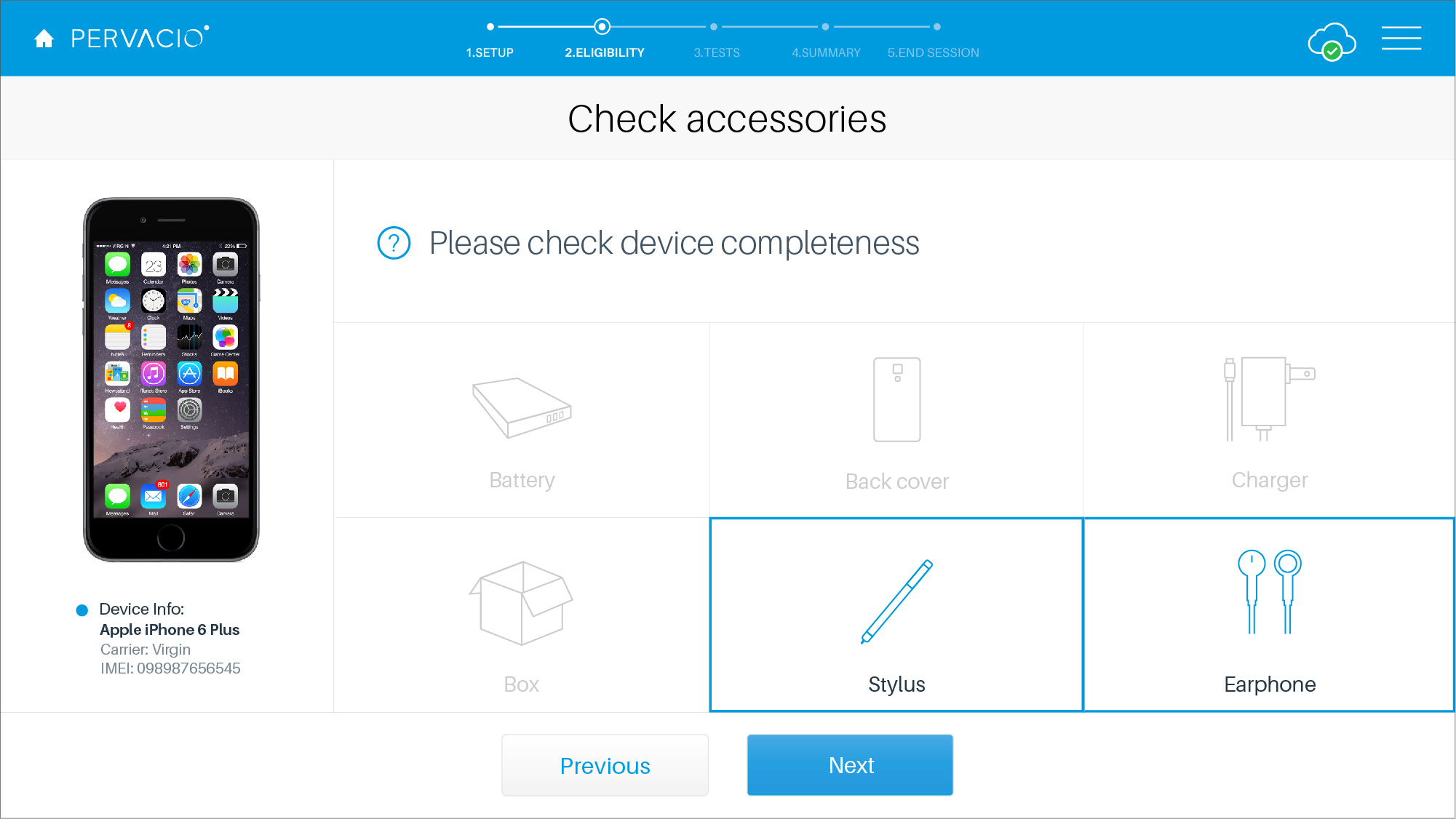
The suiteFive retail tools sharing one interface language: Diagnostics, Trade-in, Device-switch, Device wipe, and App loader.
A. Diagnostics In-store testing
Guided, step-by-step hardware testing associates can run in front of the customer.
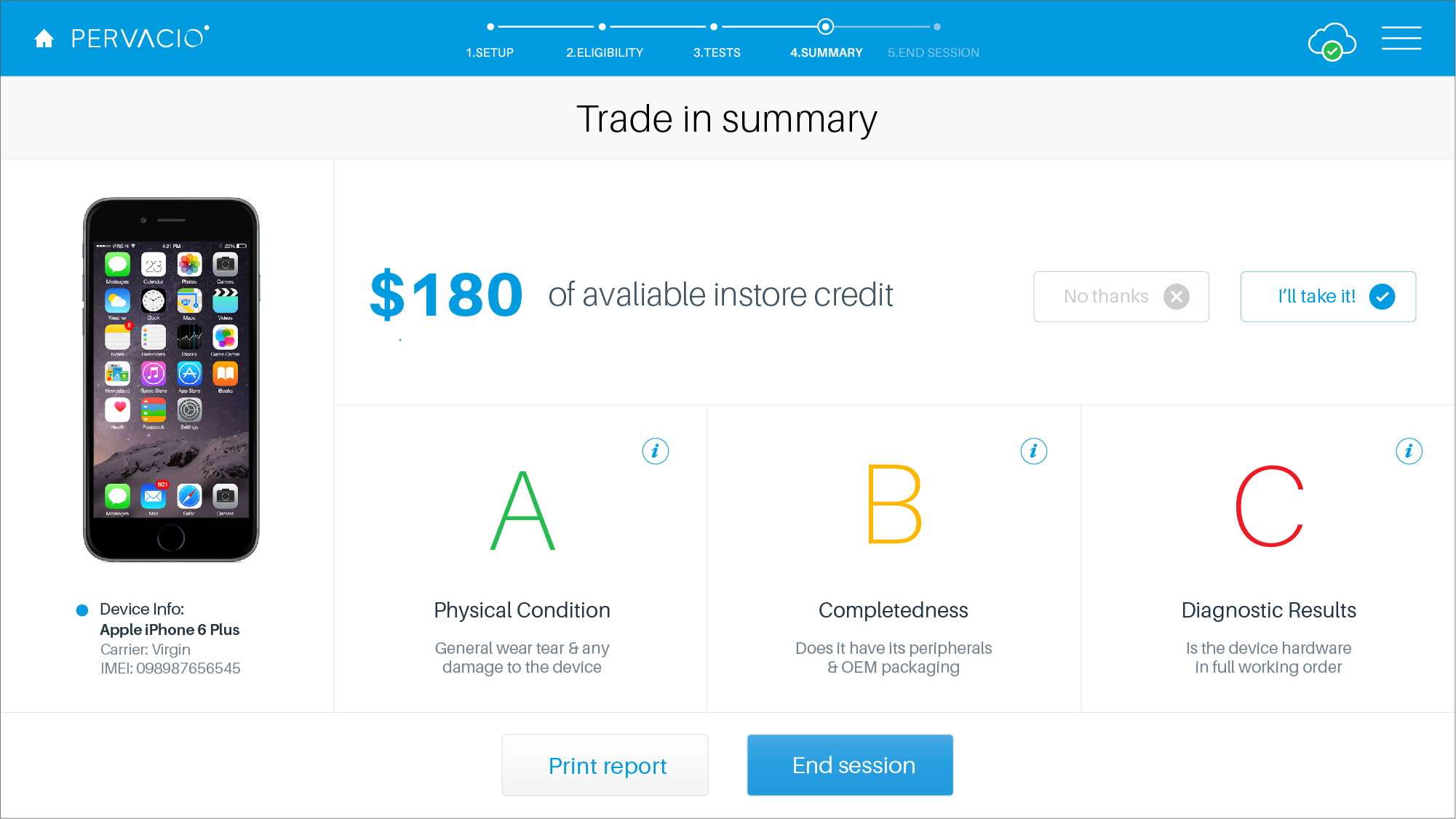
B. Trade-in Valuation
A flow that assesses a device and returns a trade-in value in-store.
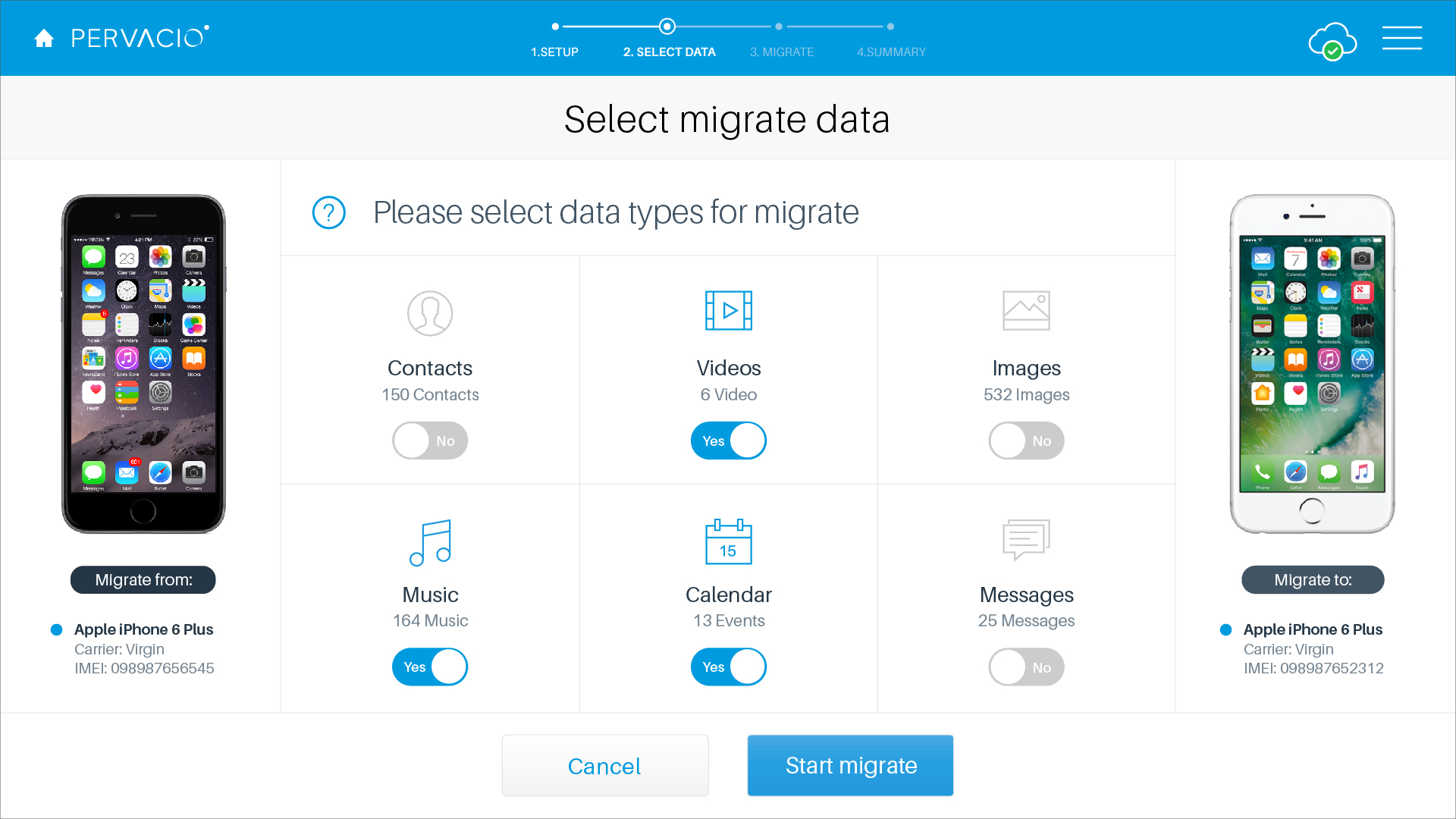
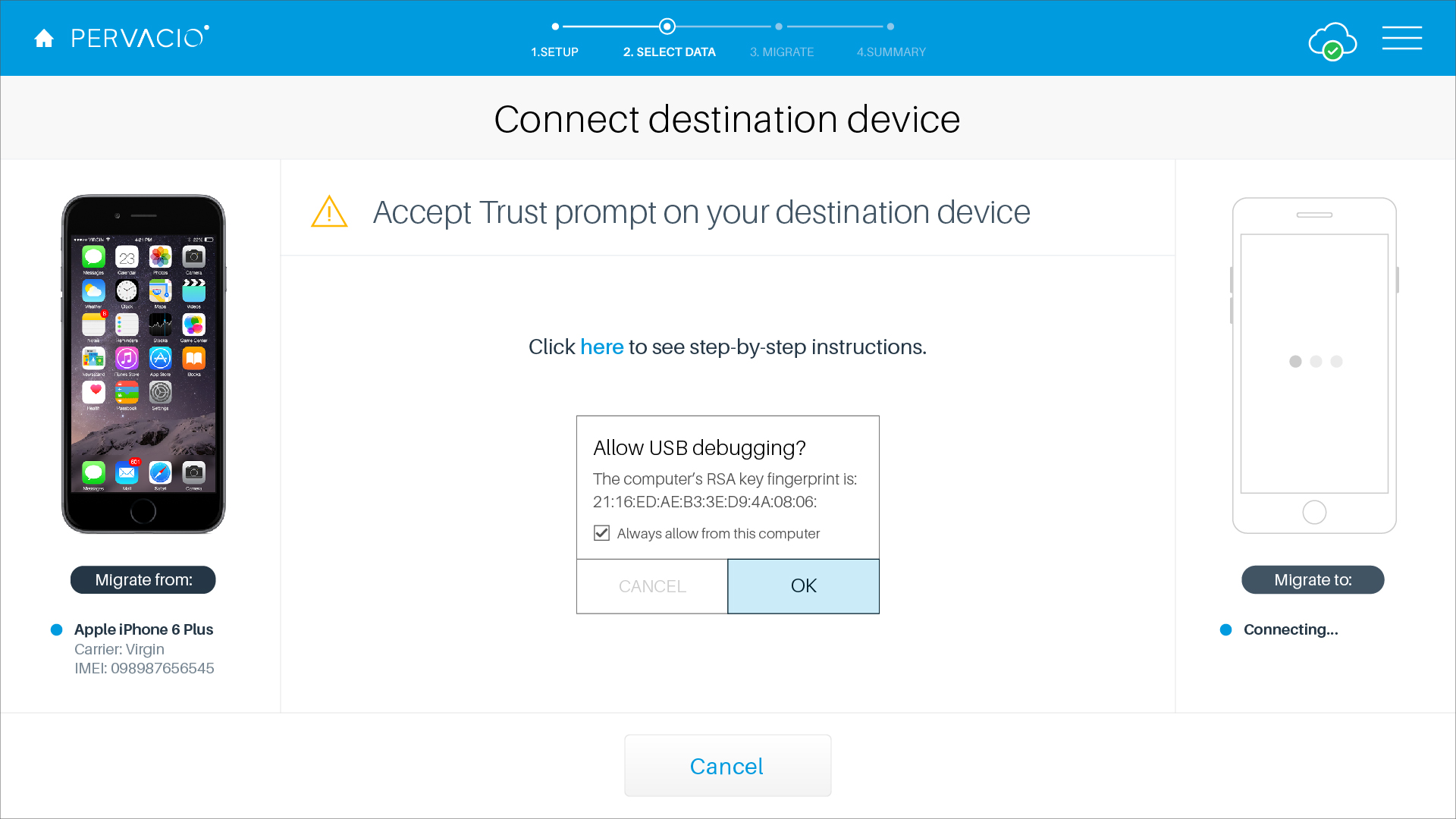
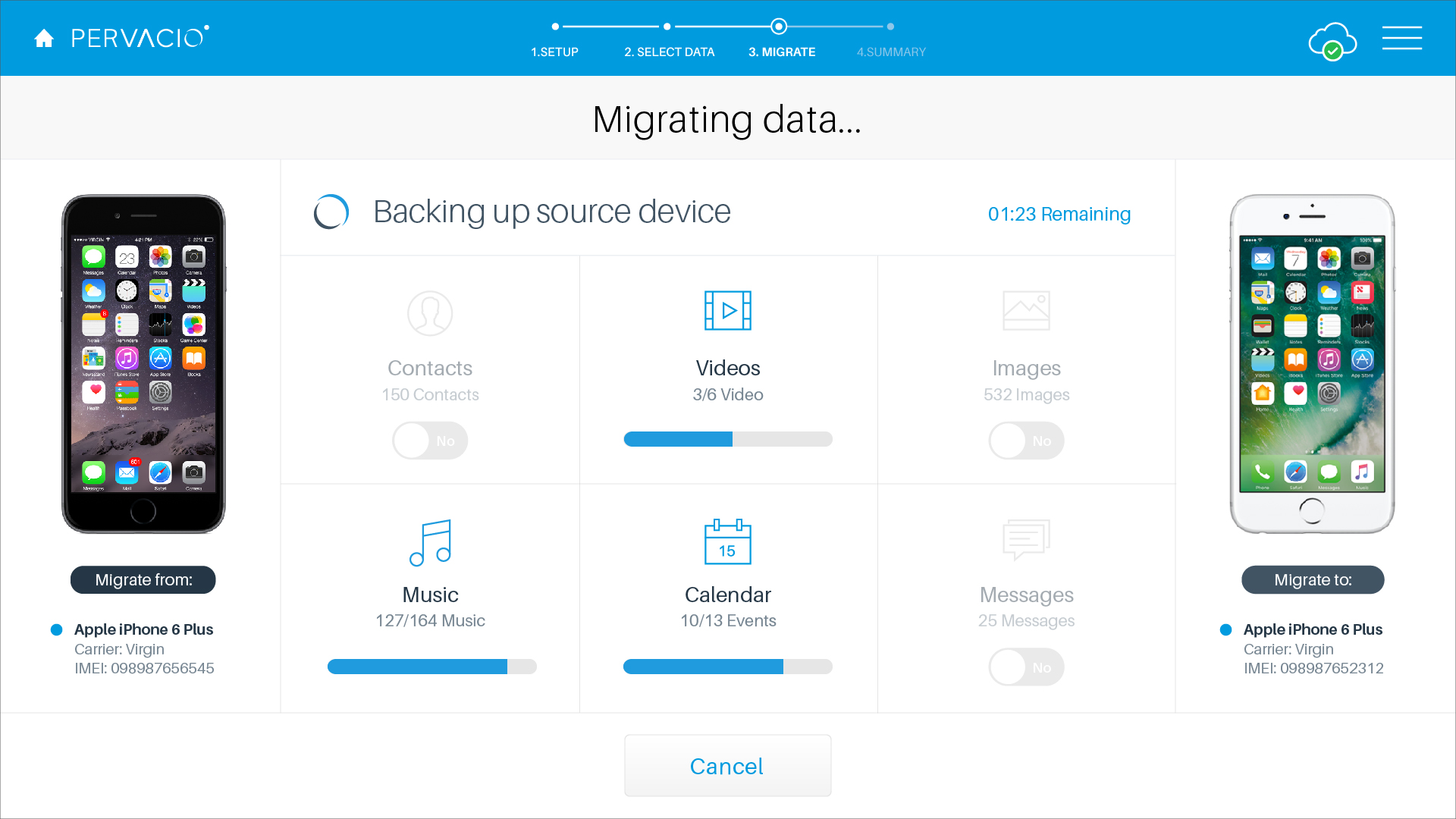
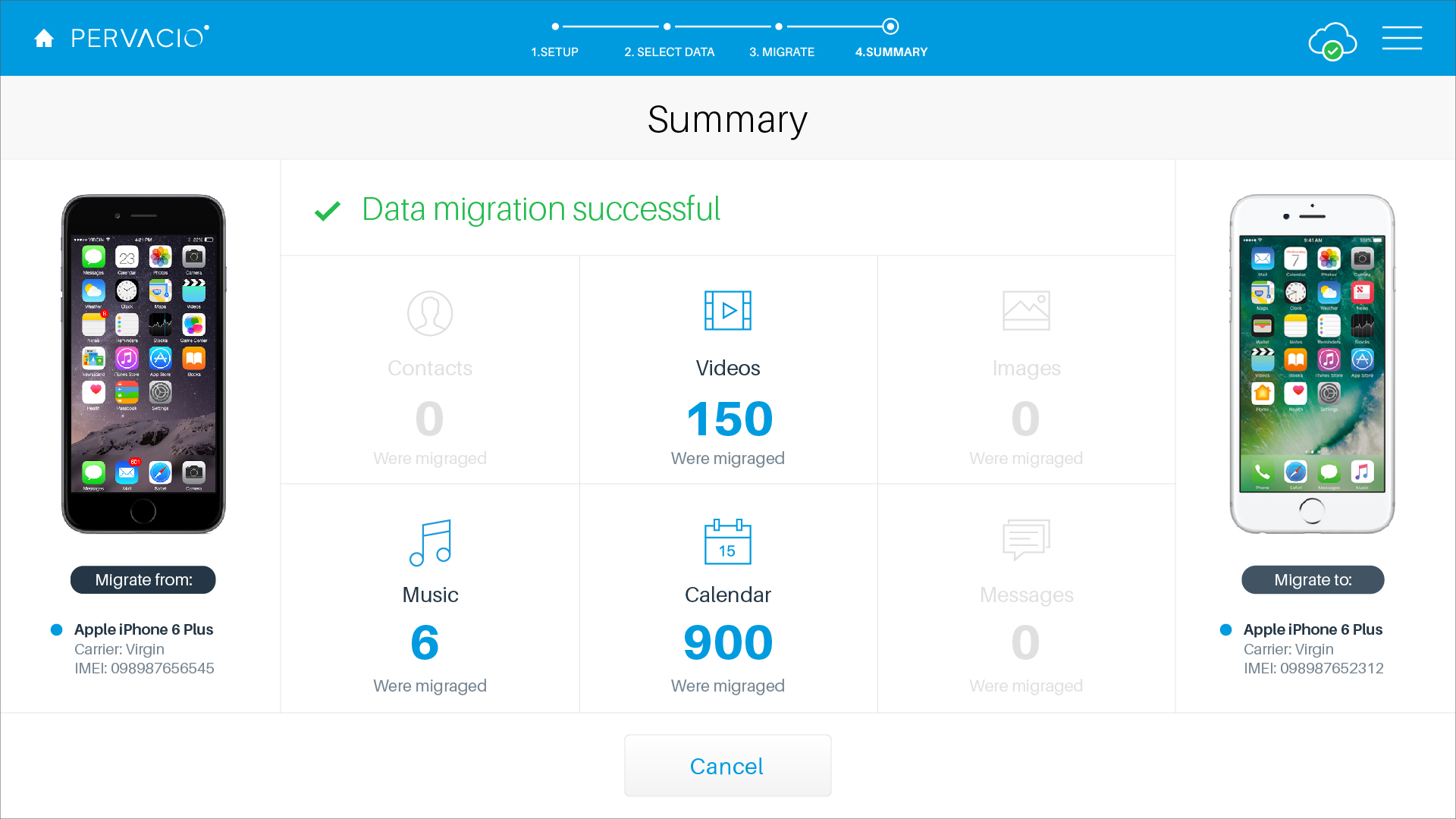
C. Device-switch Data transfer
Moving a customer's content from an old device to a new one.
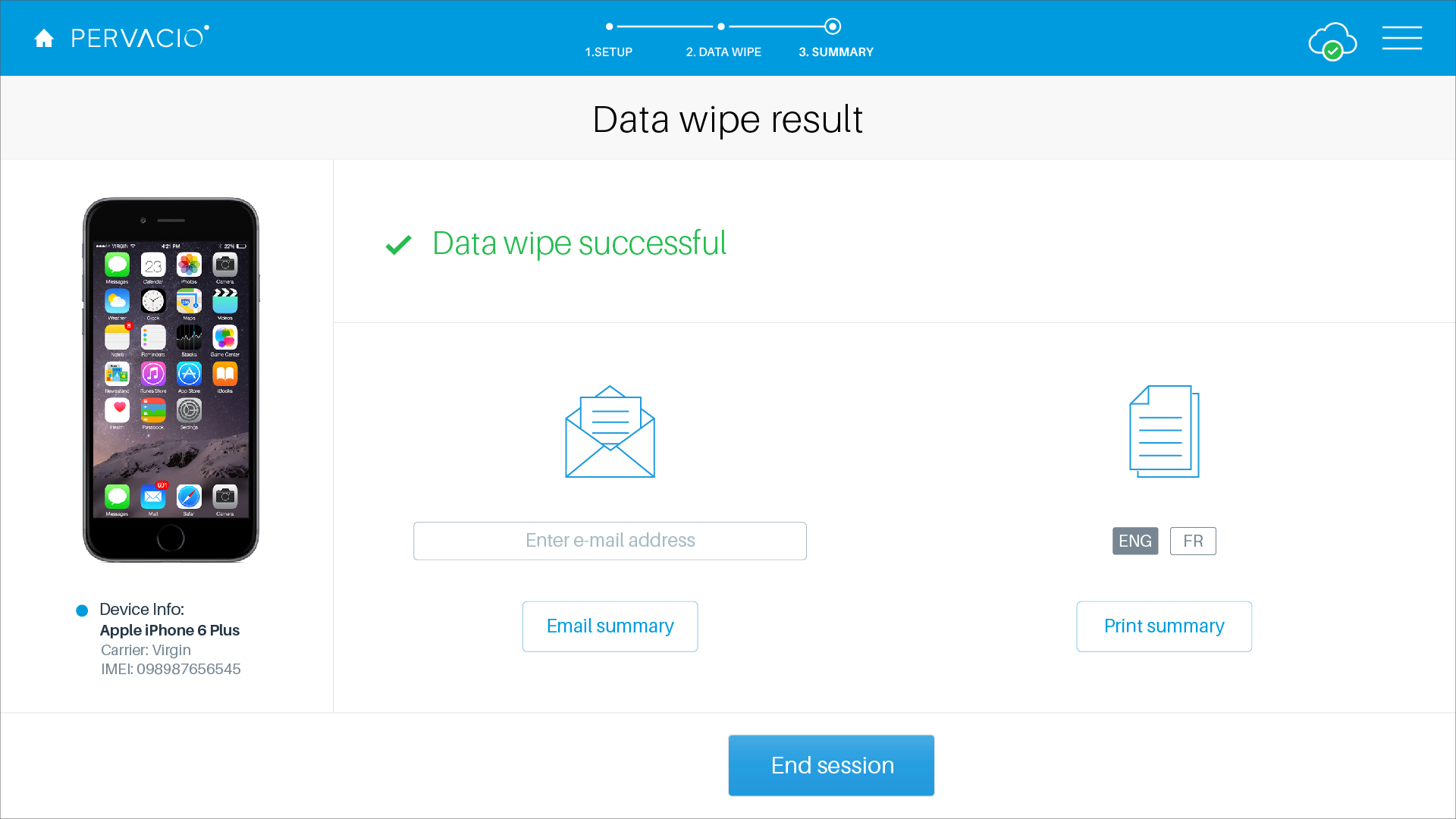
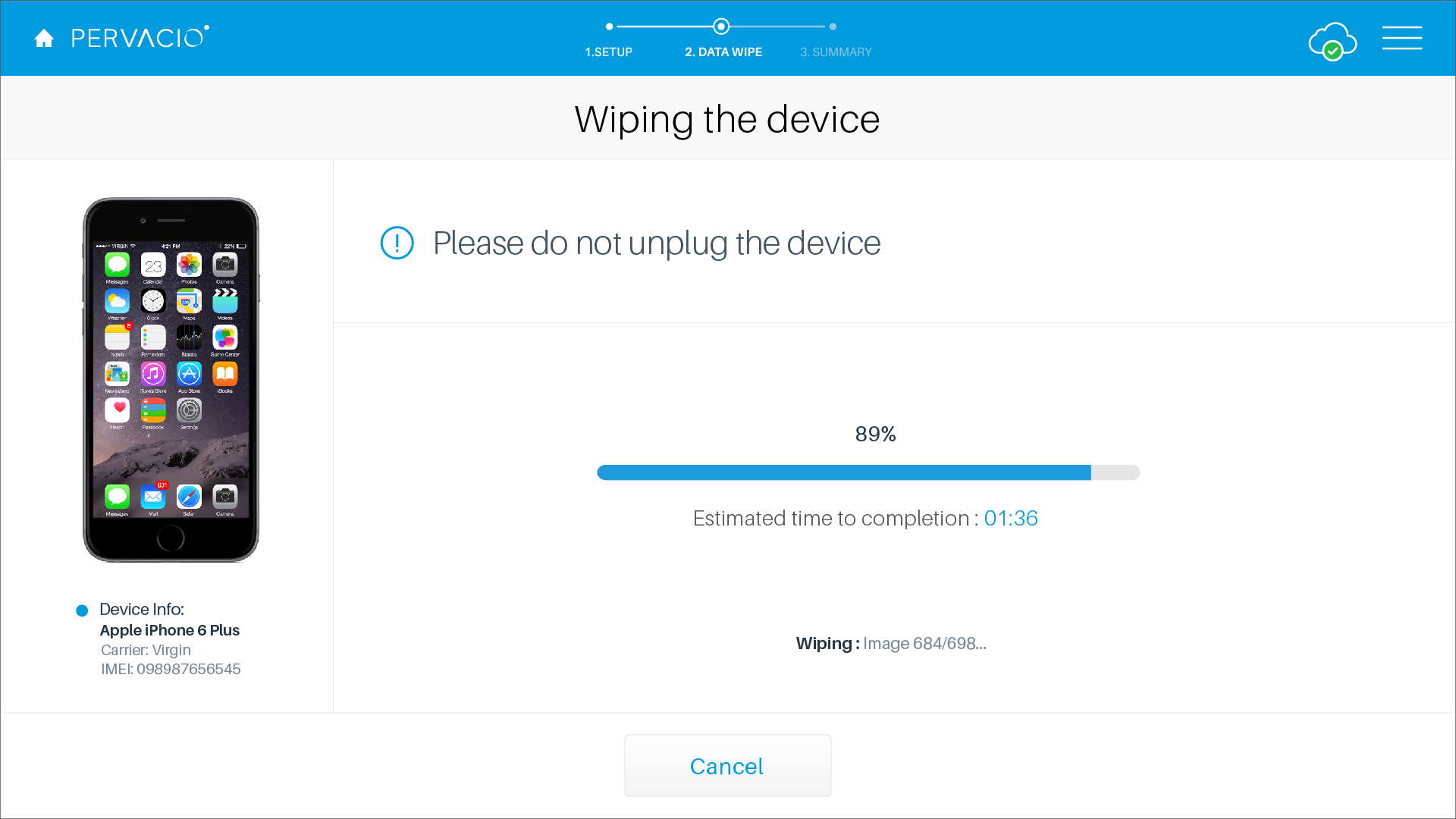
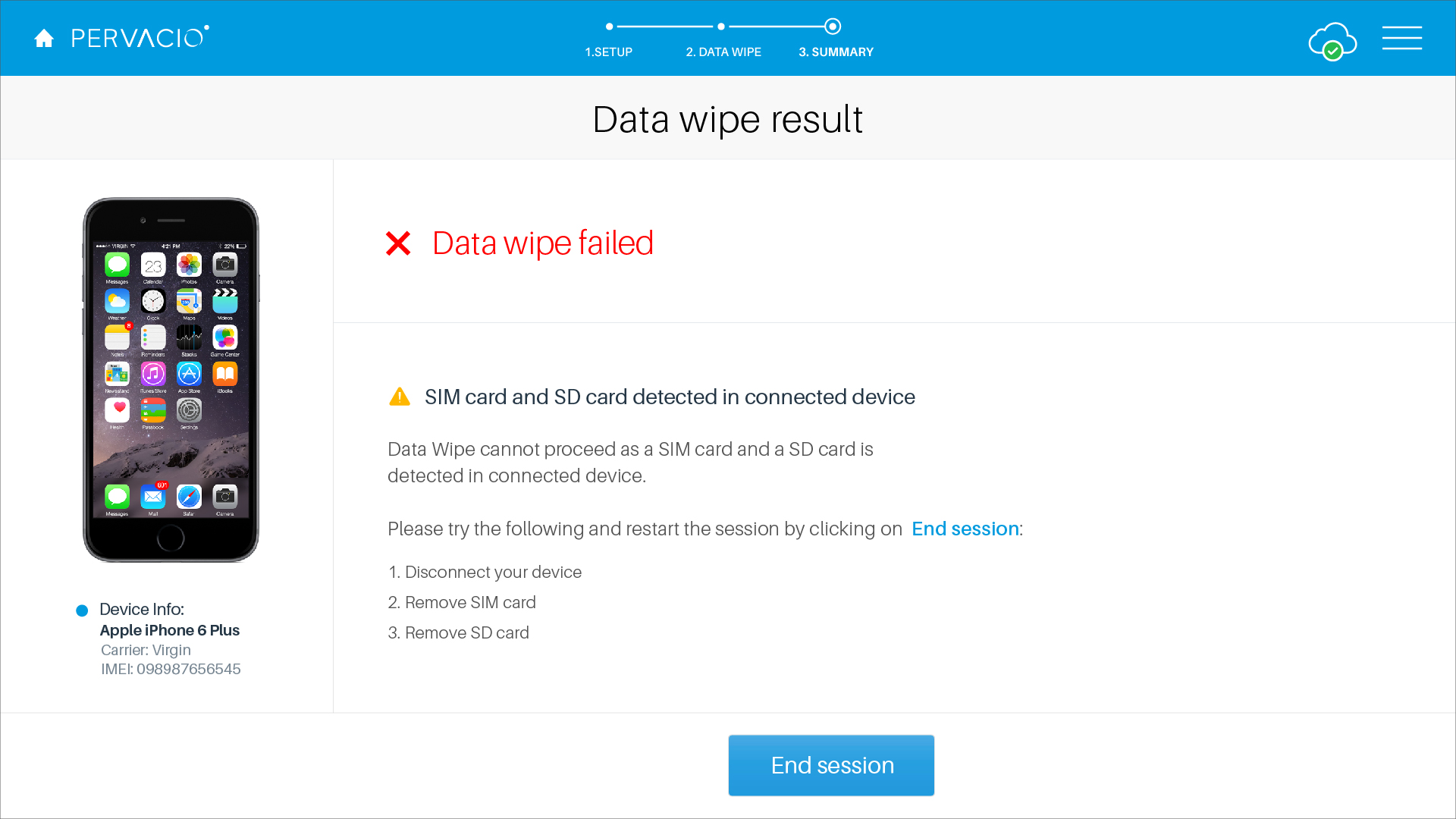
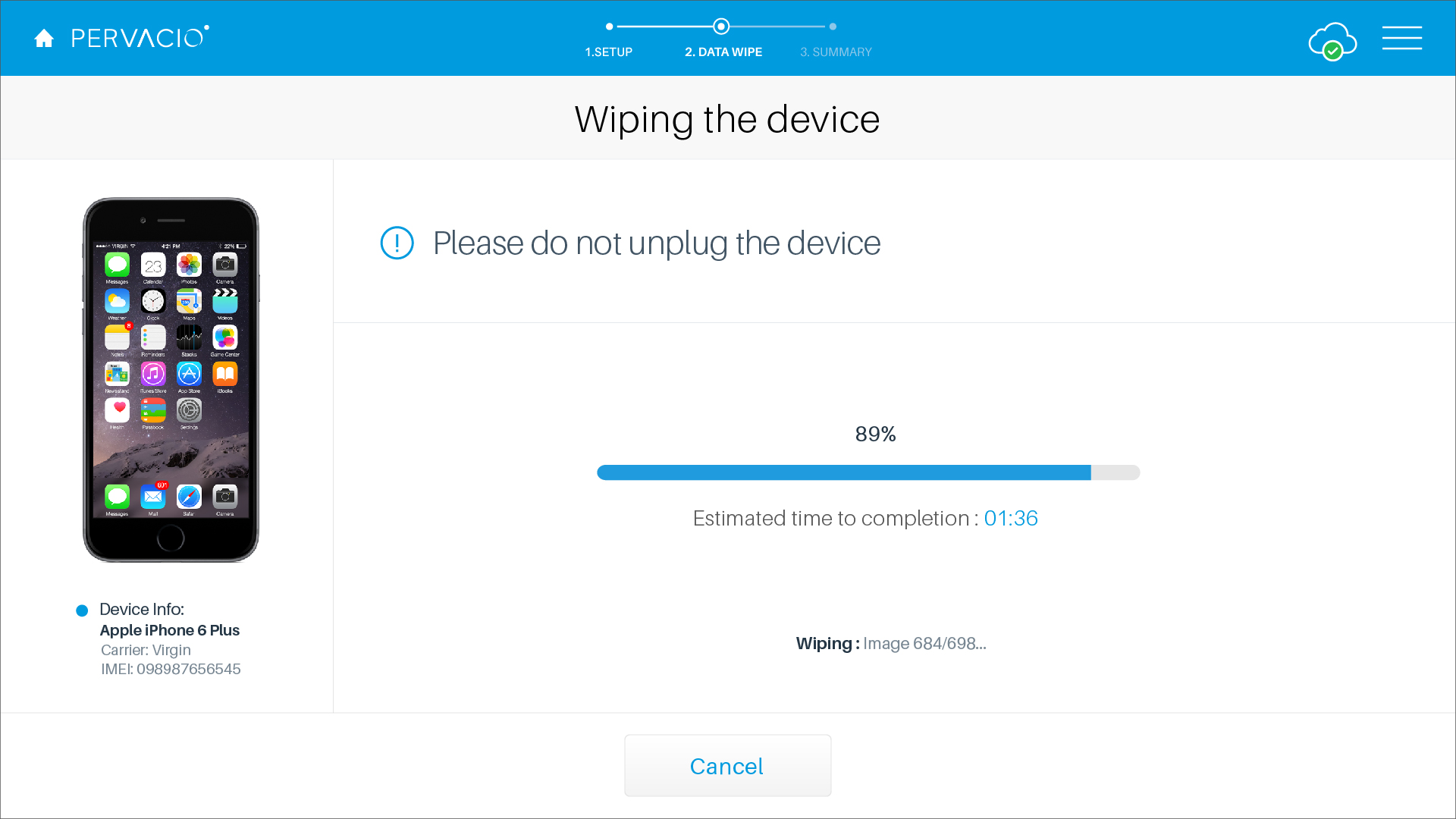
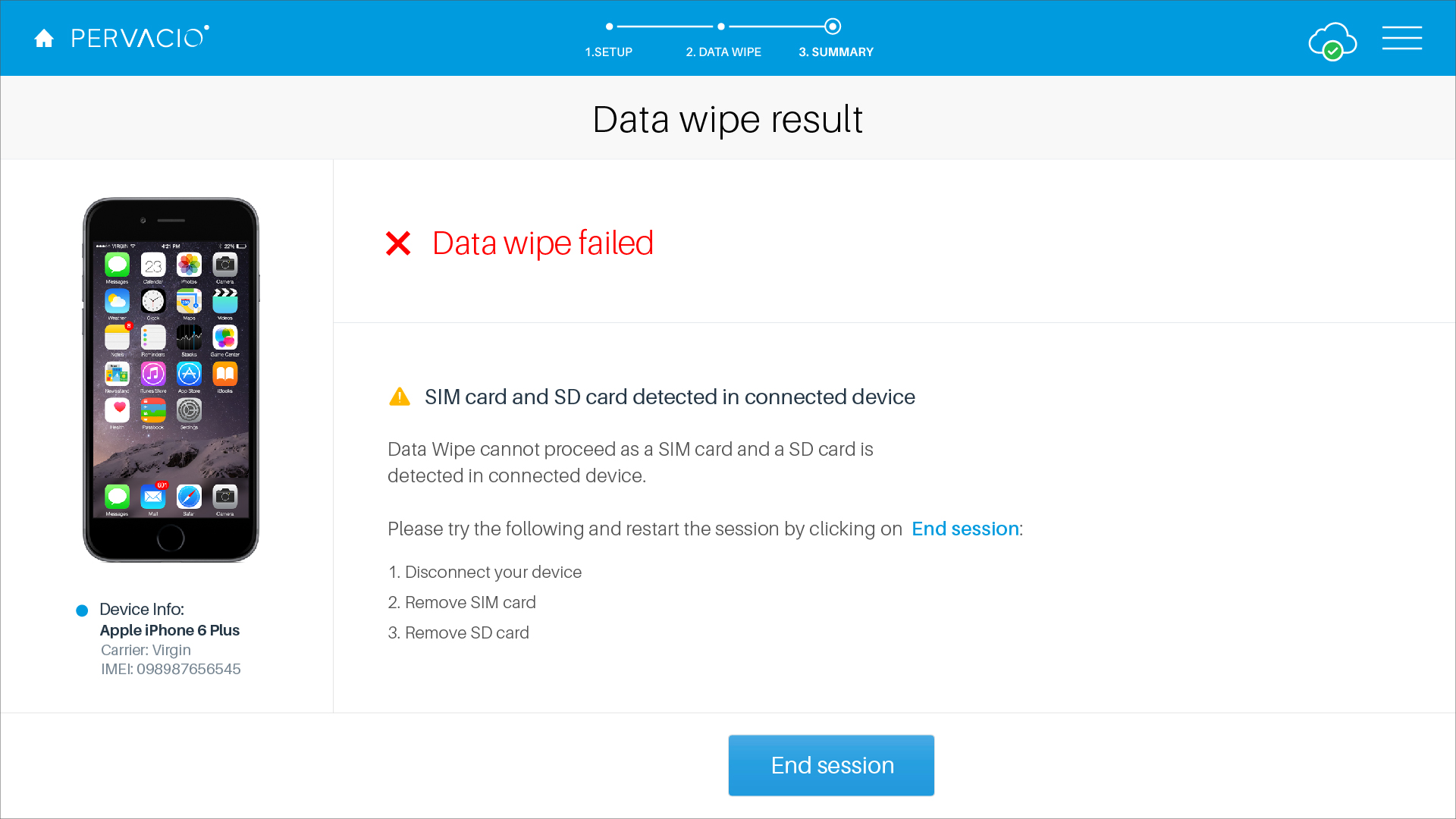
D. Device wipe Secure erase
Certified data wipe before a device is traded, resold, or recycled.
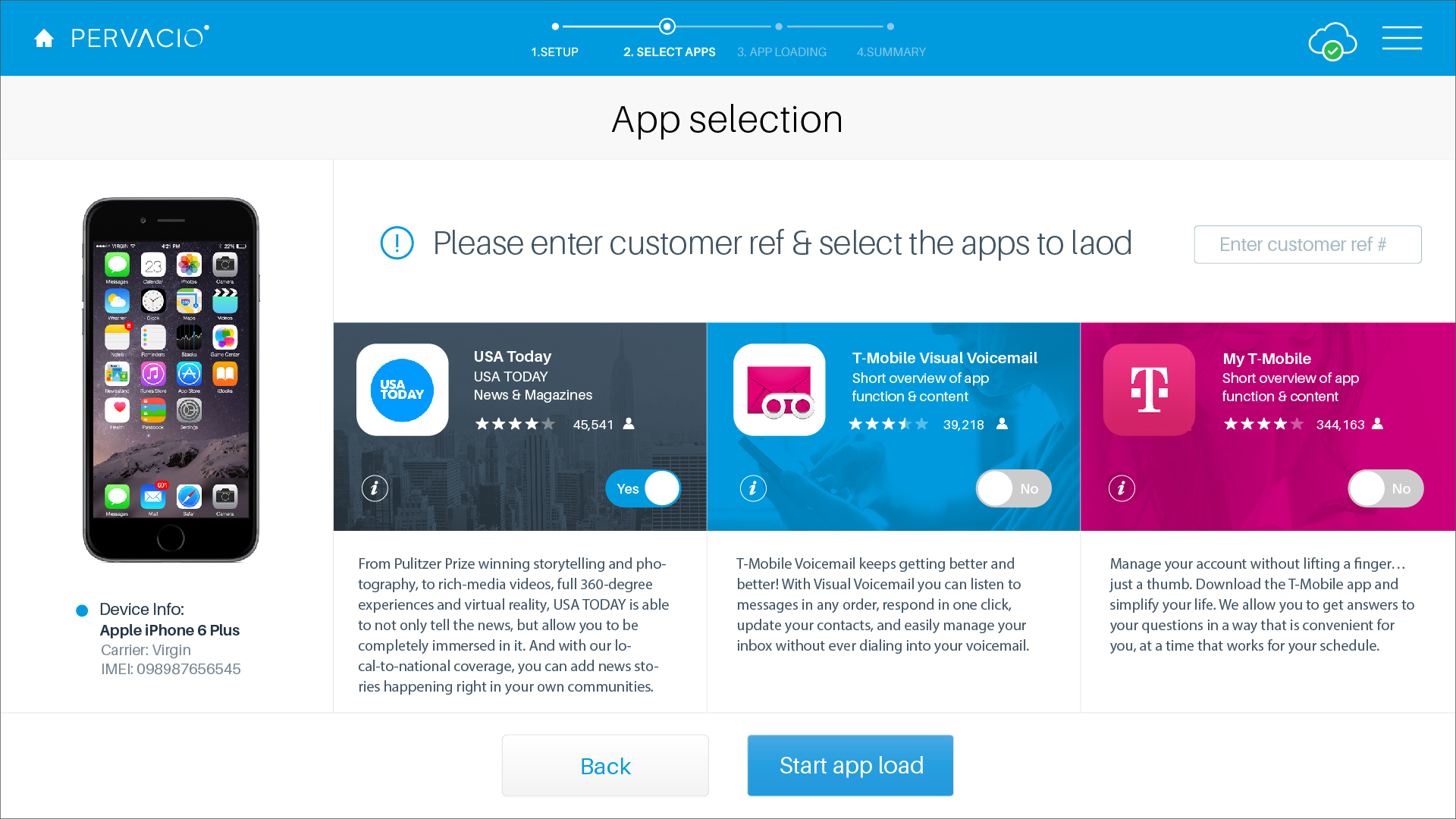
E. App loader Provisioning
Bulk-loading approved apps and content onto devices before handoff.
2
Carrier — 2015 · with Razorfish
T-Mobile Diagnostics
A carrier-scale diagnostics program designed to cut returns of fully-functional
devices. Partnering with Razorfish, we designed a diagnostics experience deployed
across T-Mobile's retail footprint.
Client
T-Mobile
Role
Lead UI/UX Designer
Year
2015
Designer
Amy Shin, Razorfish
Program overviewA guided in-store diagnostics experience built for carrier scale.
Up to 80% of returned devices are “no trouble found” — fully functional devices returned as defective.
Diagnostics gives associates objective evidence of a device's health, so customers keep working devices and carriers avoid the cost of processing needless returns.
A. The background
Increased complexity in smart phones has led to increased customer returns on the basis of remorse, and No Trouble Found (NTF) device exchanges, which cost carriers and OEMs hundreds of millions of dollars annually. Troubleshooting devices in a retail setting is not a favored approach by frontline sales as it is time-consuming and does not generate commission. As a result, frontline reps process warranty exchanges to keep customers happy when they complain about device performance issues. 80% of the cases in which a warranty exchange is processed by the frontline, there is nothing wrong with the device hardware or software. Instead, there is simply a perceived issue which can often be resolved by updating to the recent firmware, clearing out or reducing the number of applications running, removing some data content or ensuring full battery charge.
T-Mobile set a goal to reduce No Trouble Found device returns as an opportunity for process improvement and cost reduction.
B. The challenges
The issue is that most electronics retailers or mobile carriers lack either a sophisticated diagnostics triage proposition to help consumers better interpret perceived device quality issues, or a scheme capable of providing point-of-sale, walk-out-working solutions. Crashing, frozen applications, poor battery life and DIY misconfiguration are among the top reasons for devices being returned prematurely, but these problems remain serviceable at each touch-point throughout the customer care lifecycle, be that at a physical store location, in a call center or self-served on-device. Unfortunately, most sales agents typically lack the technical knowledge or service skills needed to diagnose devices correctly. In the face of an ever-fragmenting product base, the retailer or device manufacturer is left in the position of having to accept returned devices prematurely, increasing the cost of inventory and eroding consumer confidence in the process.
C. The approach
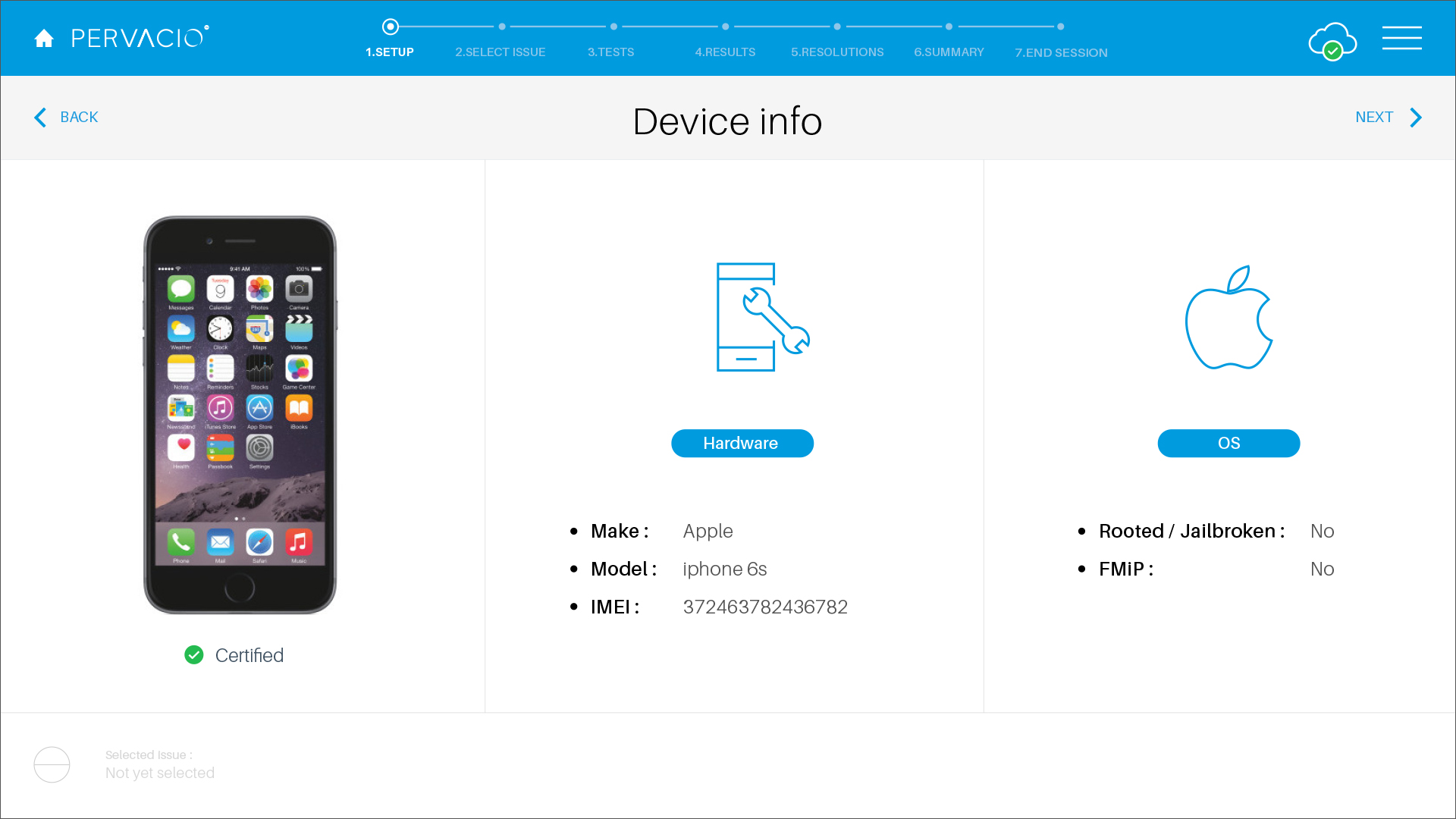
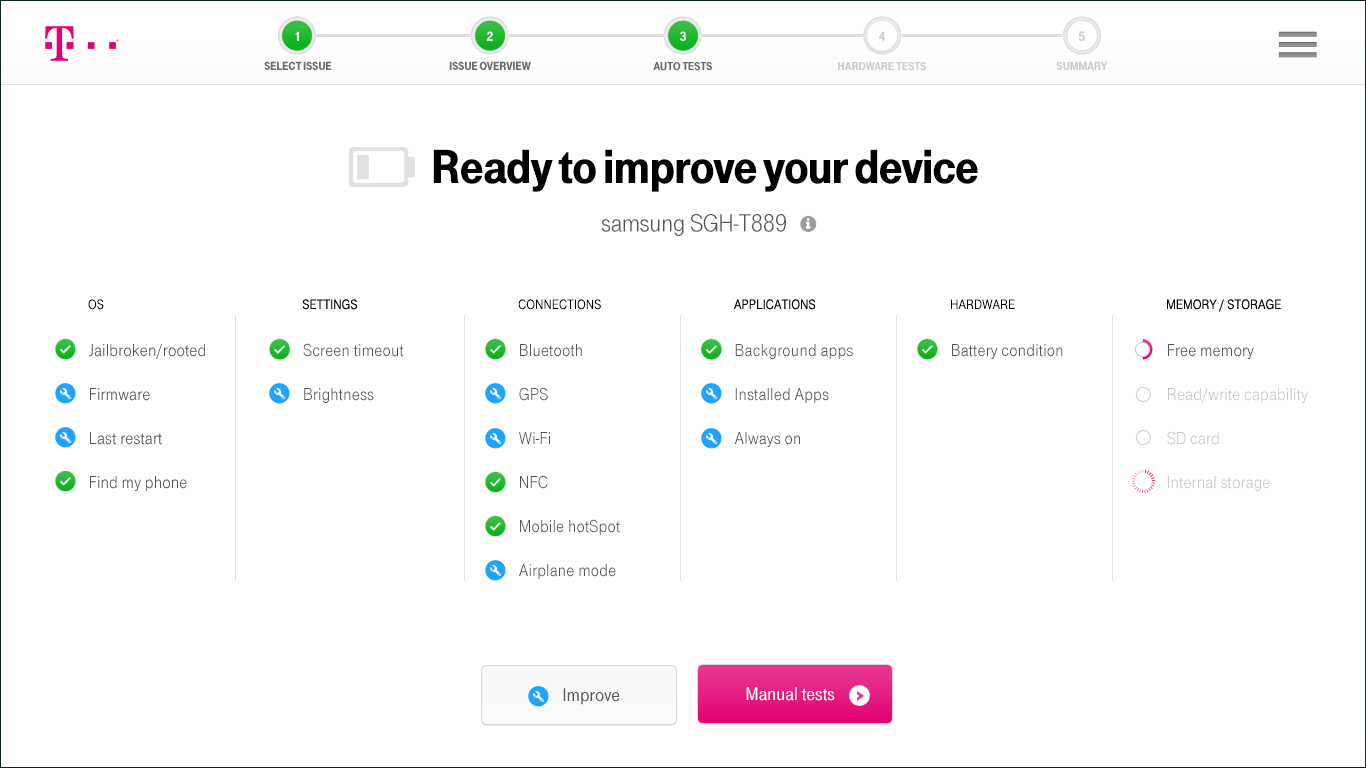
The Diagnostic tool is a customer facing, frontline rep-assisted experience that allows both automated and manual tests to be run on a customer device to identify and resolve performance issues. It reads and displays the device IMEI, identifies whether the most current firmware is loaded, and can validate whether or not there is any trouble found with the device software.
After automated diagnostics are run, Retail Diagnostics provides a summary for the rep to review with the customer and offers the ability to run additional manual tests, like checking the LCD screen, front and back camera, etc. It also offers solutions to any identified issues, such as low storage space or performance issues due to applications. It is able to flash devices back to factory settings and update to current firmware versions. When diagnostics are complete and the rep has finished reviewing resolution options.
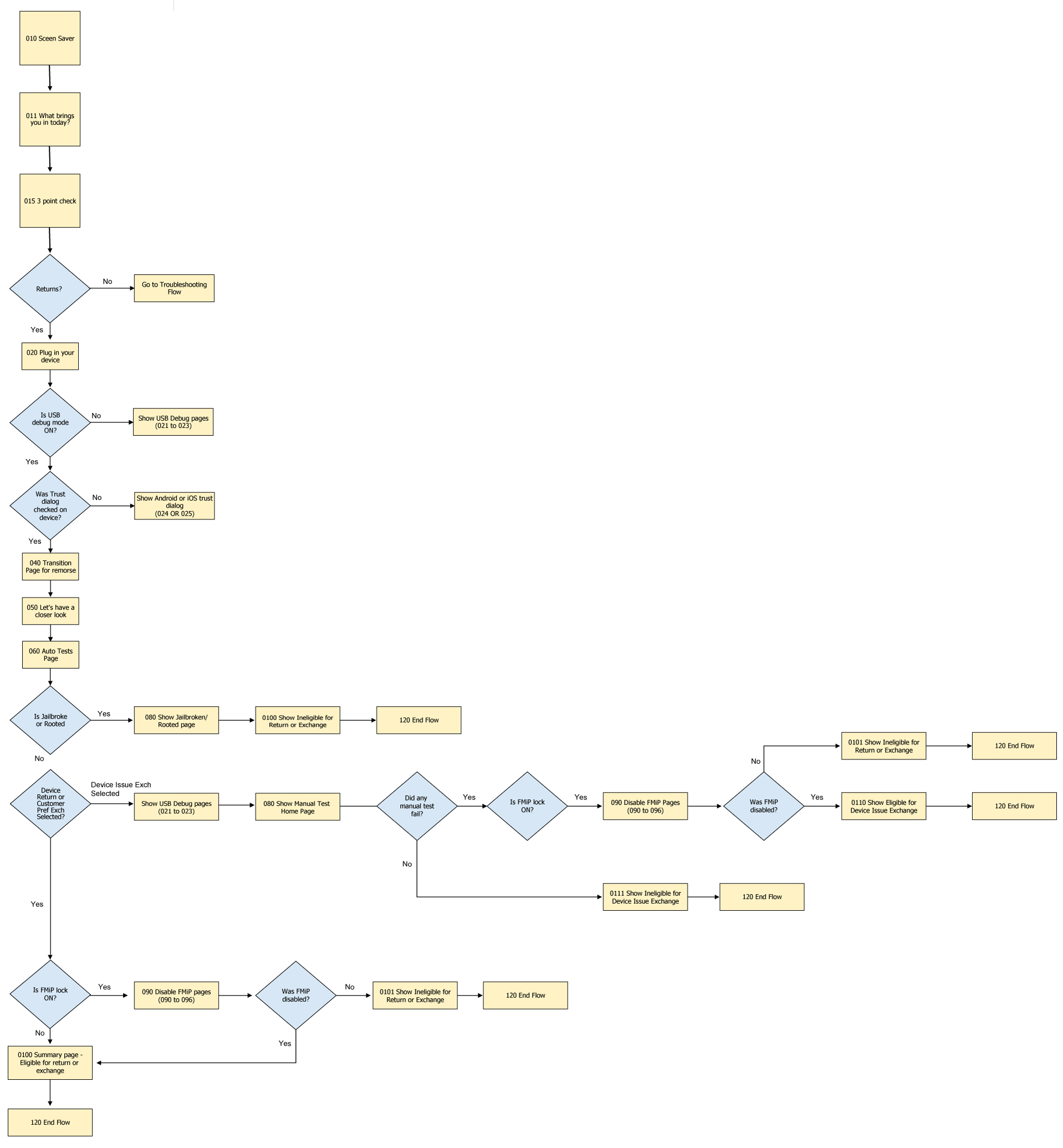
Return and Exchange Flow ProcessThe end-to-end diagnostics journey.
D. The solution
Address ‘No fault found’ device returns
Minimize the number of parts entering the supply chain
Increase opportunity for device repair and resale
Meet with consumer pressure for data security & regulated disposal
Consolidate tools and capabilities in one interface
Reduce the cost of training and maintaining a skilled workforce
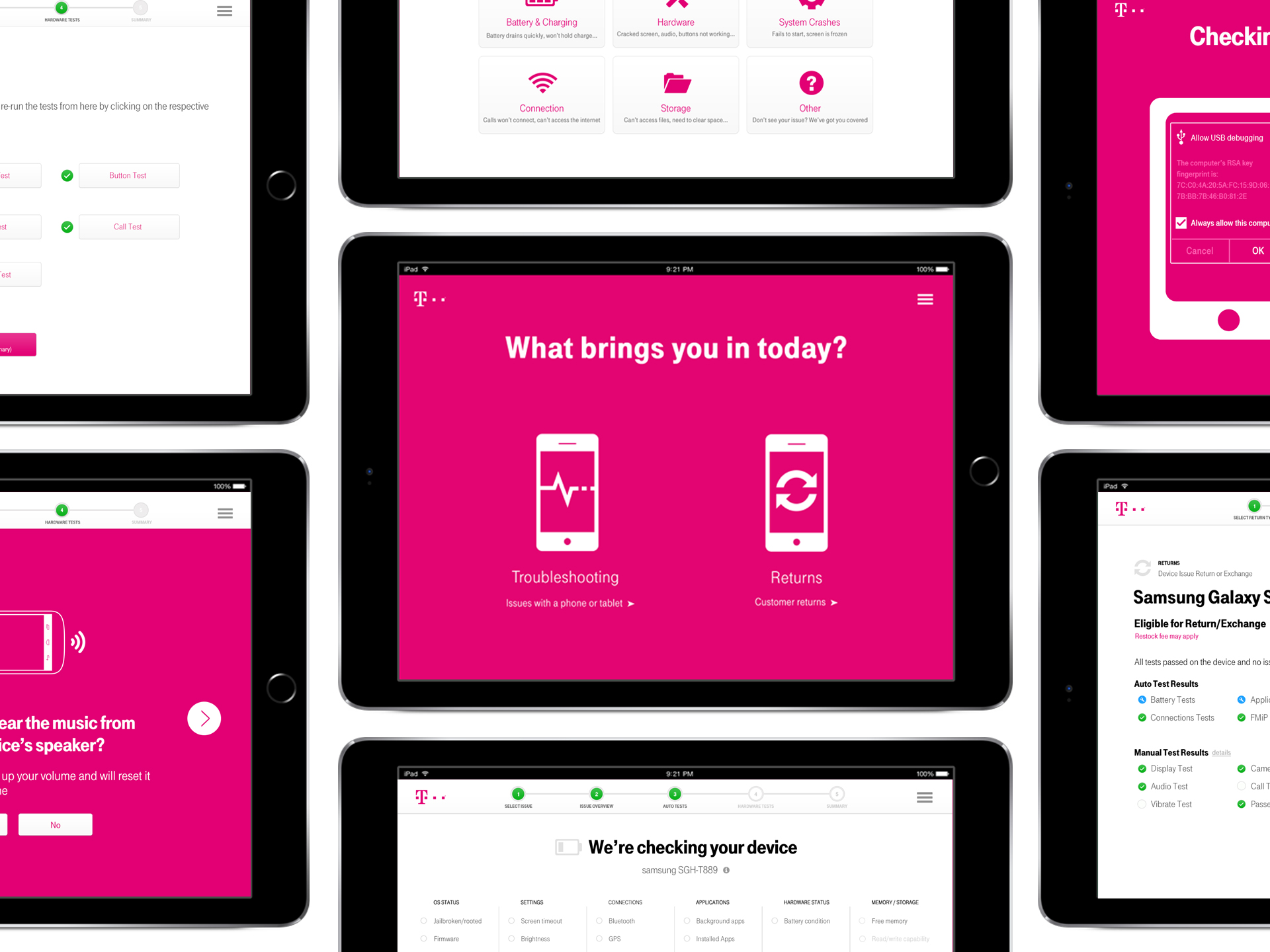
E. Final product Troubleshooting
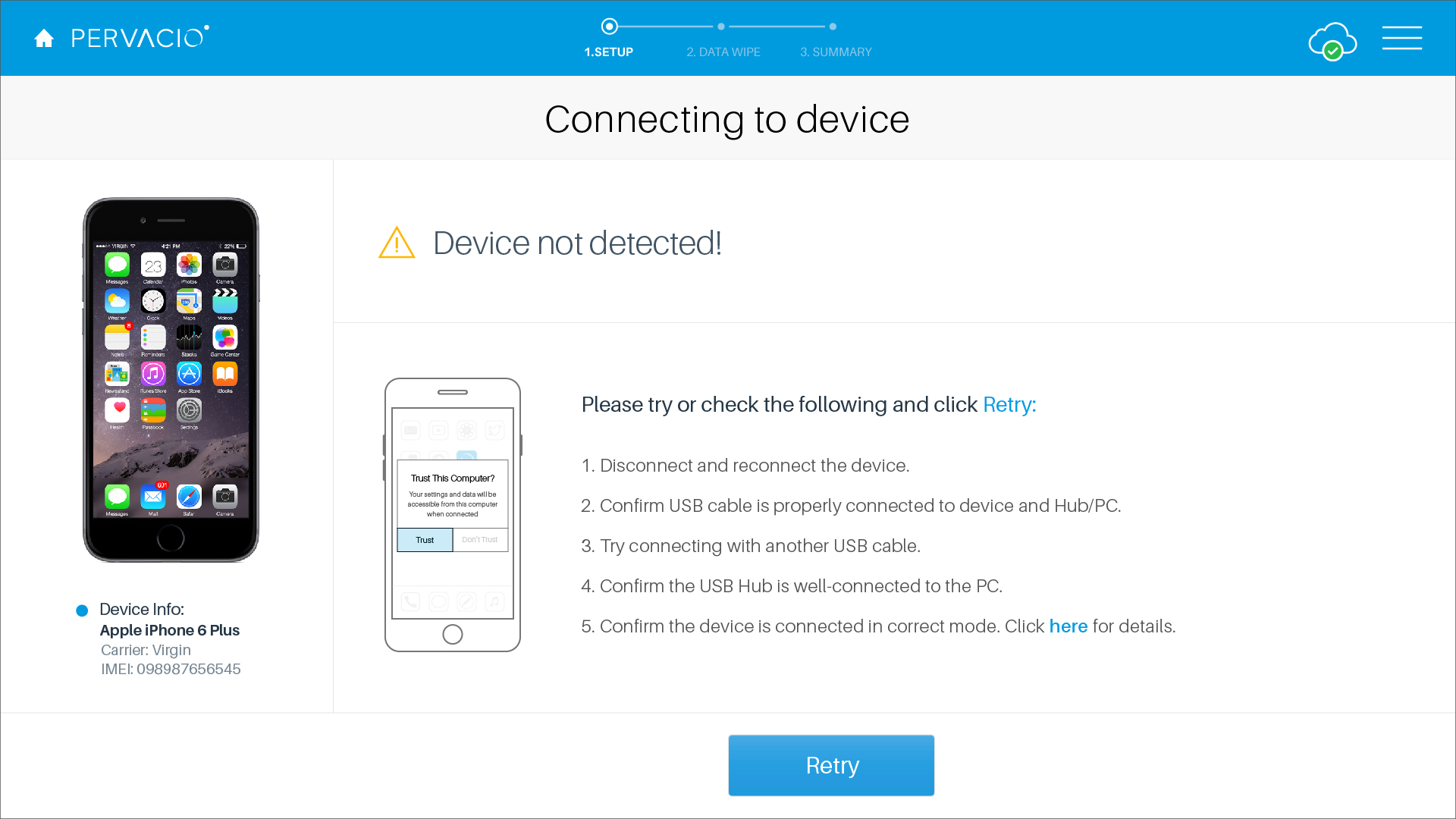
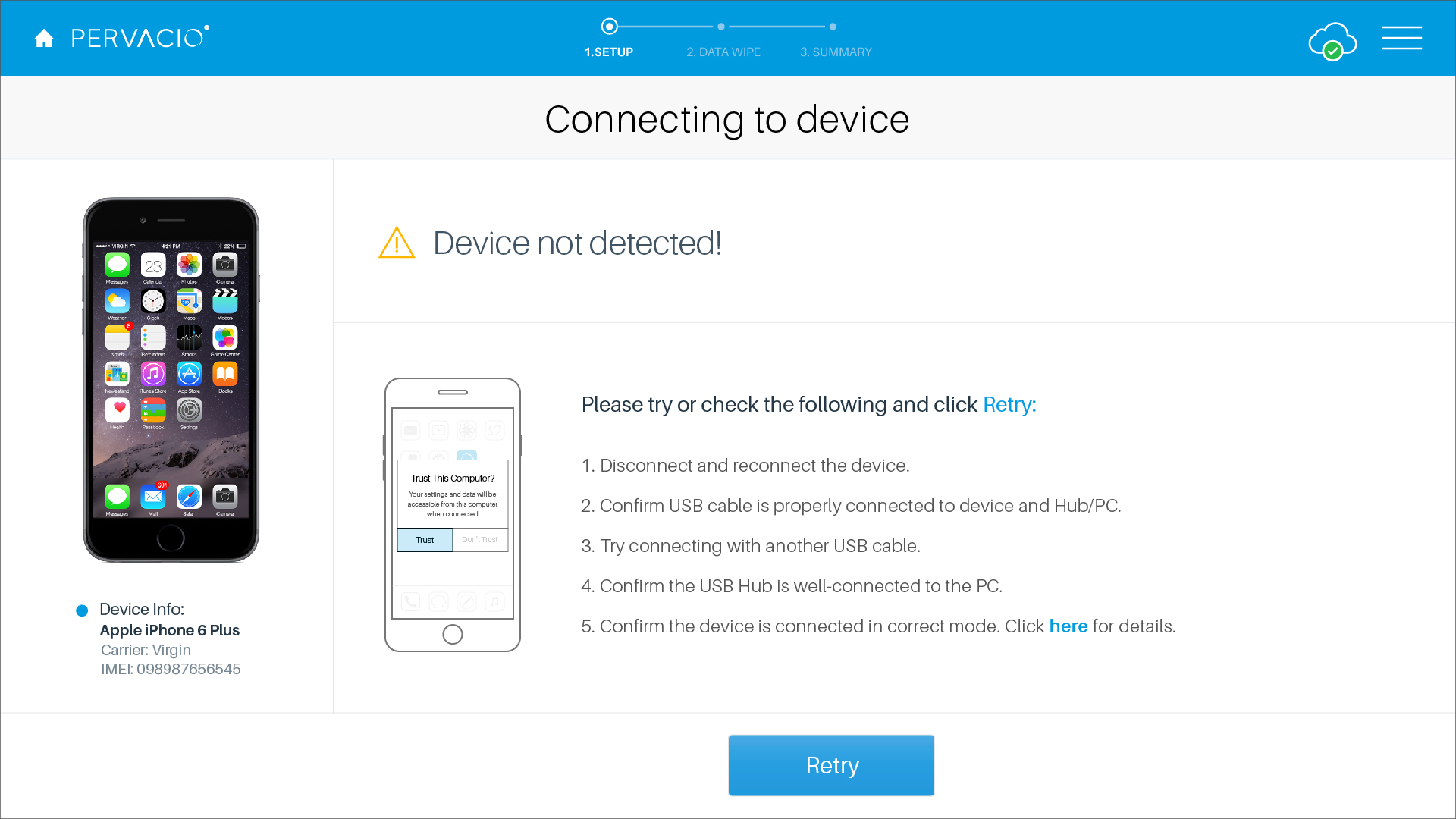
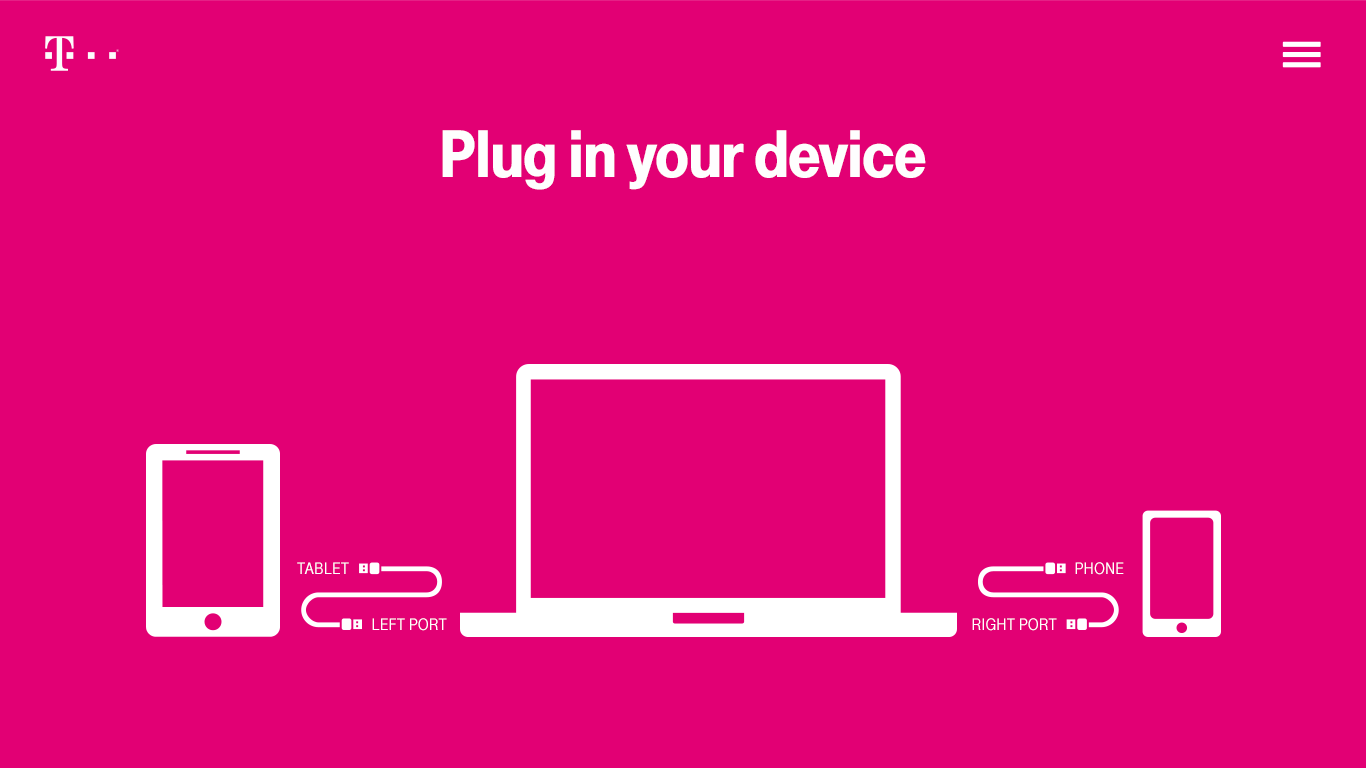
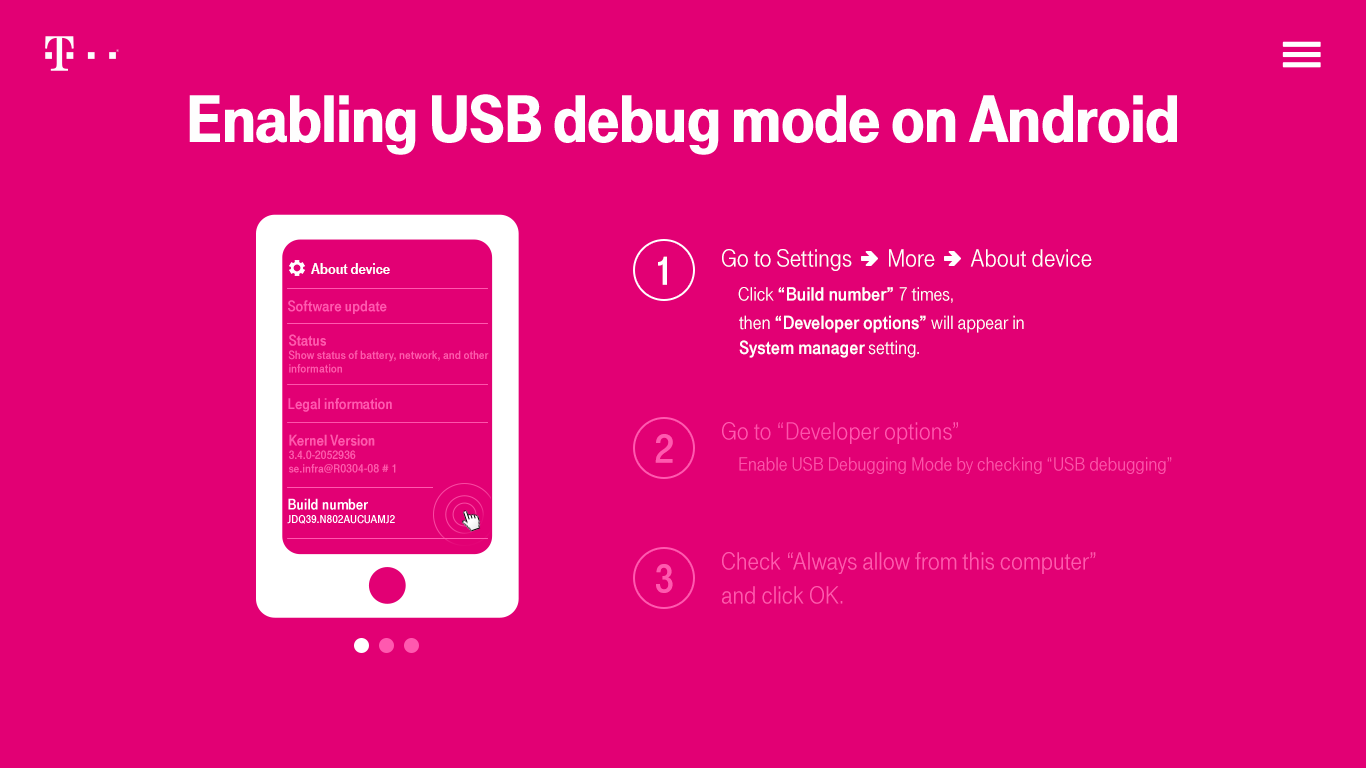
Launch Pad / Setup Instructions Once the Diagnostics tool is launched, setup instruction pages will guide customers through the process of connecting the device to the software in the correct way.
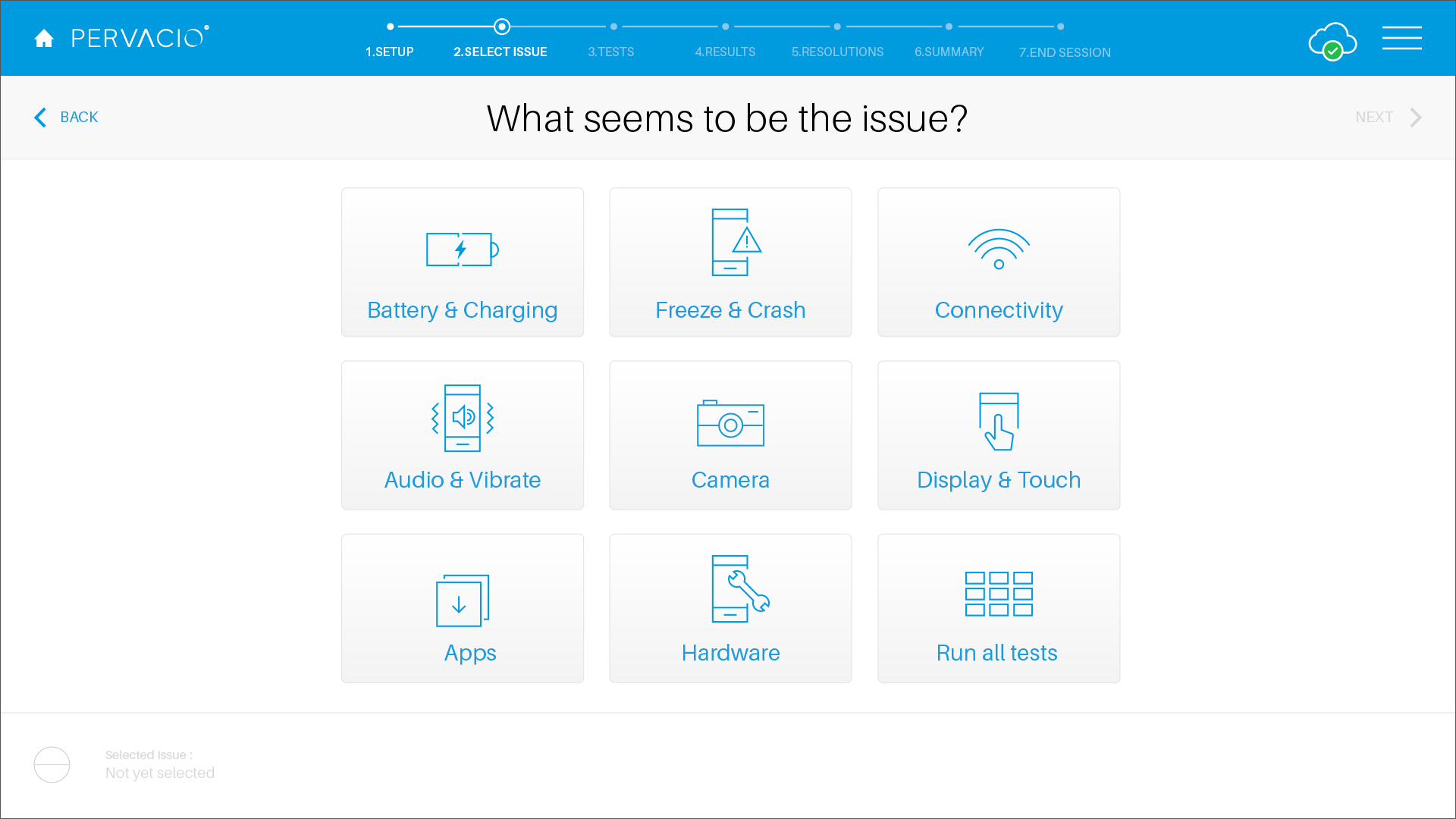
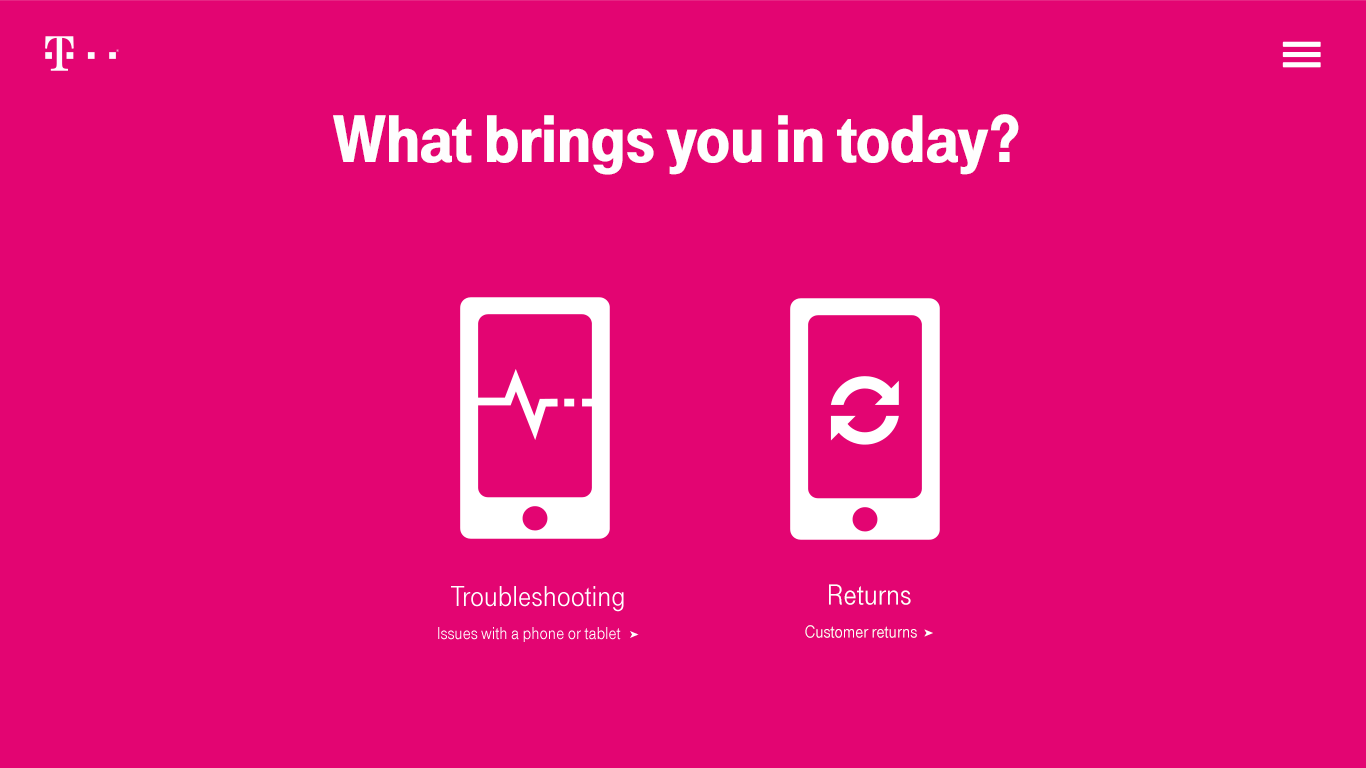
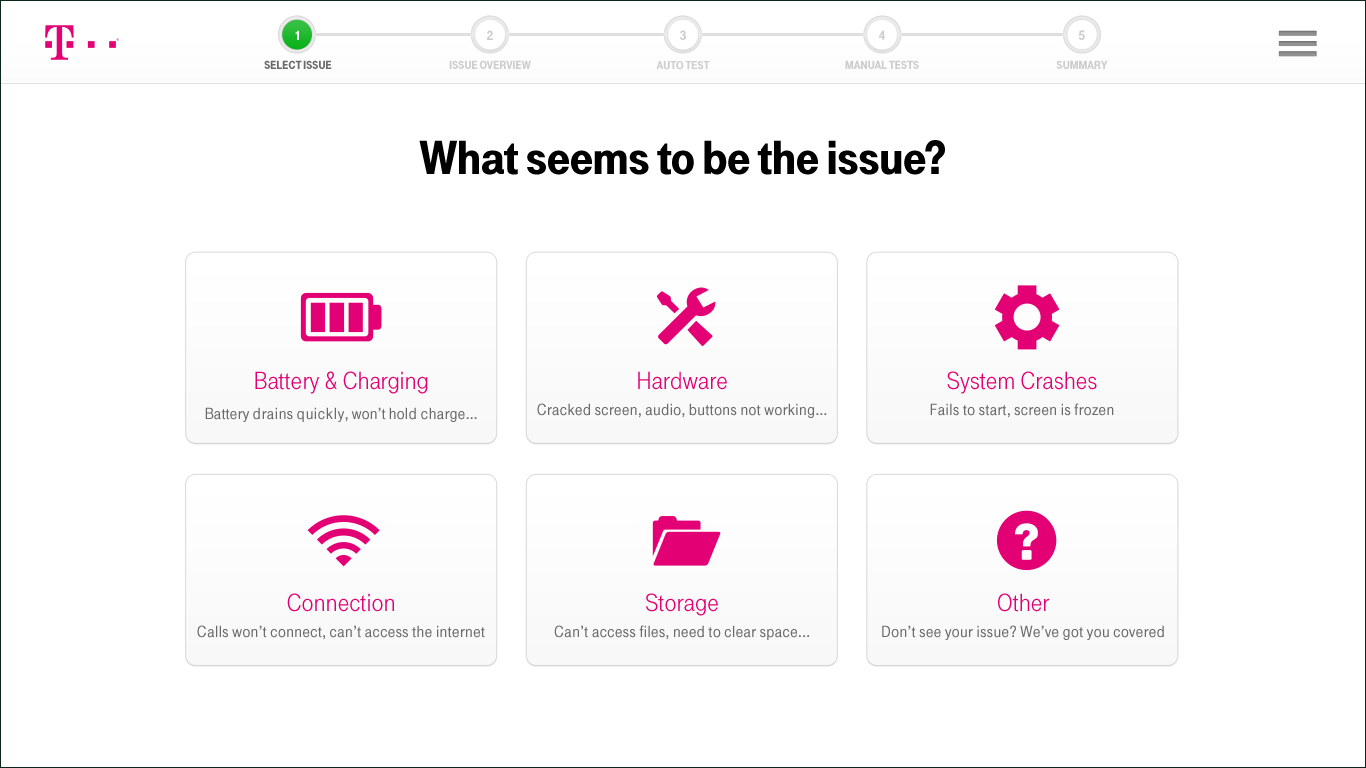
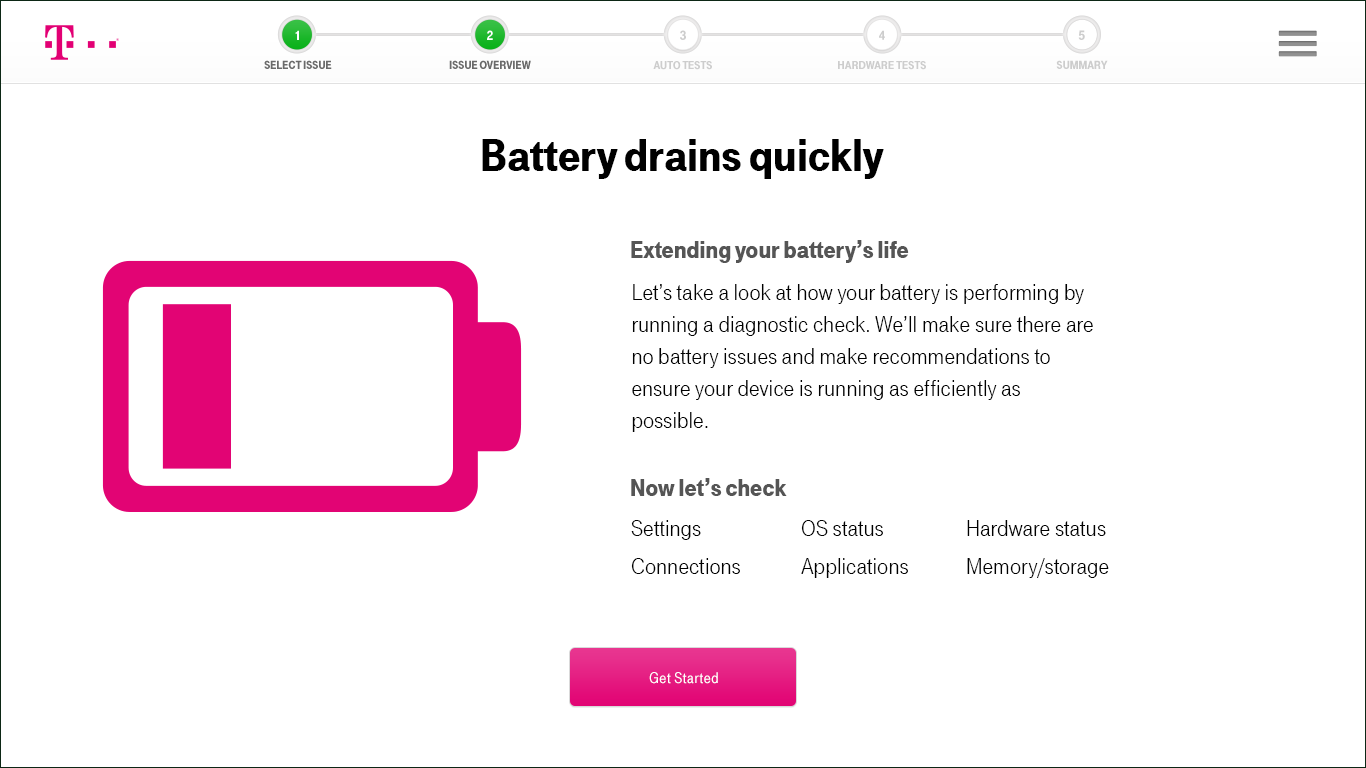
Select Issue Based on the symptoms observed on the device, choose the issue category and proceed with the process flow. After the selection, the Diagnostics tool will take the customer to the education page, which shows the tests that will be performed.
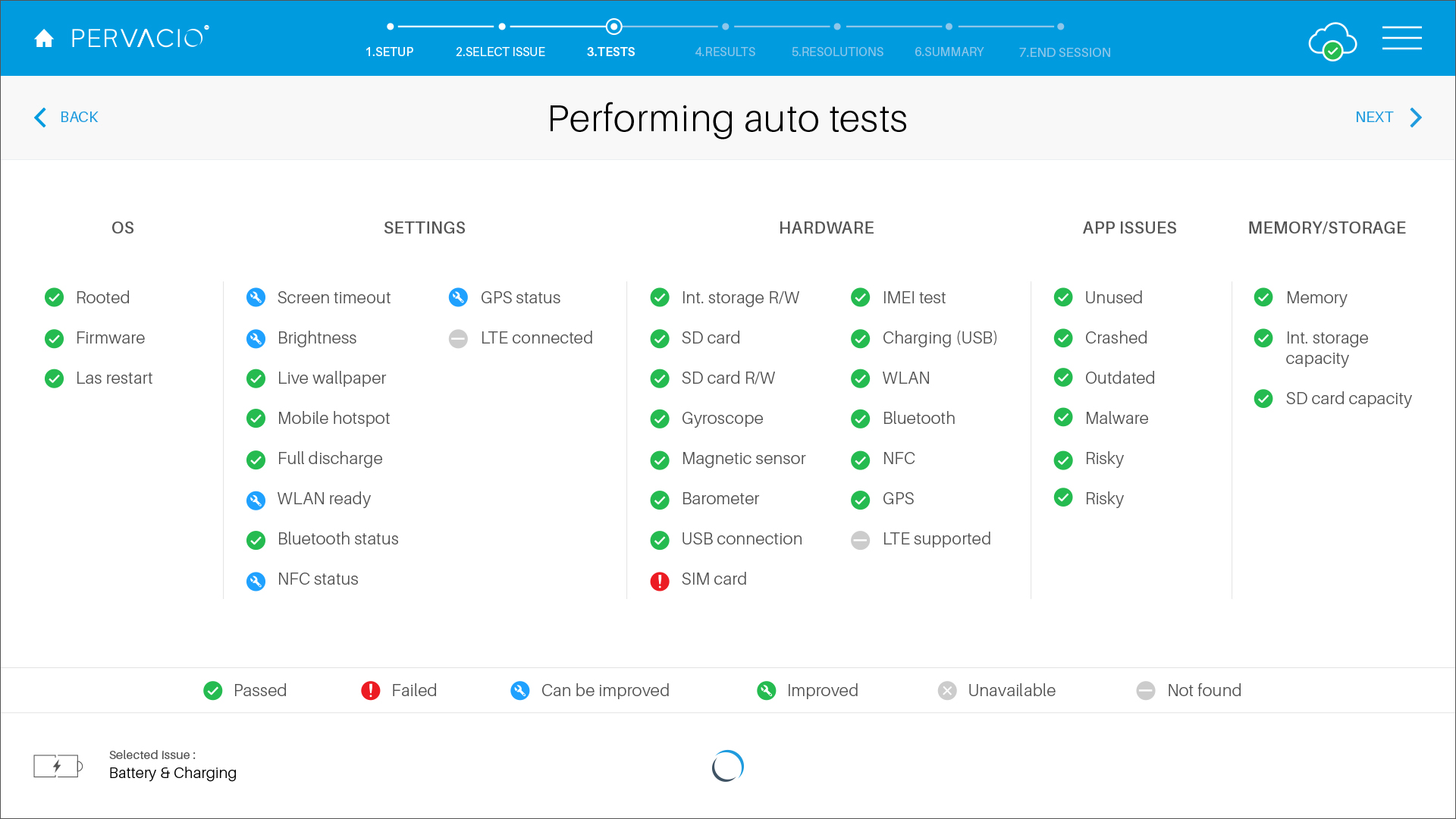
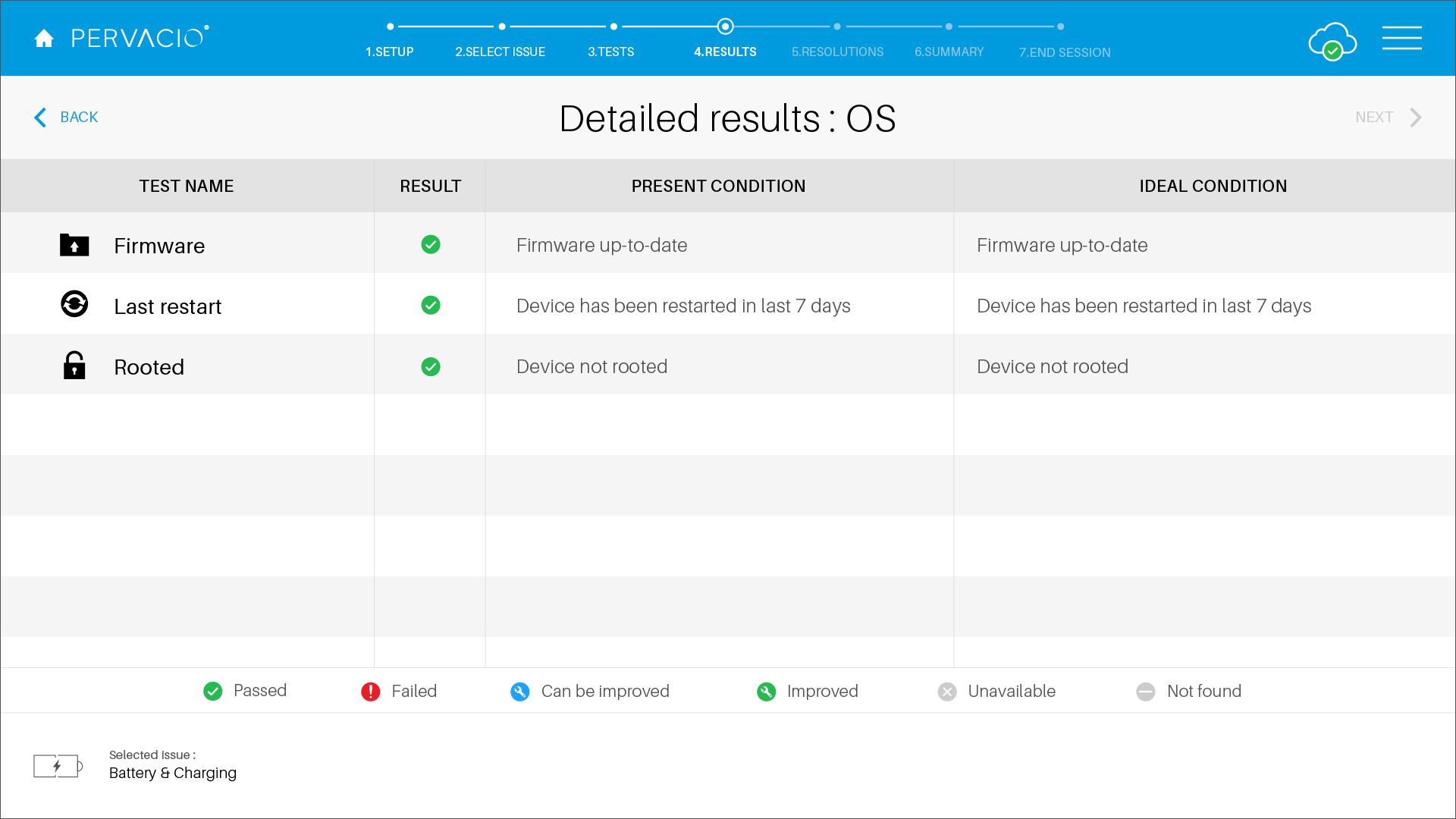
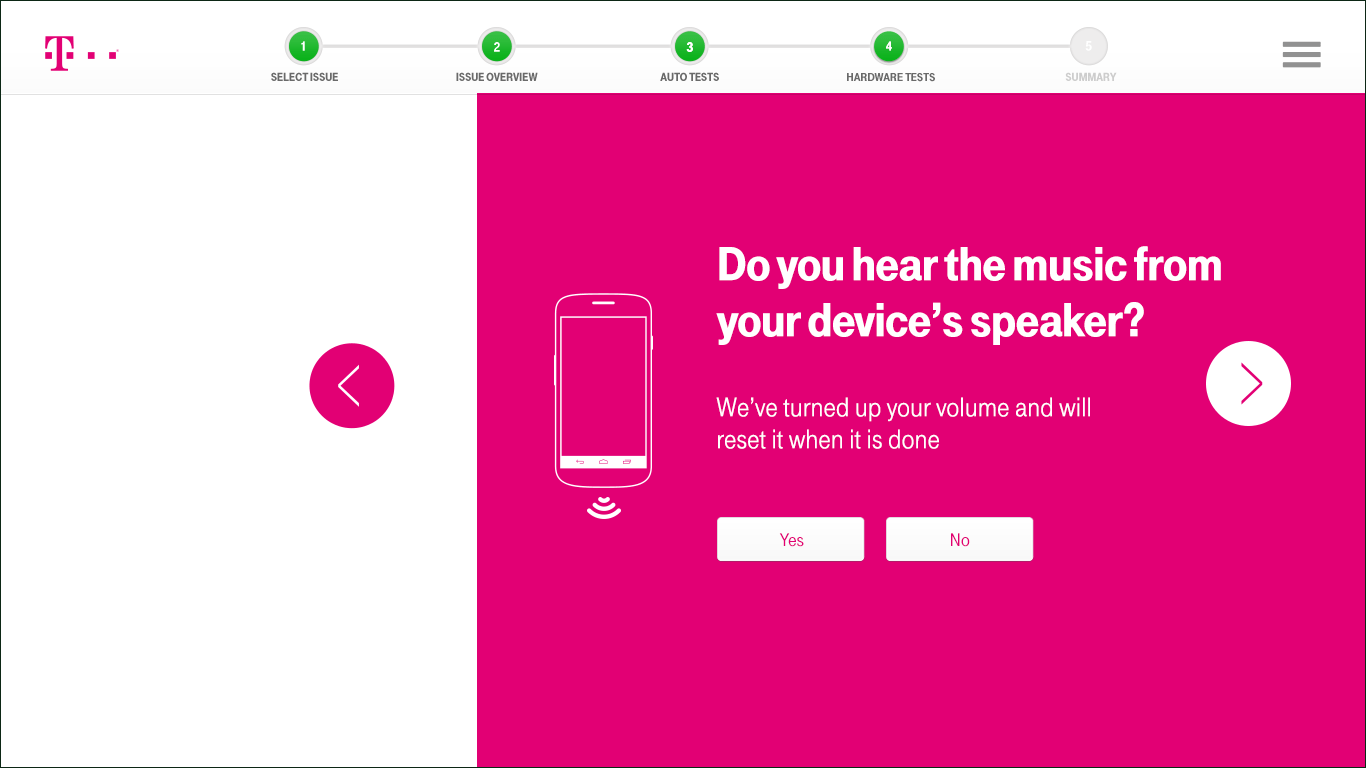
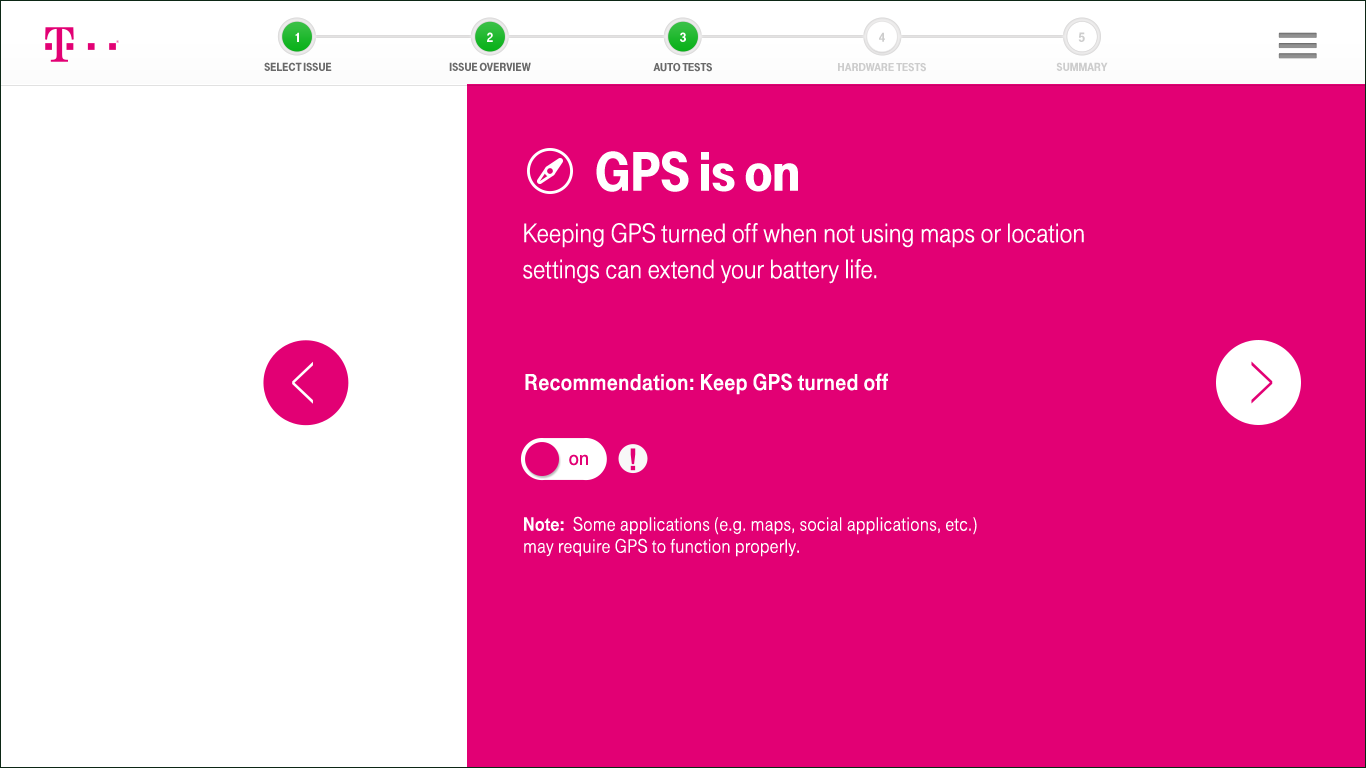
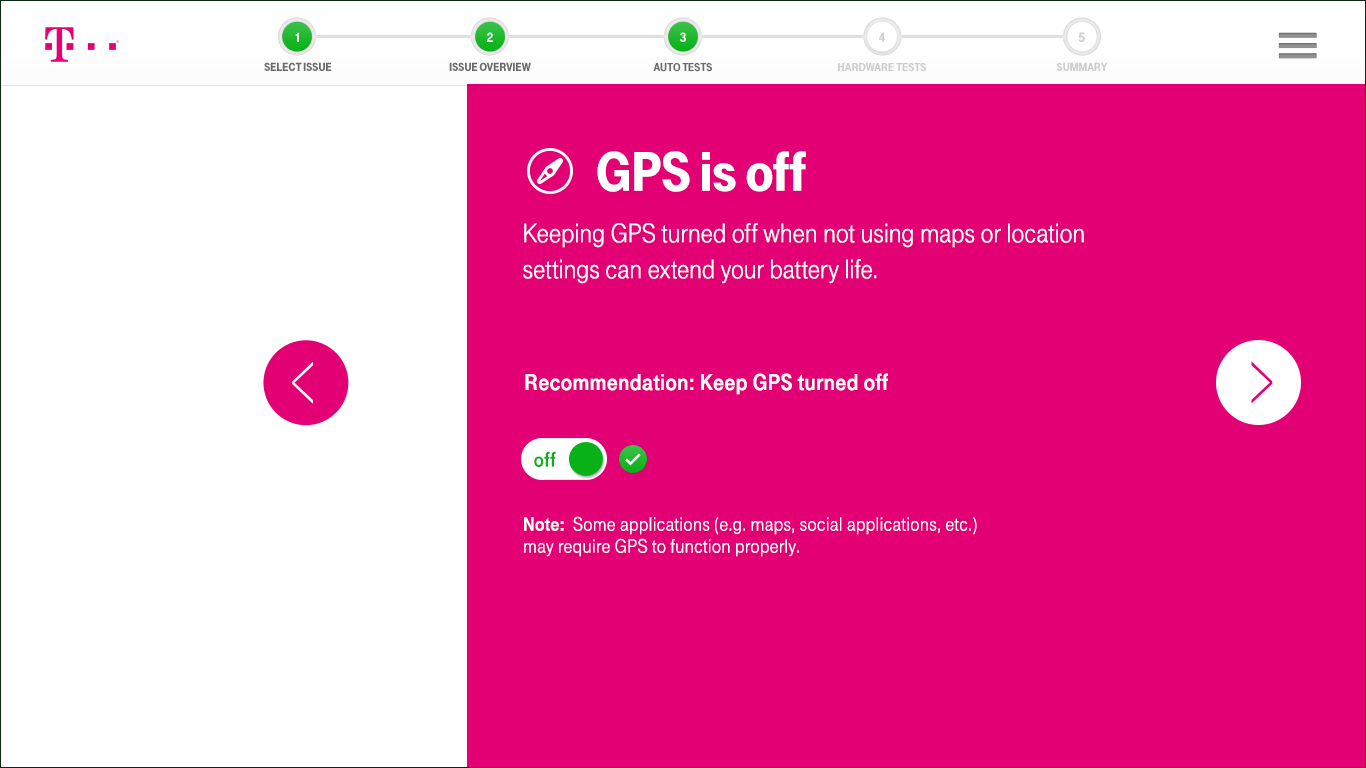
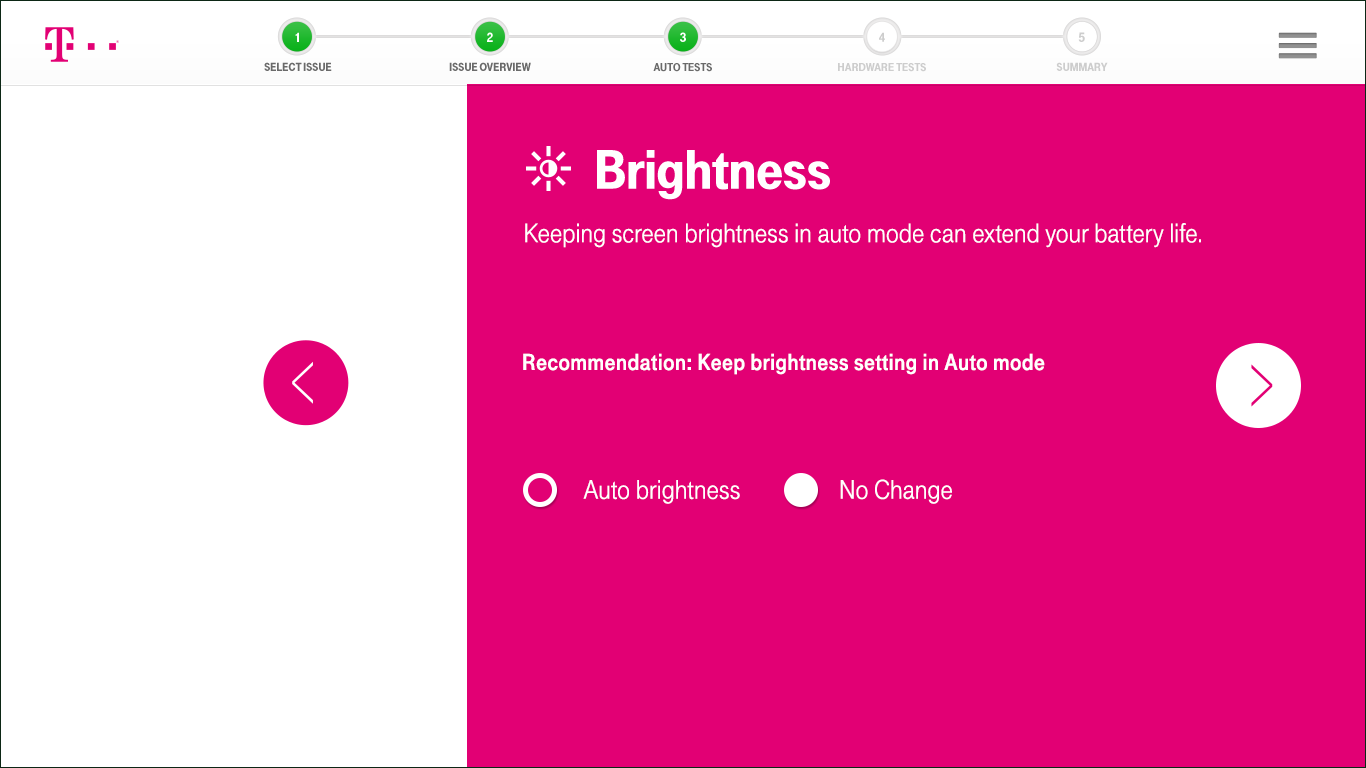
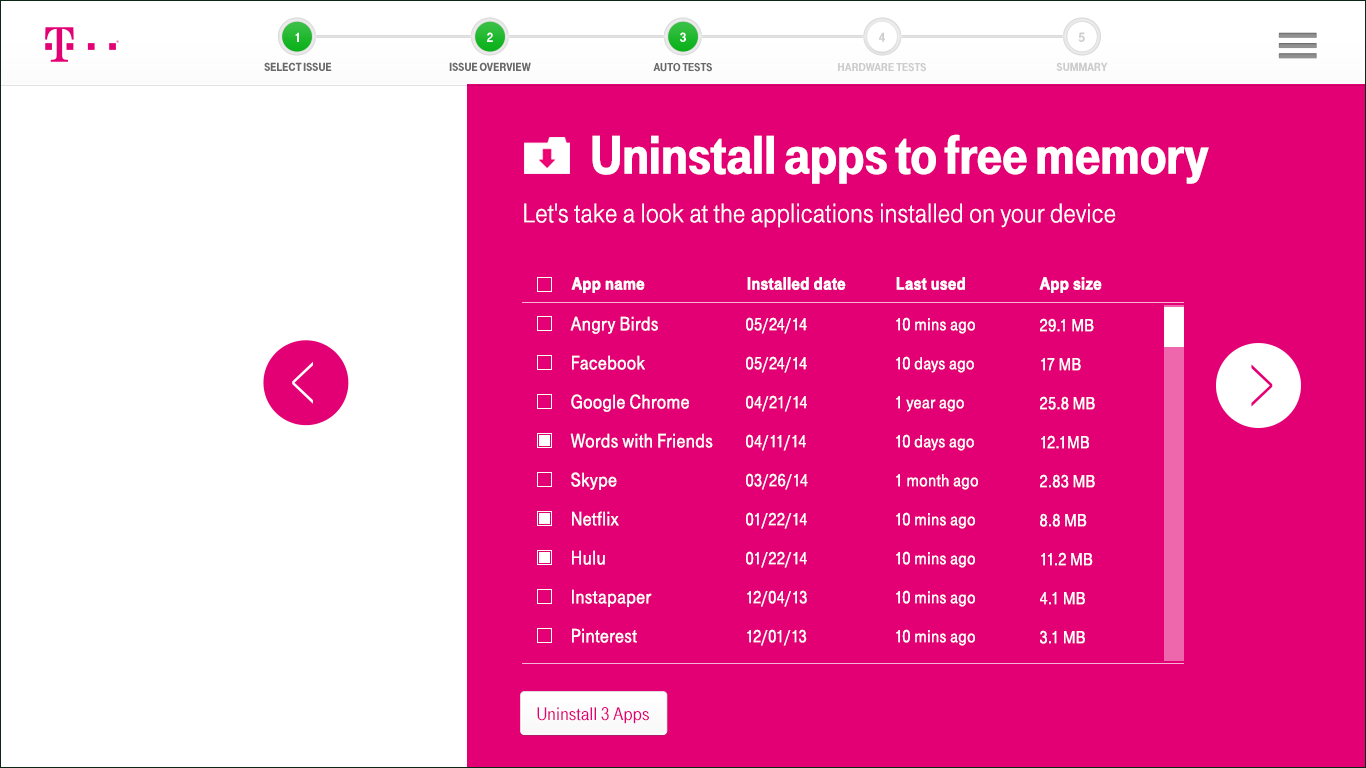
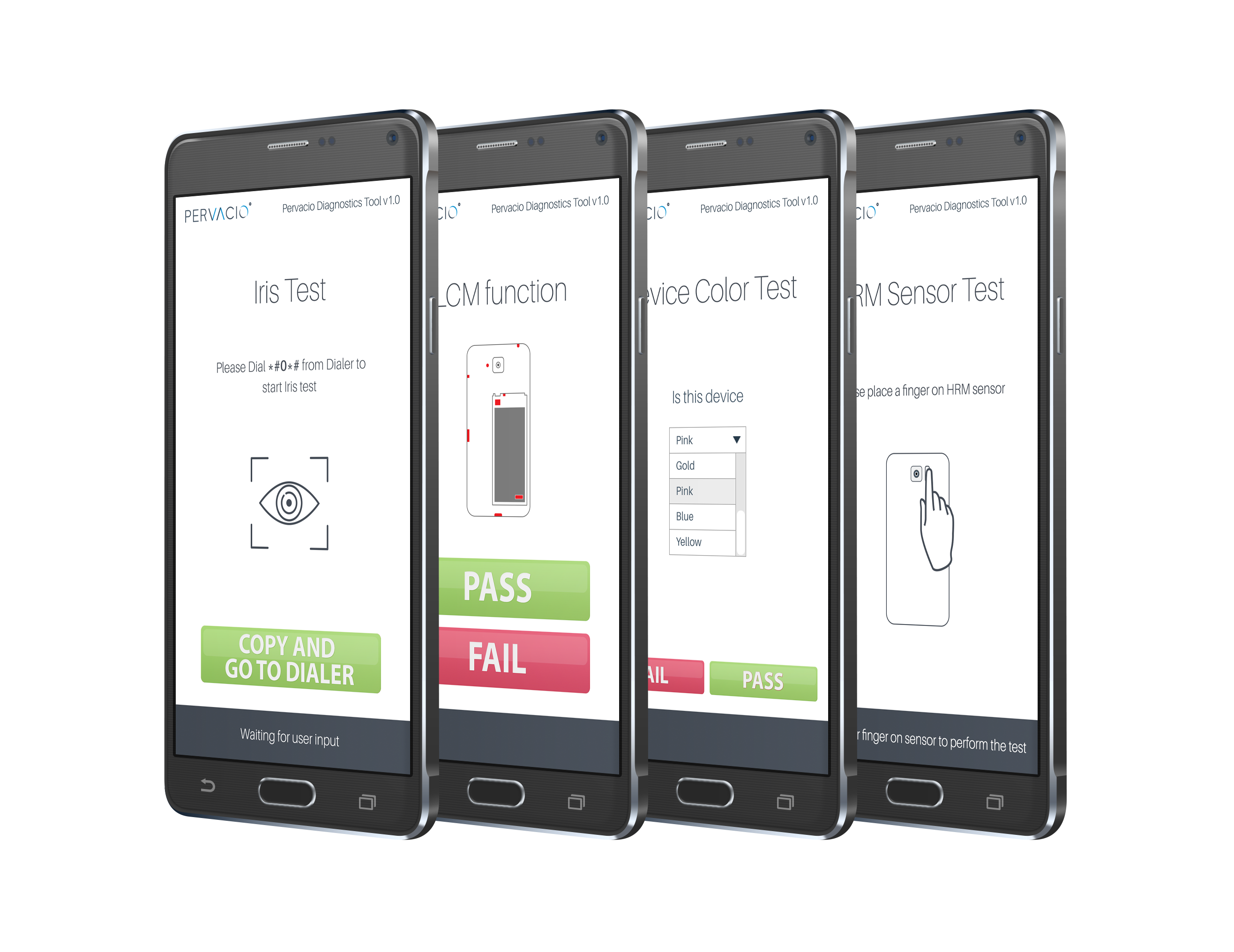
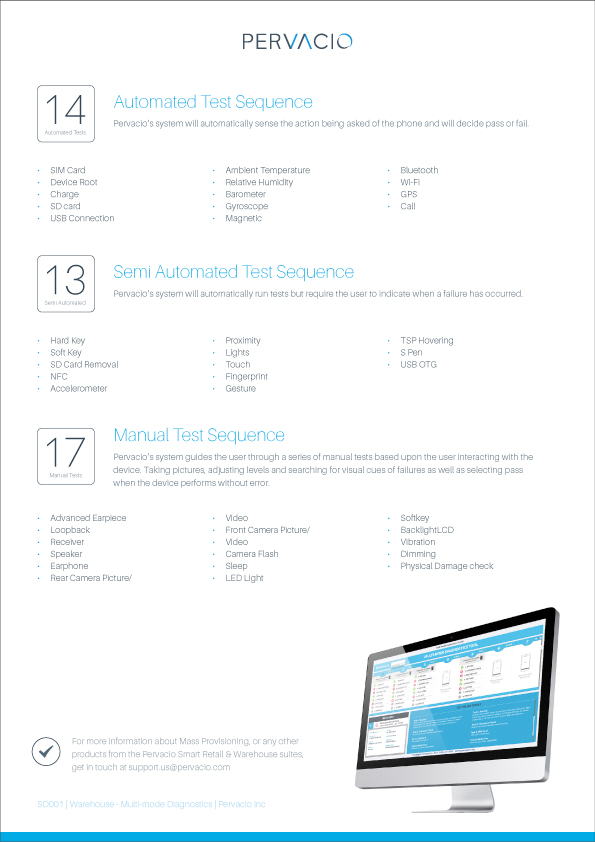
Auto Tests Auto Tests runs software tests to ensure that the device is working appropriately. The system will automatically sense the action being asked of the phone and will display the result: Pass / Fail / Improvement Suggested. This enables users to quickly detect common issues and reduces the number of returns.
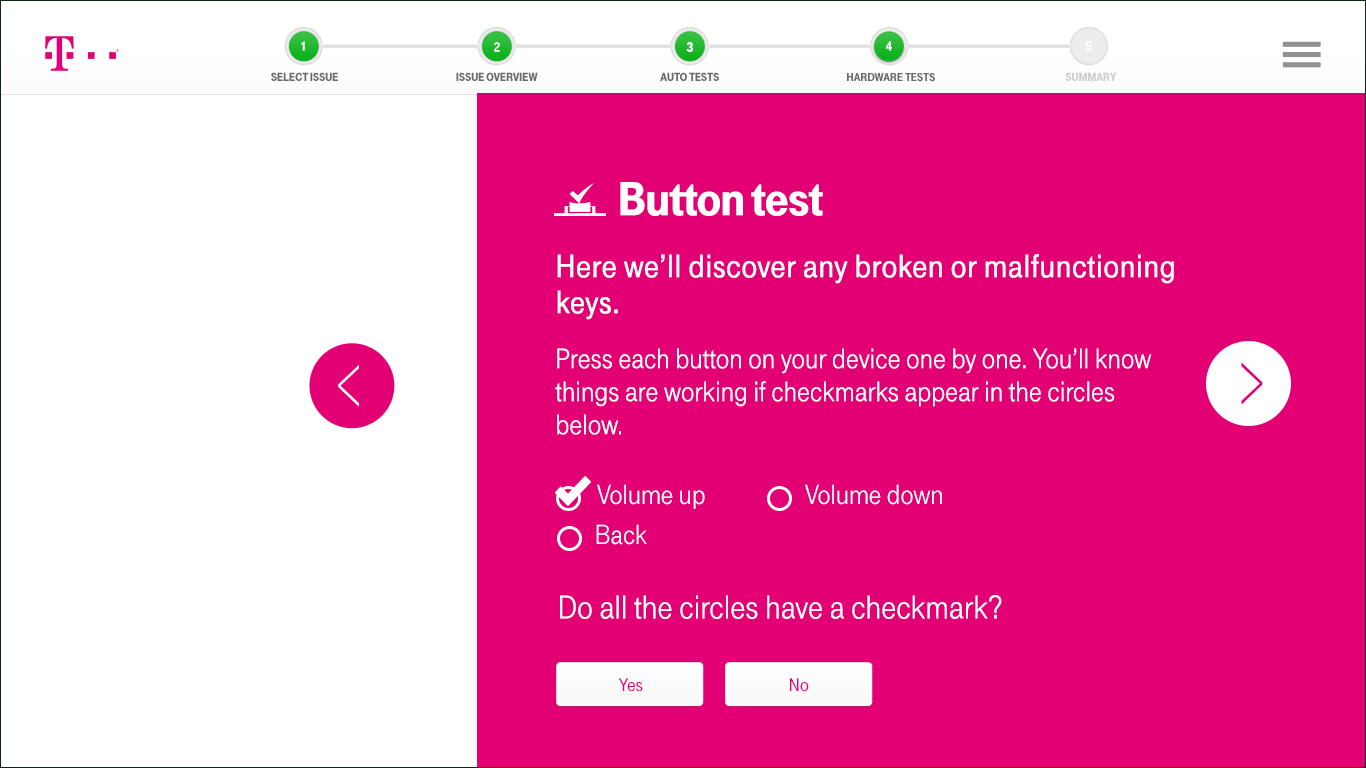
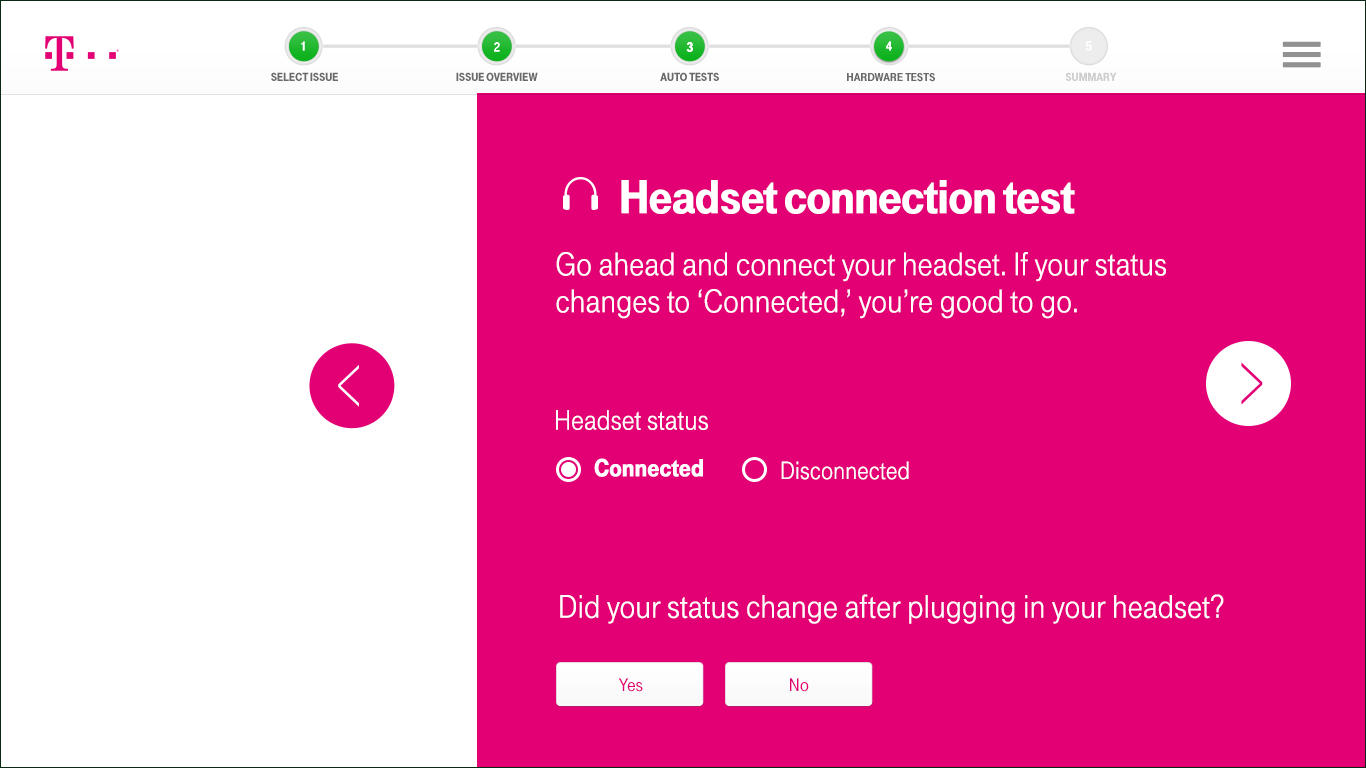
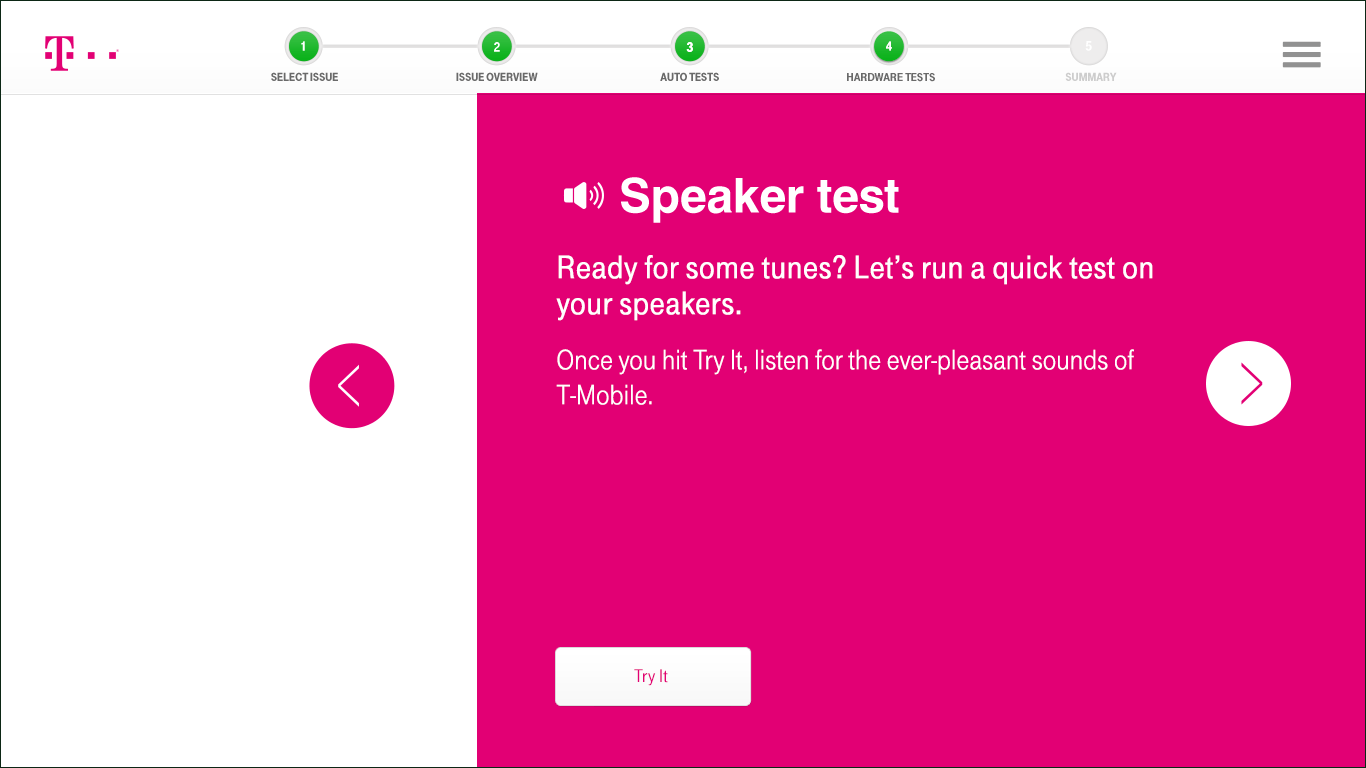
Manual Tests The system guides the customer through a series of manual tests, based on the user interacting with the device: taking pictures, adjusting levels and searching for visual cues of failures, as well as selecting Pass when the device performs without error.
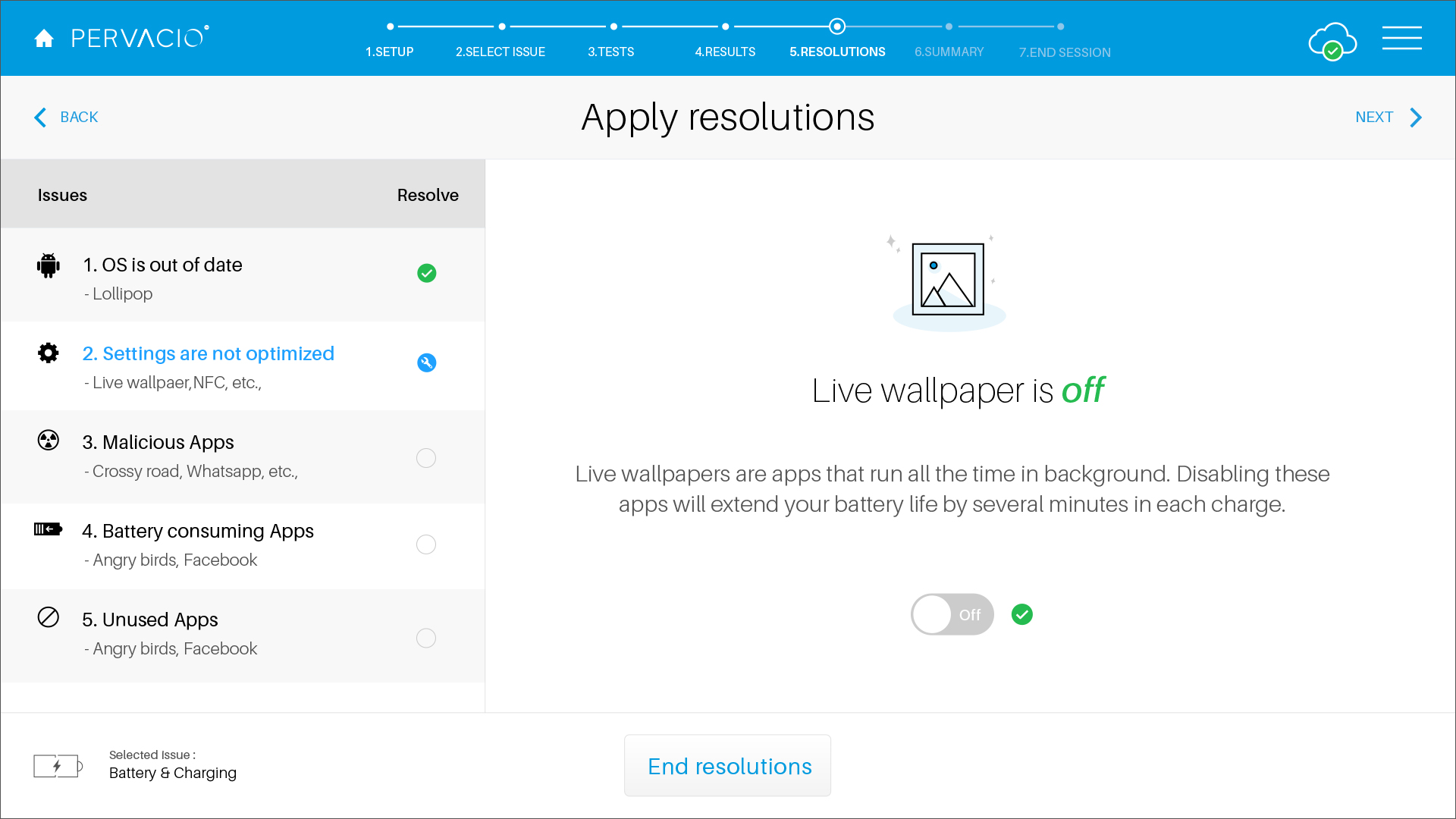
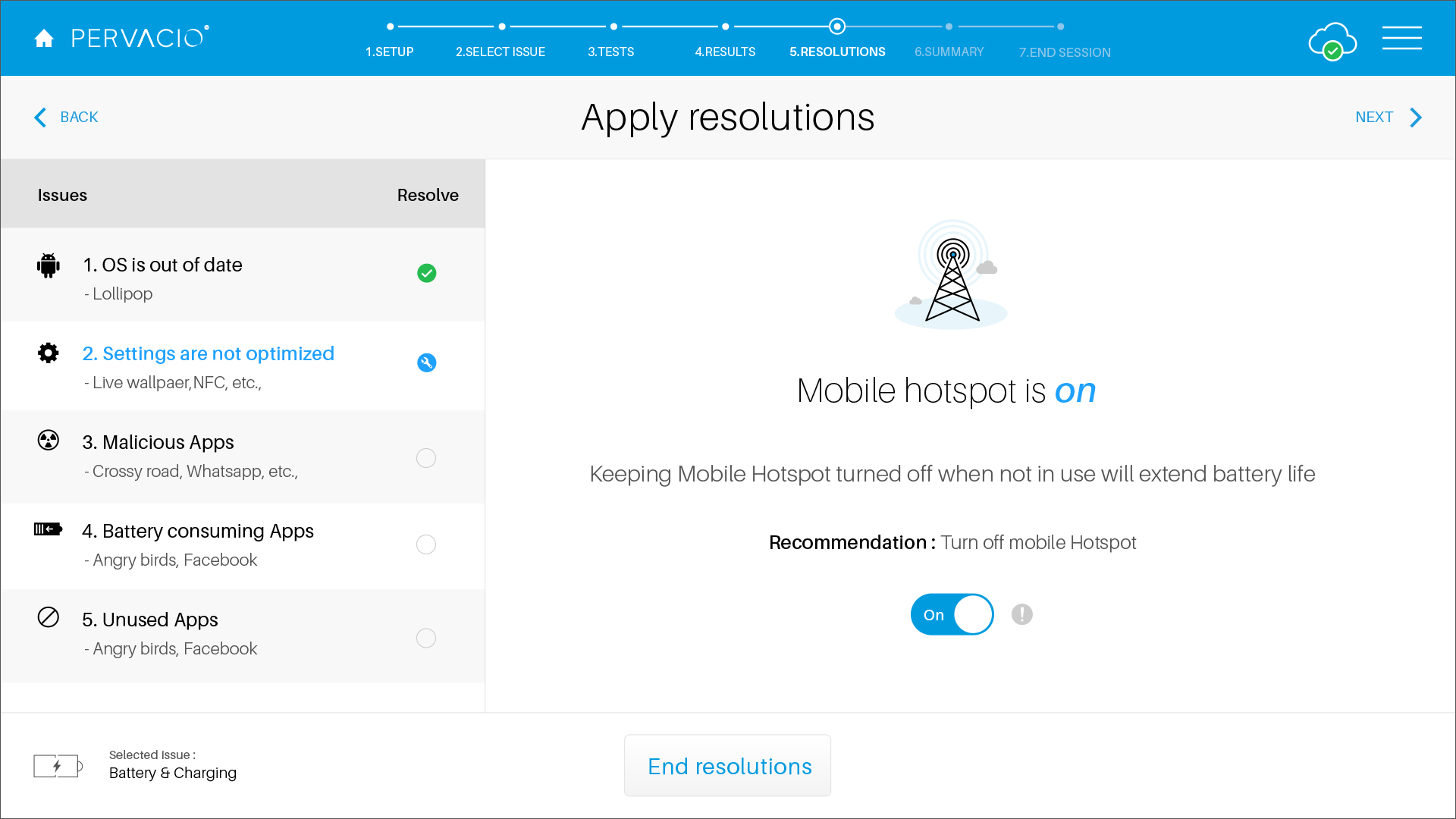
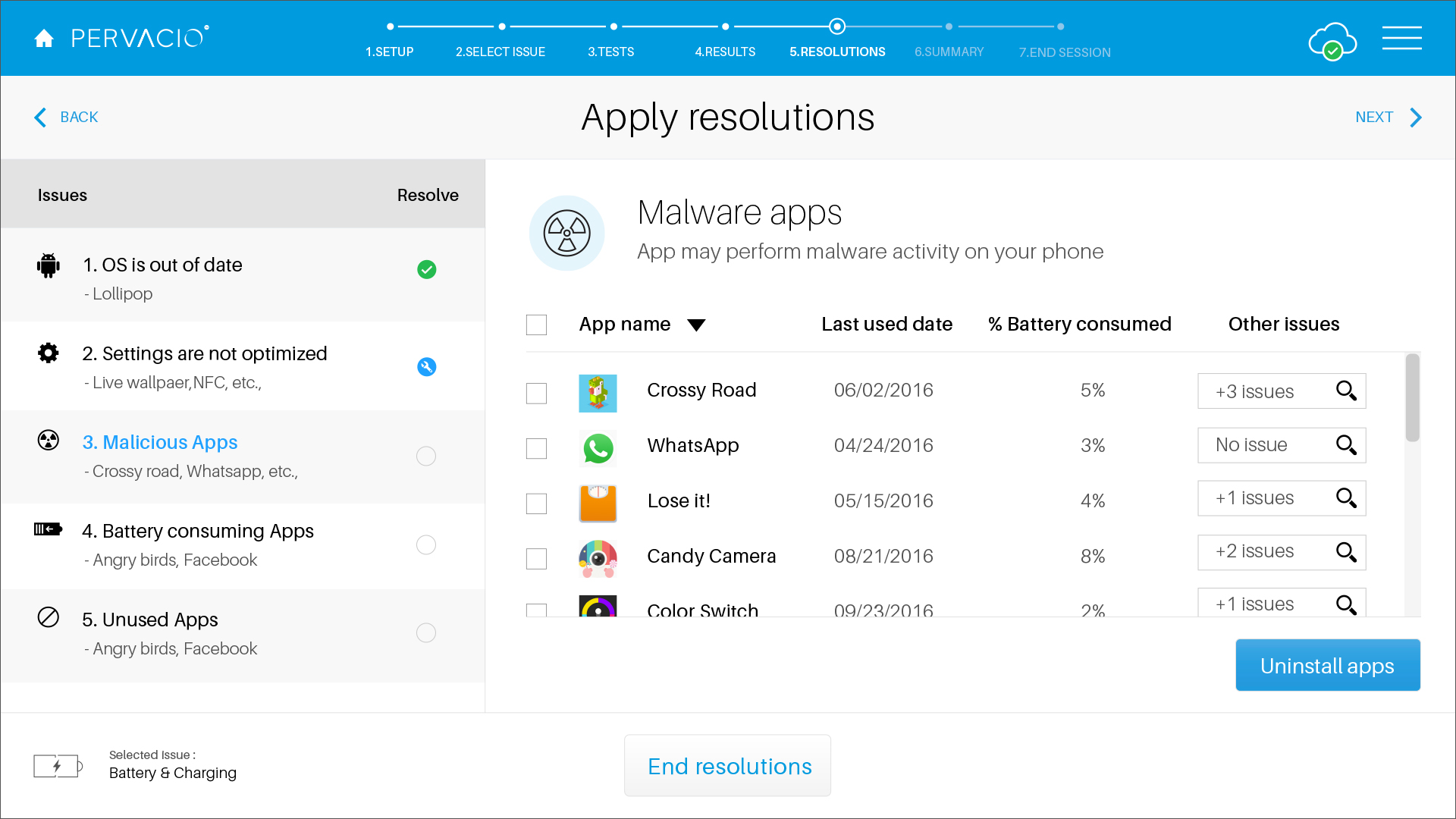
Resolutions The application will start to display the resolution messages as per the issues detected within the device. The customer can change the settings and uninstall malware apps to improve the device performance.
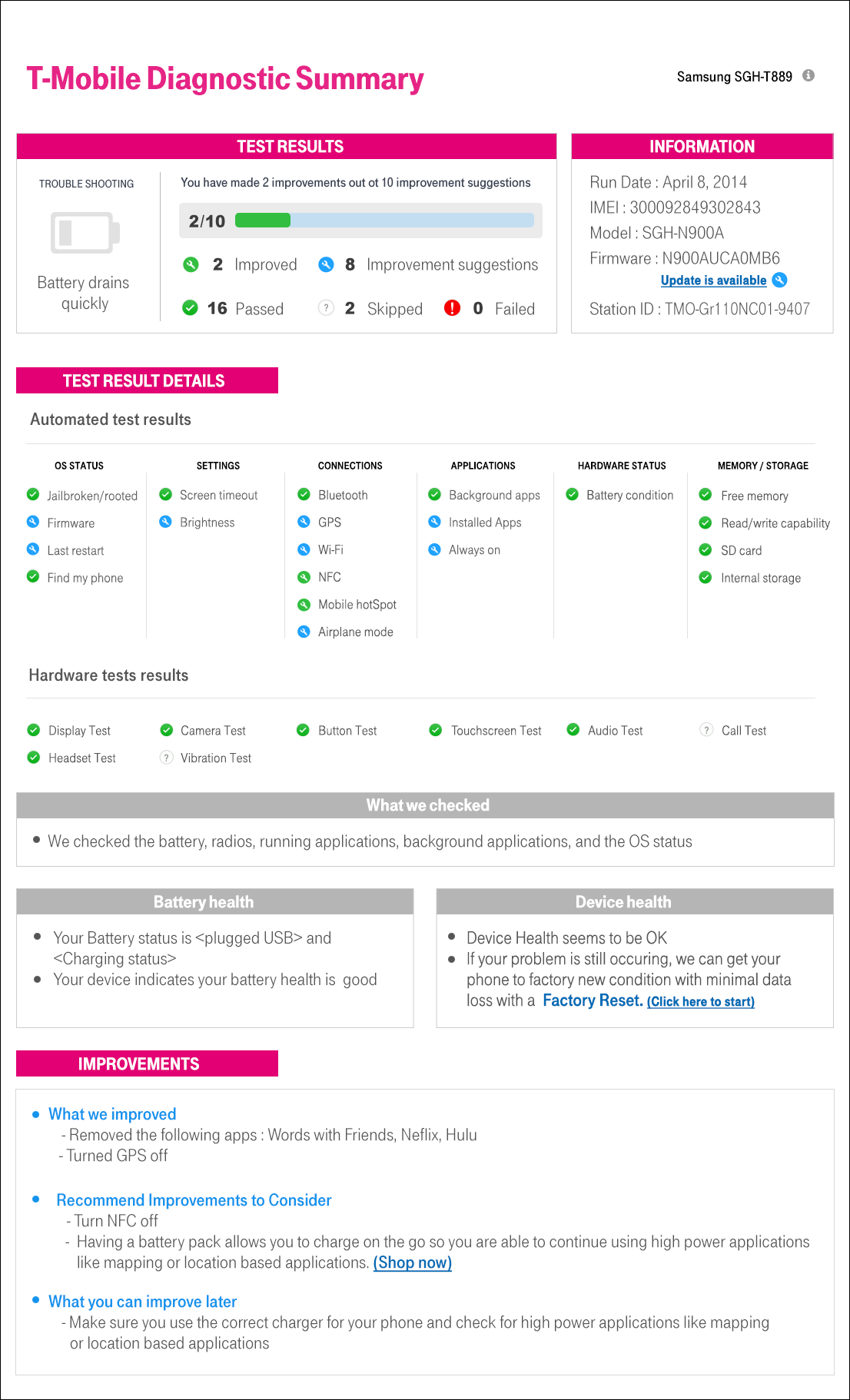
Summary The summary page educates customers on how their device works and how to adjust their settings and applications, and on how their choices affect overall device health and performance.
E. The result
From the two market pilots, utilization rates were in the mid 60% range, which resulted in deflecting about two million No Trouble Found devices from being returned. This equates to rough savings of over $200M. As a result, the decision was made to roll Retail Diagnostics to all retail locations and deployment to 2,000 locations began.
~65%
device utilization - up to the mid-60% range
~2M
devices deflected from needless returns
$200M+
estimated savings from avoided returns
2,000
retail locations running the program
3
Enterprise — 2015 — 2018
Multimode Diagnostics
A high-throughput production tool for warehouses and processing centers — testing
up to 56 devices at once across a single lane. The challenge was
scaling a clear, at-a-glance interface to dozens of simultaneous tests.
Client
Various Warehouses (Samsung, Docomo, Robotics, HYLA)
Role
UX design manager
Year
2015 – 2018
Designer
Amy Shin (Lead), Diana Otvos, Jinwon Kim
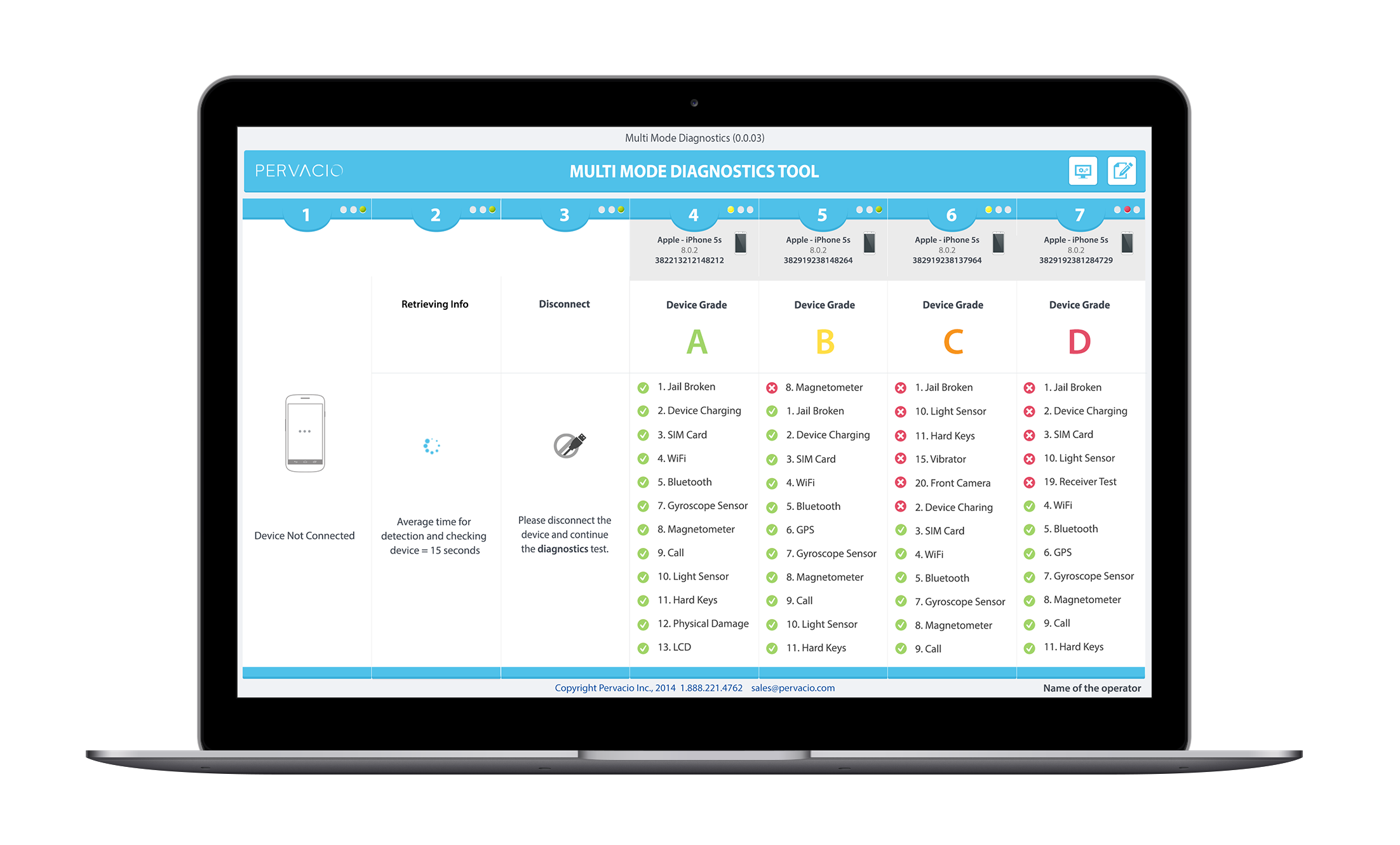
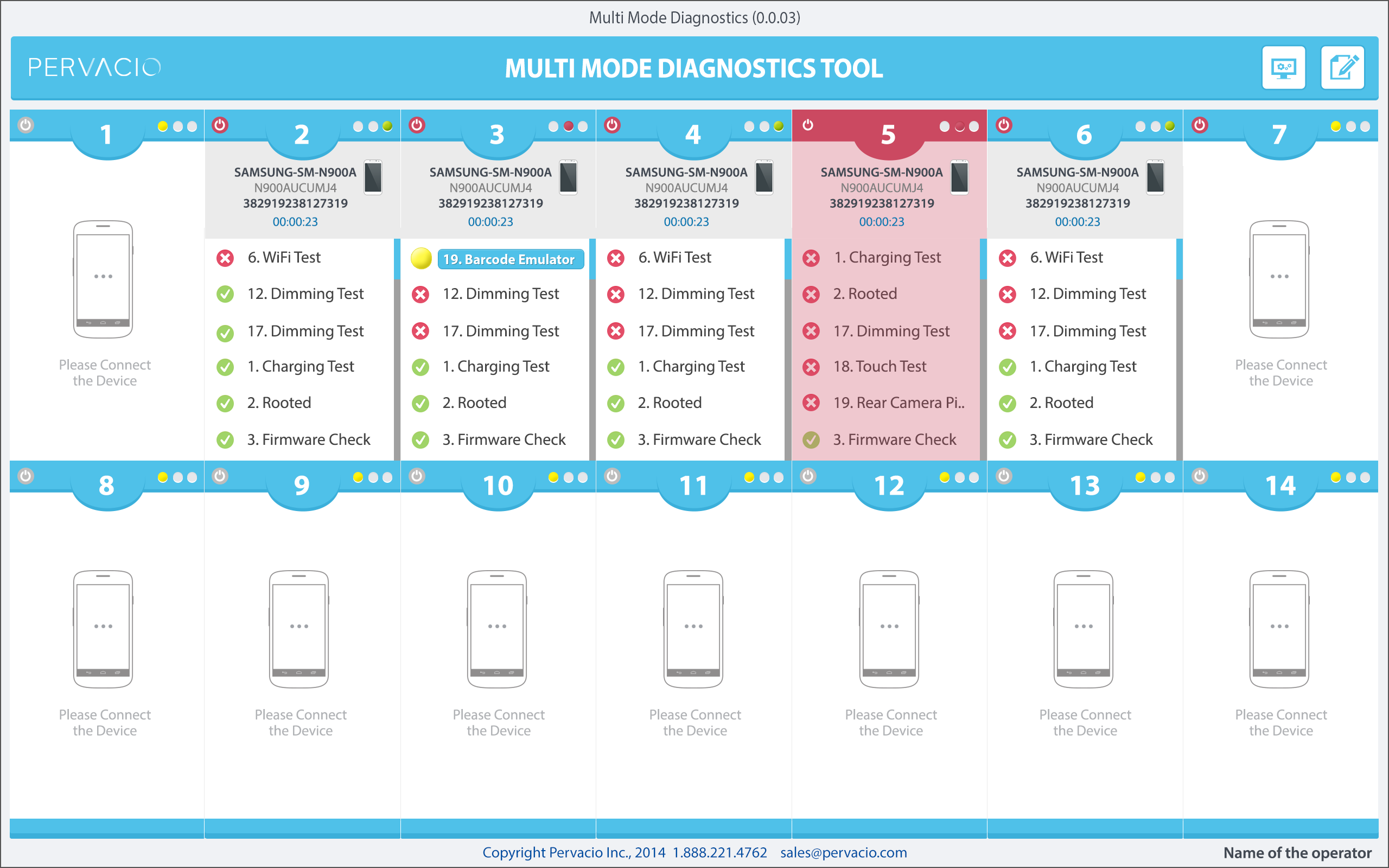
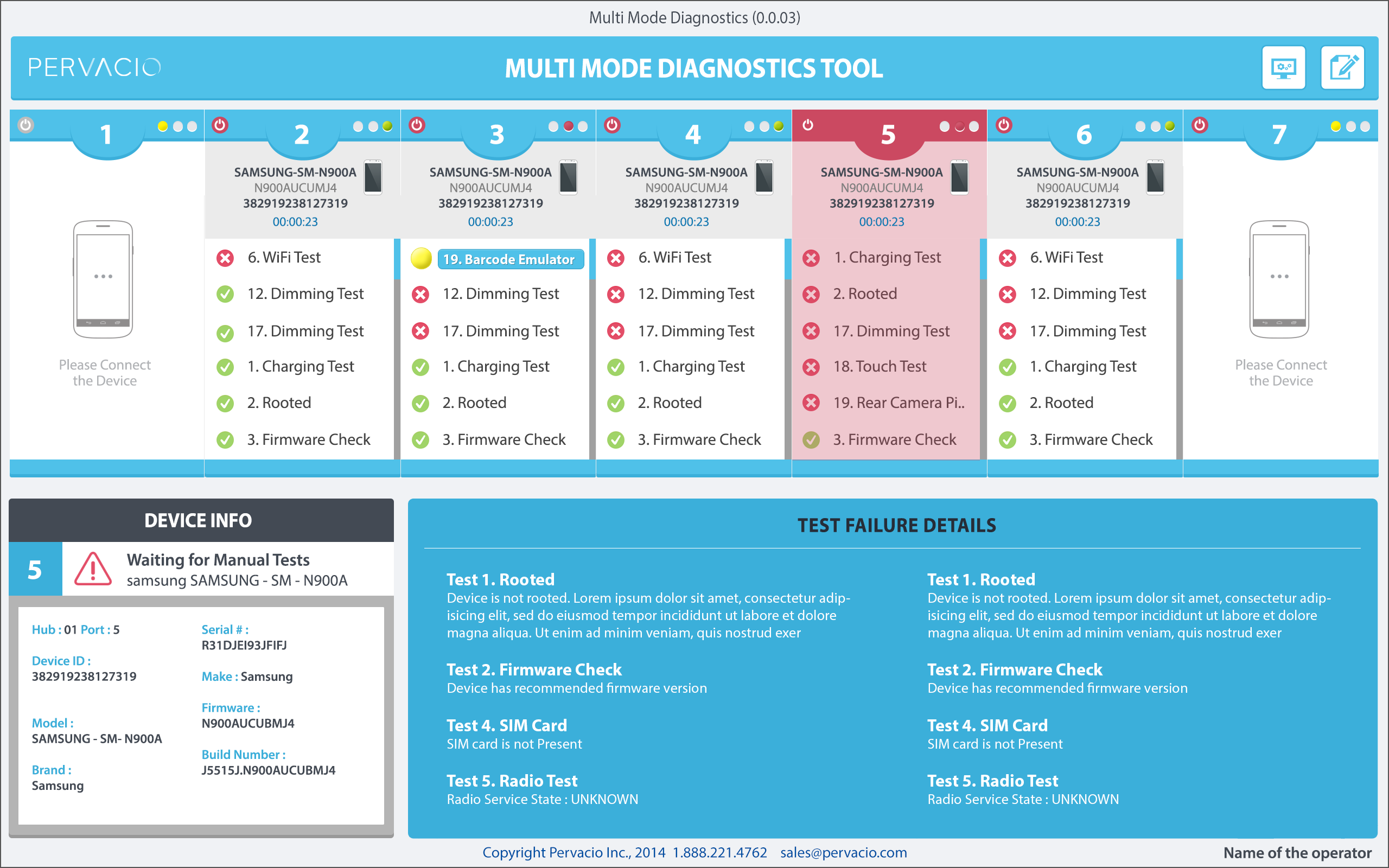
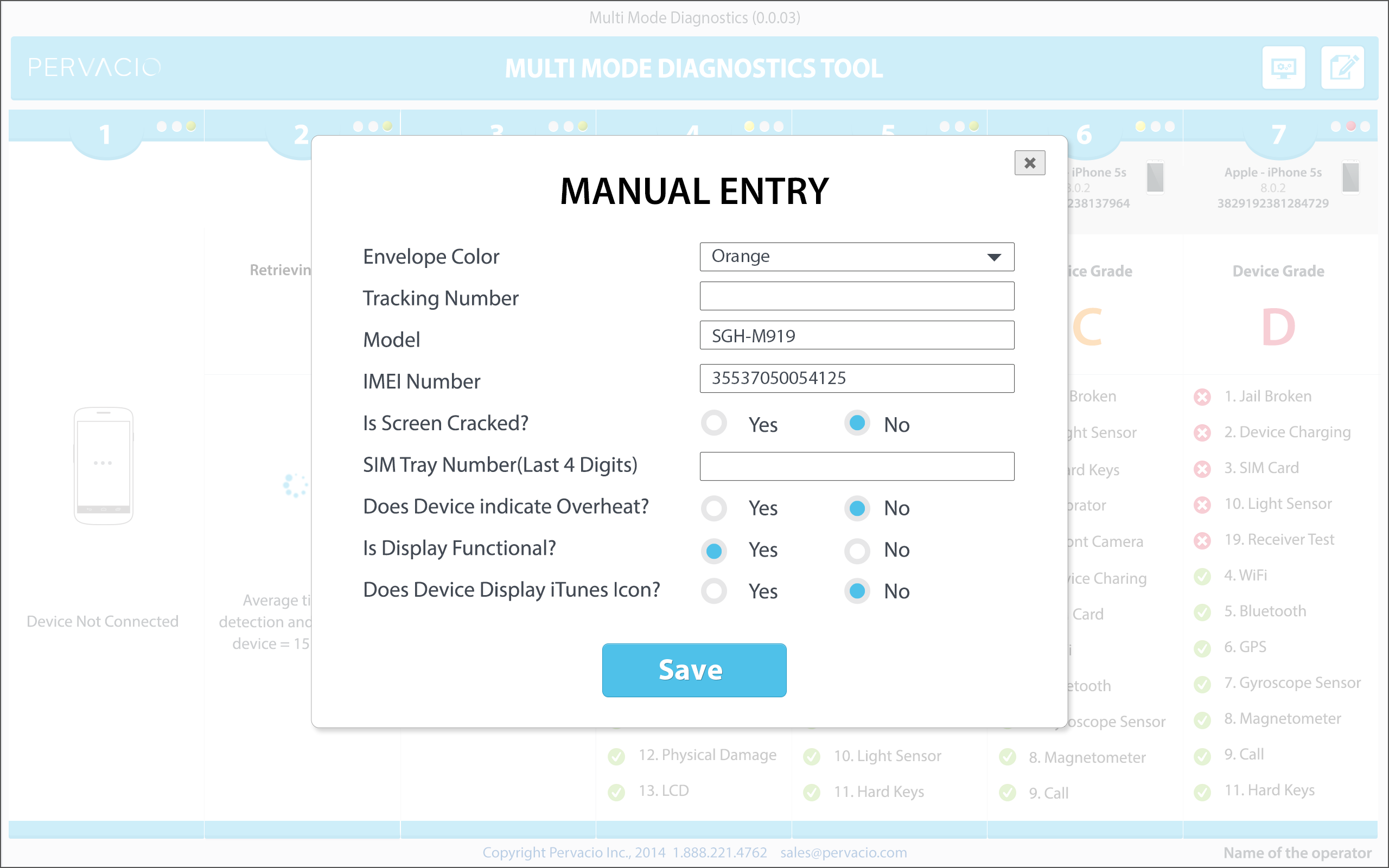
MultimodeA production-line diagnostics platform for high-volume device processing.The challengePresenting many simultaneous device tests without overwhelming the operator.
A. 56-device layout
Grid viewA dense, scannable grid of every device under test.Lane detailDrilling into a single lane for a closer look.
B. Interface
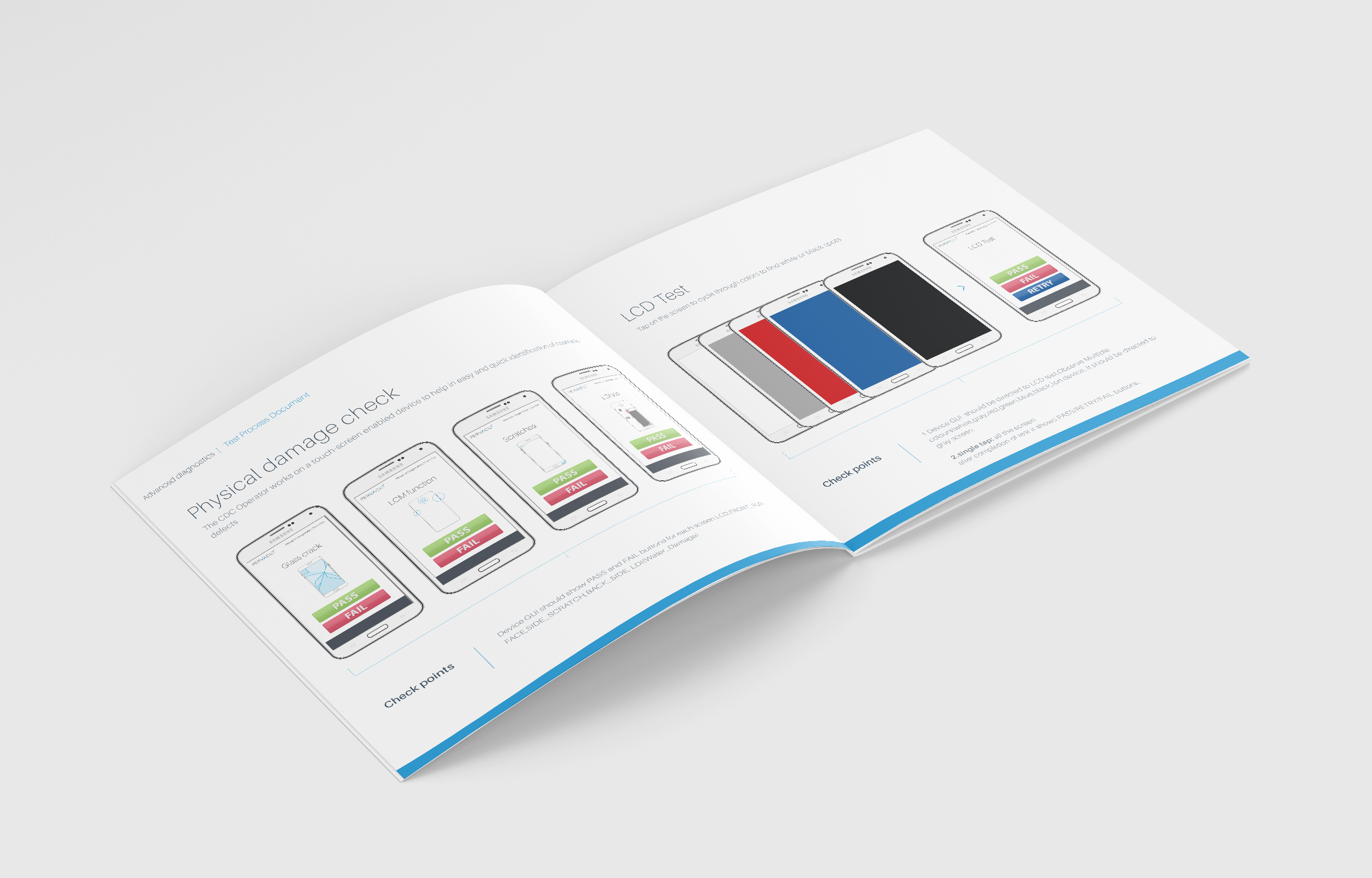
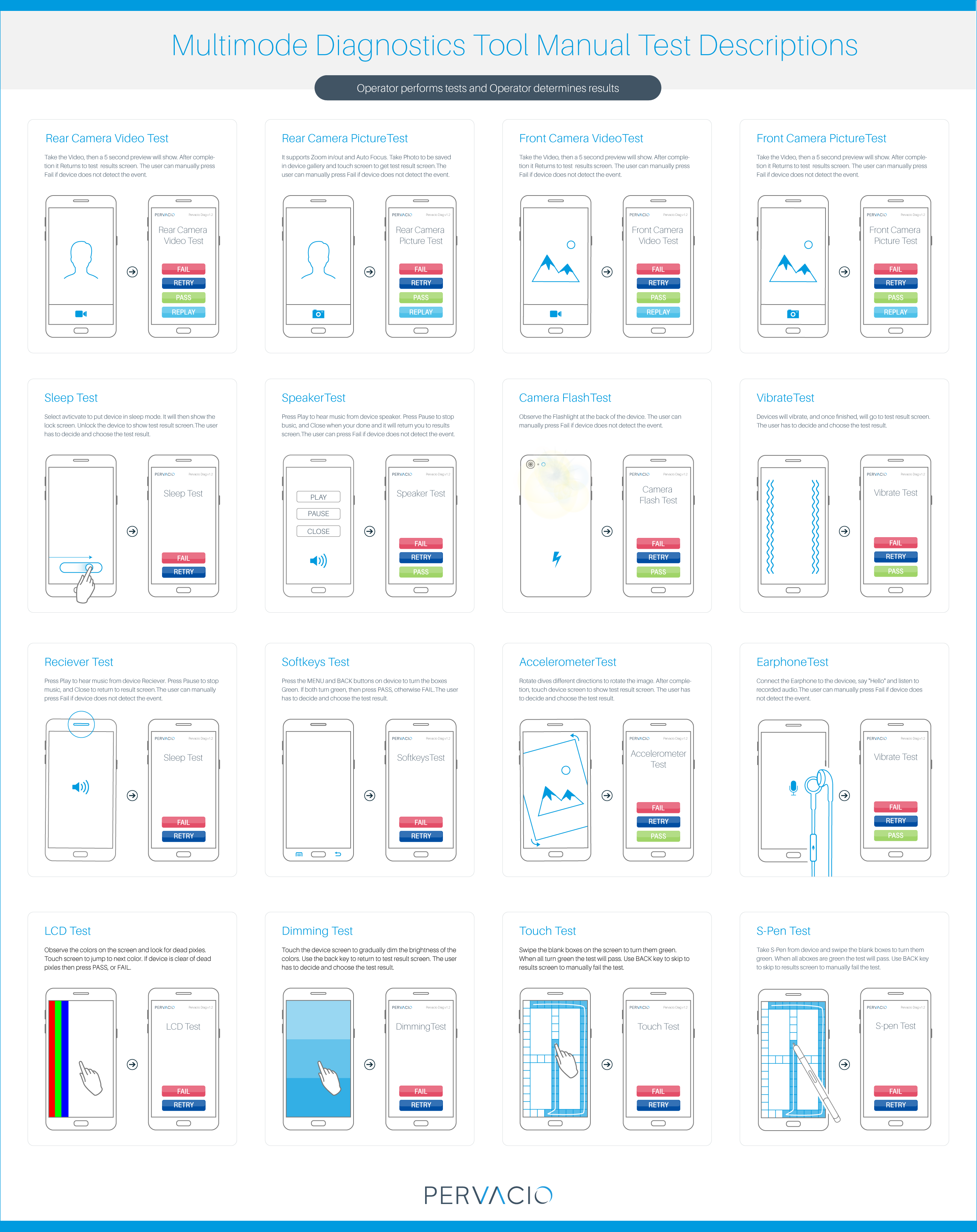
Simplify the process of completing device tests through intuitive testing workflows.
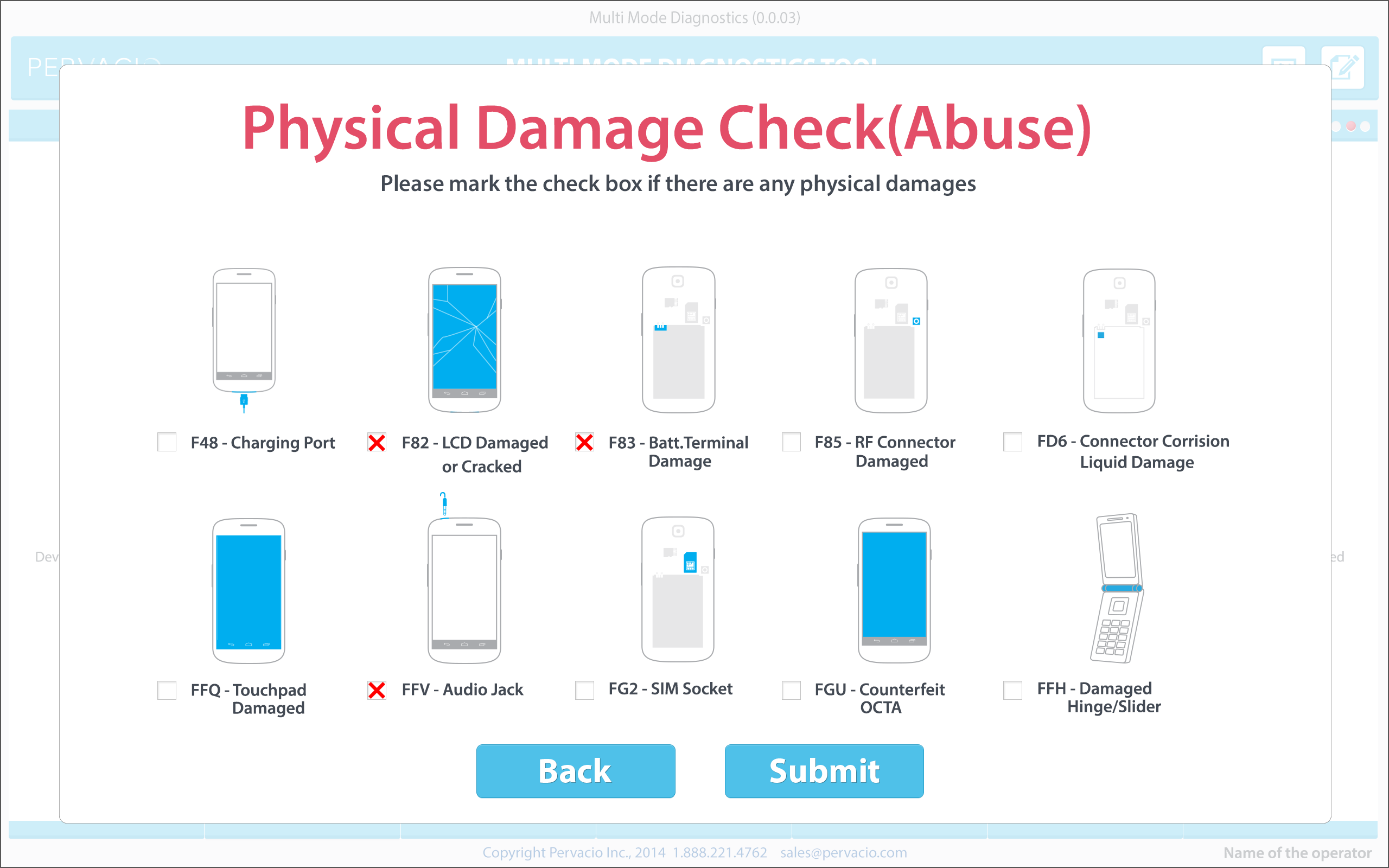
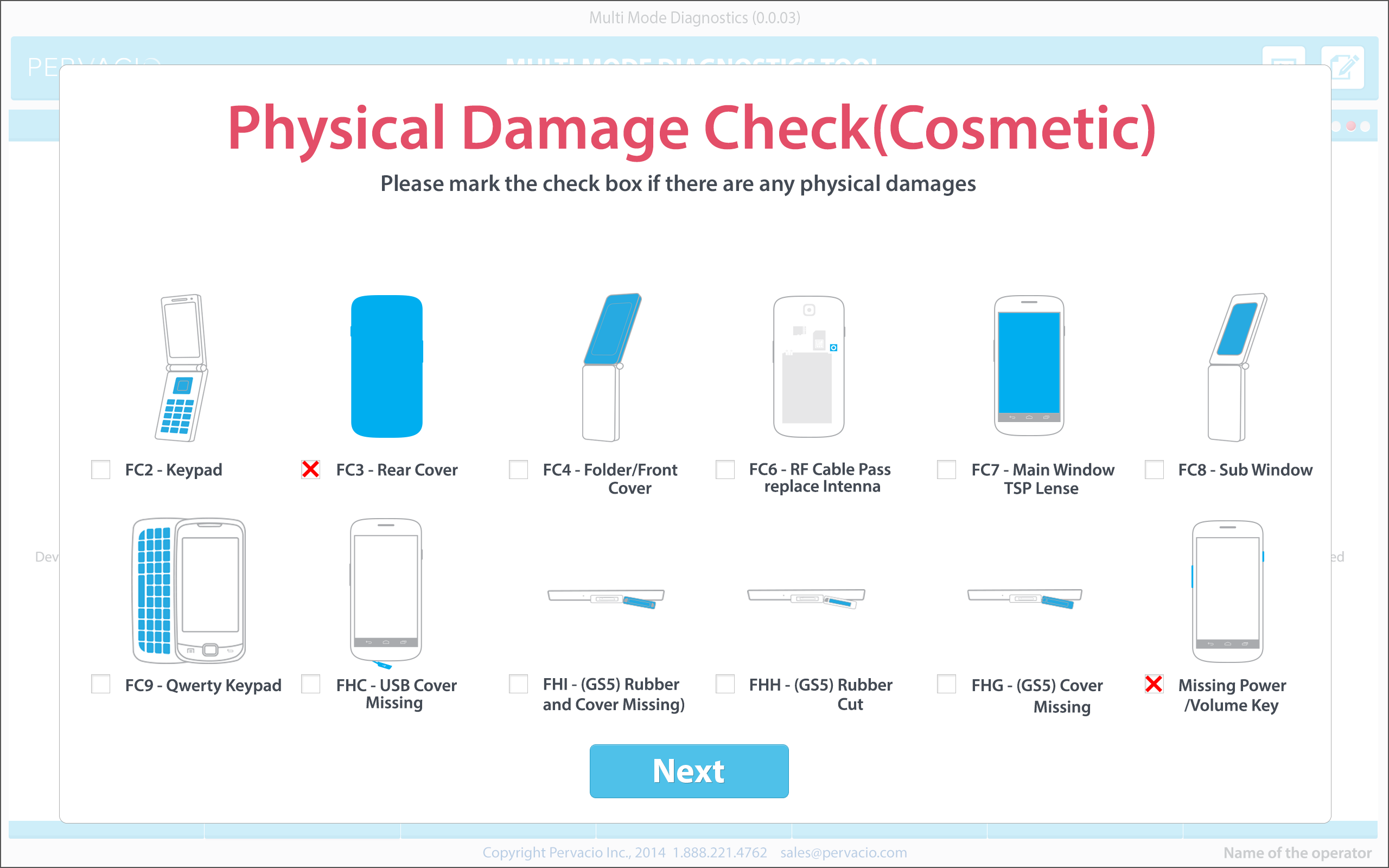
Device physical damage check can be performed easily, with advanced, illustrated images.
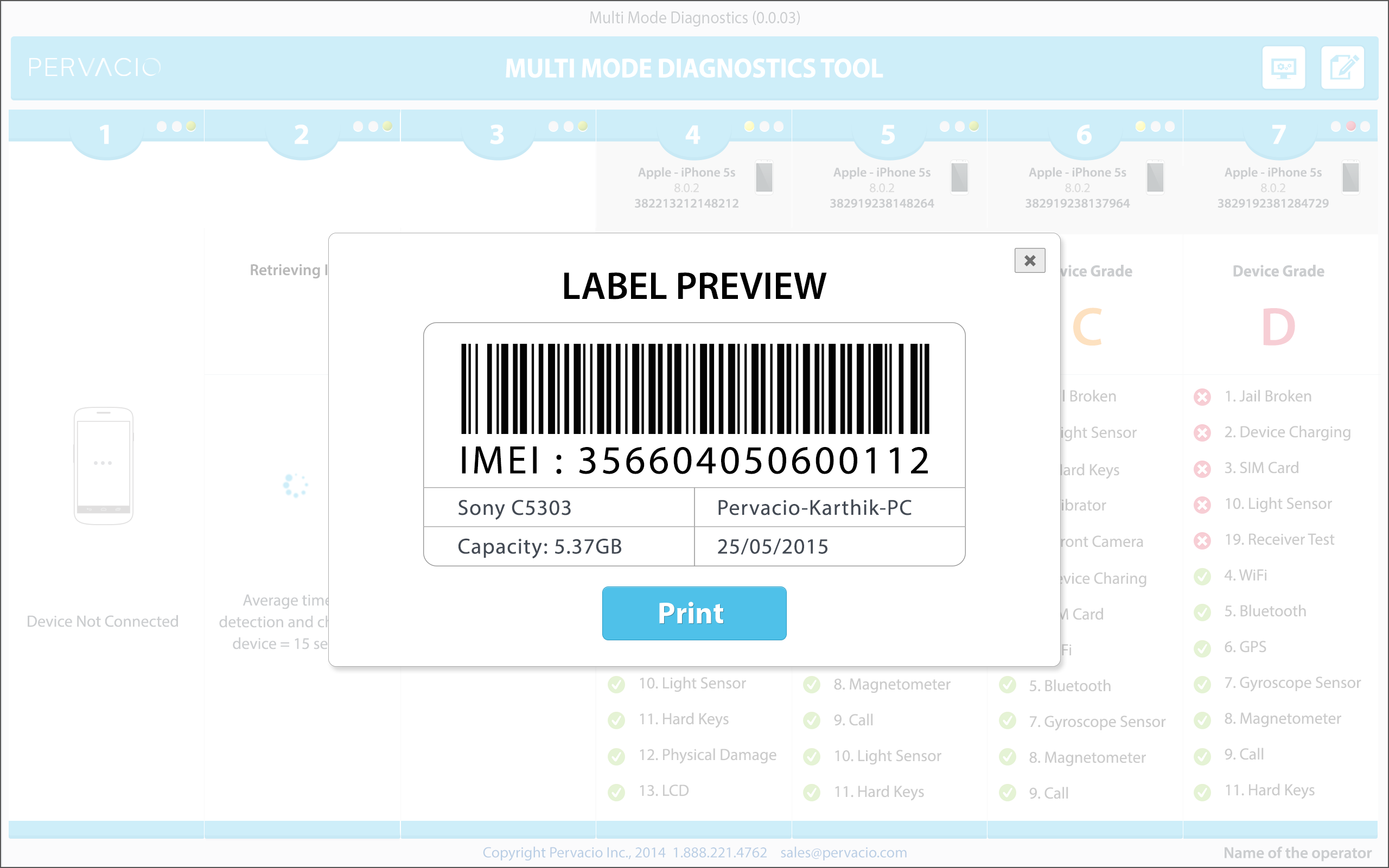
The tool detects devices automatically so operators can print a label for each device simply by connecting it to the tool.
If human input is necessary for defining certain information, operators will be asked simple questions.
Device GUI is designed to be simple and intuitive, so even non-native English speaking operators can perform the tests.
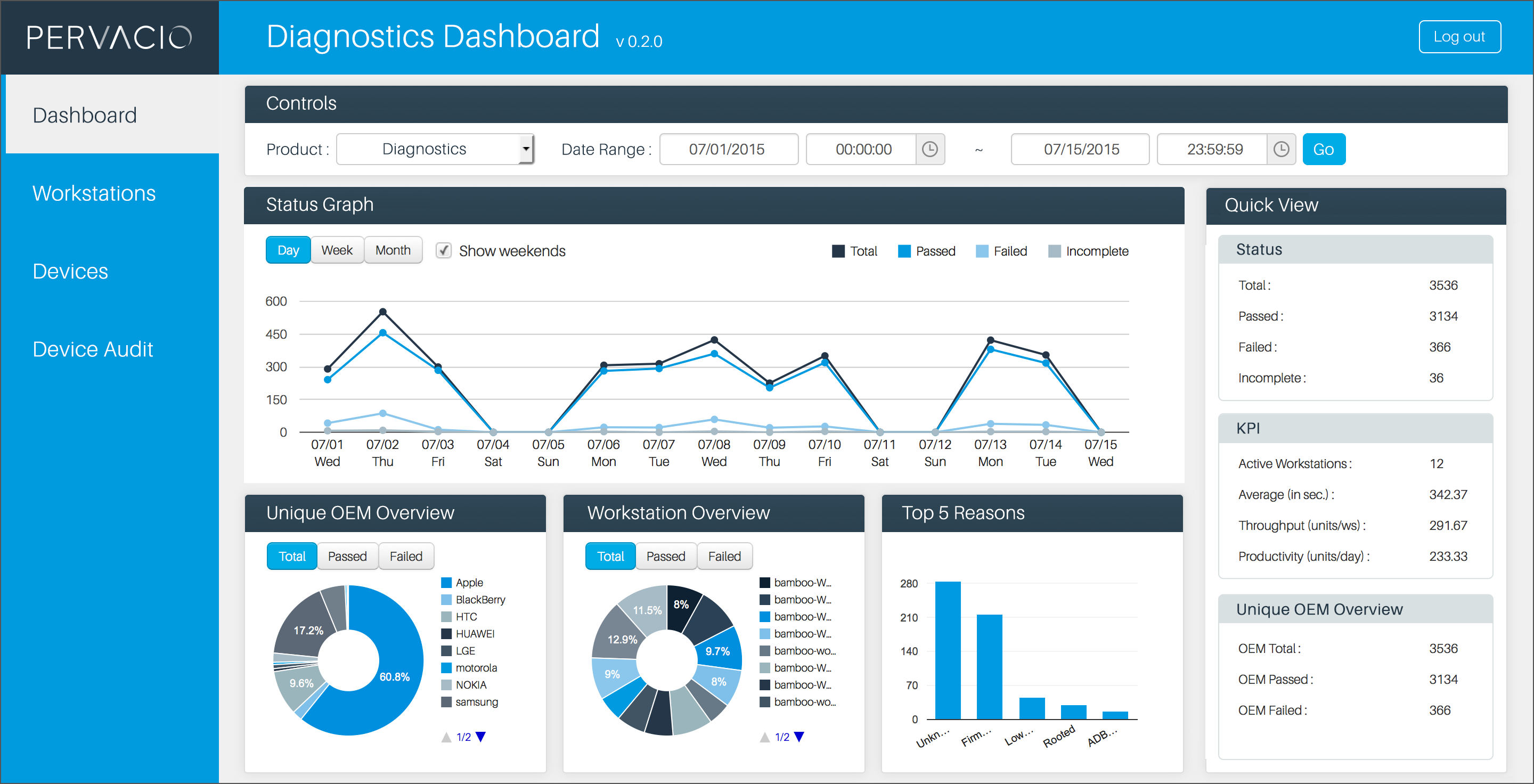
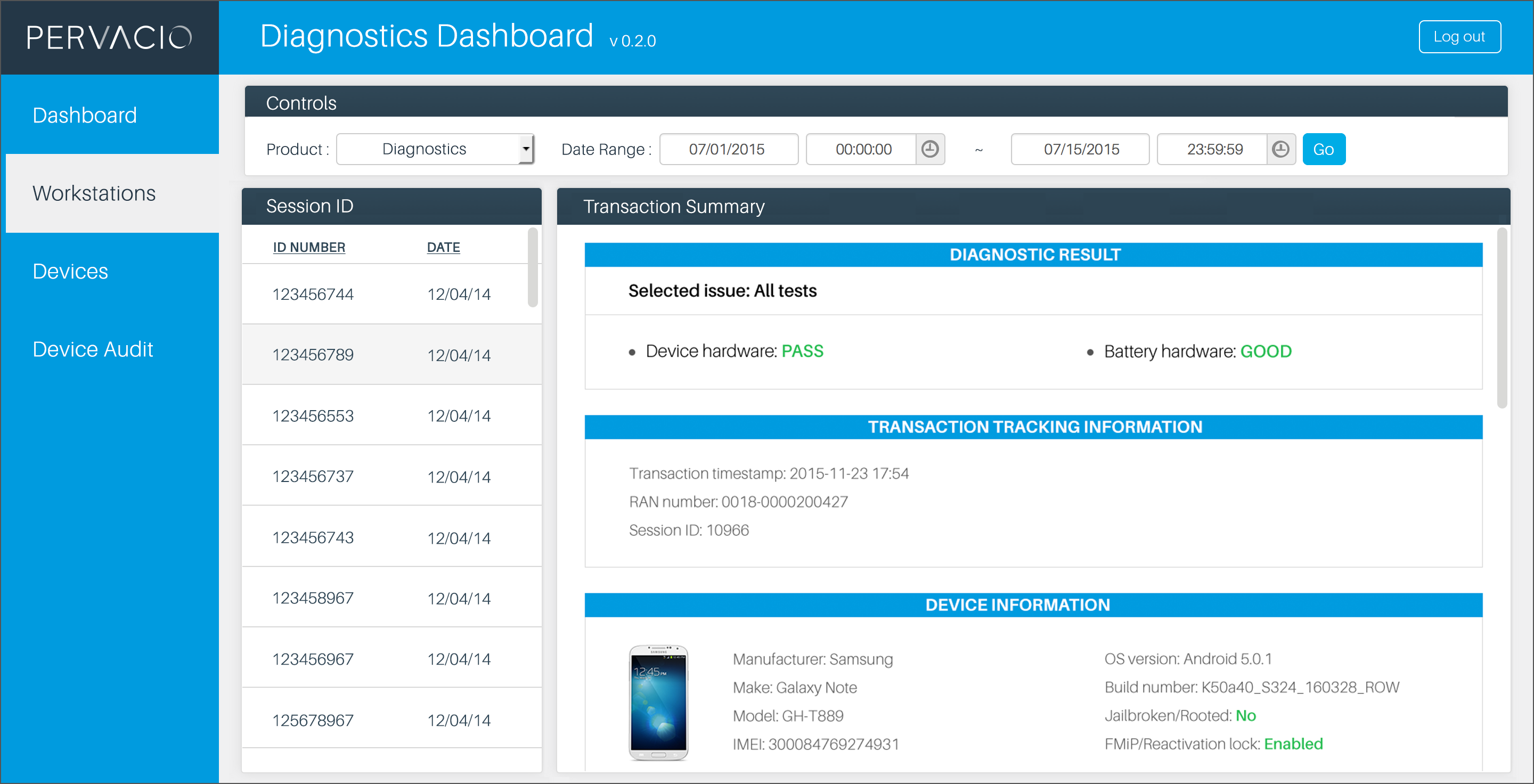
C. Dashboard
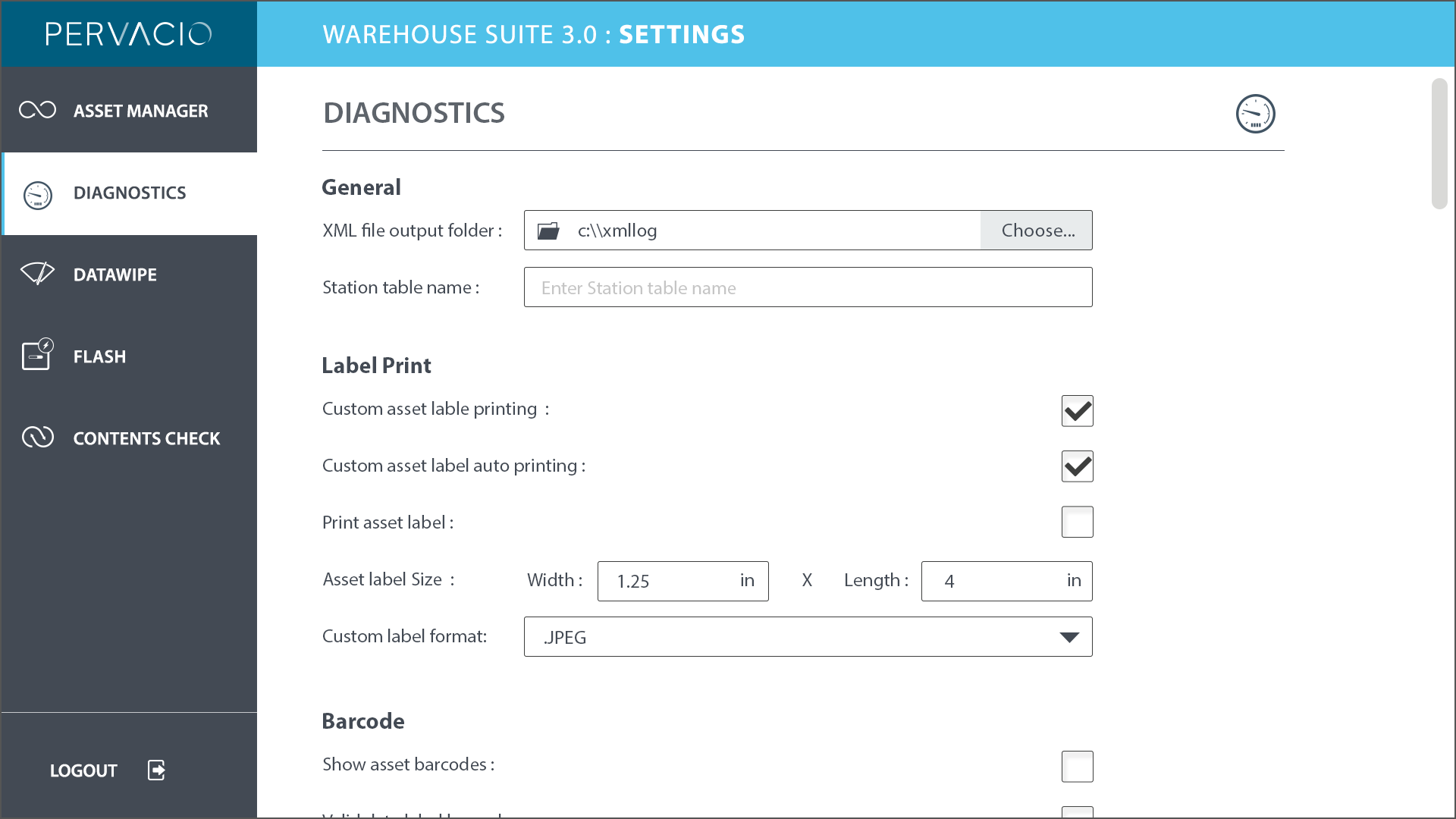
Powerful and well-organized dashboard reporting for workstation, platform, and operator performance.
D. Admin setting
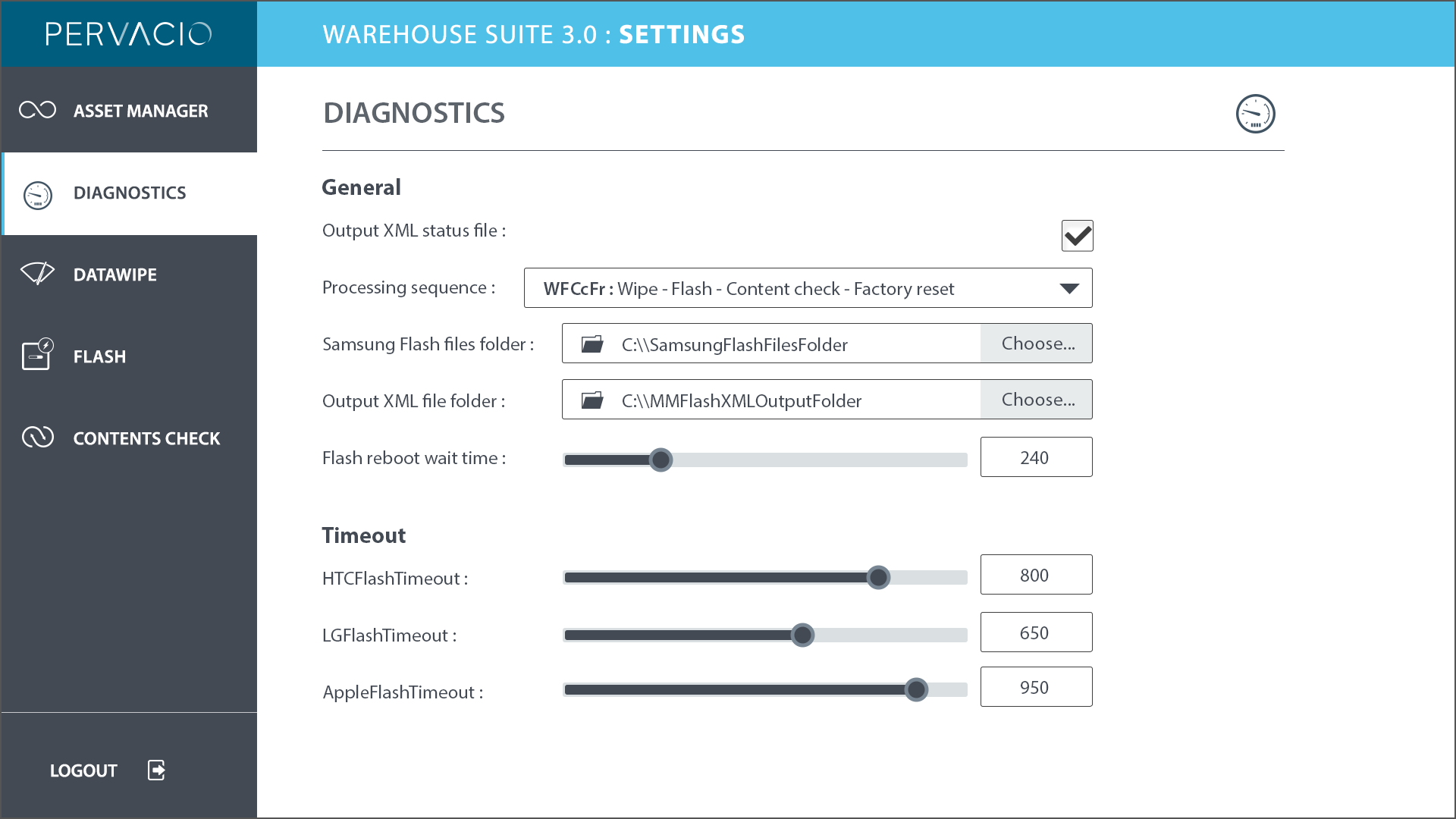
Manage and load content to support diagnostics by allowing the customer to load content that will be used by the operator to support servicing customers.
E. Operation user guide
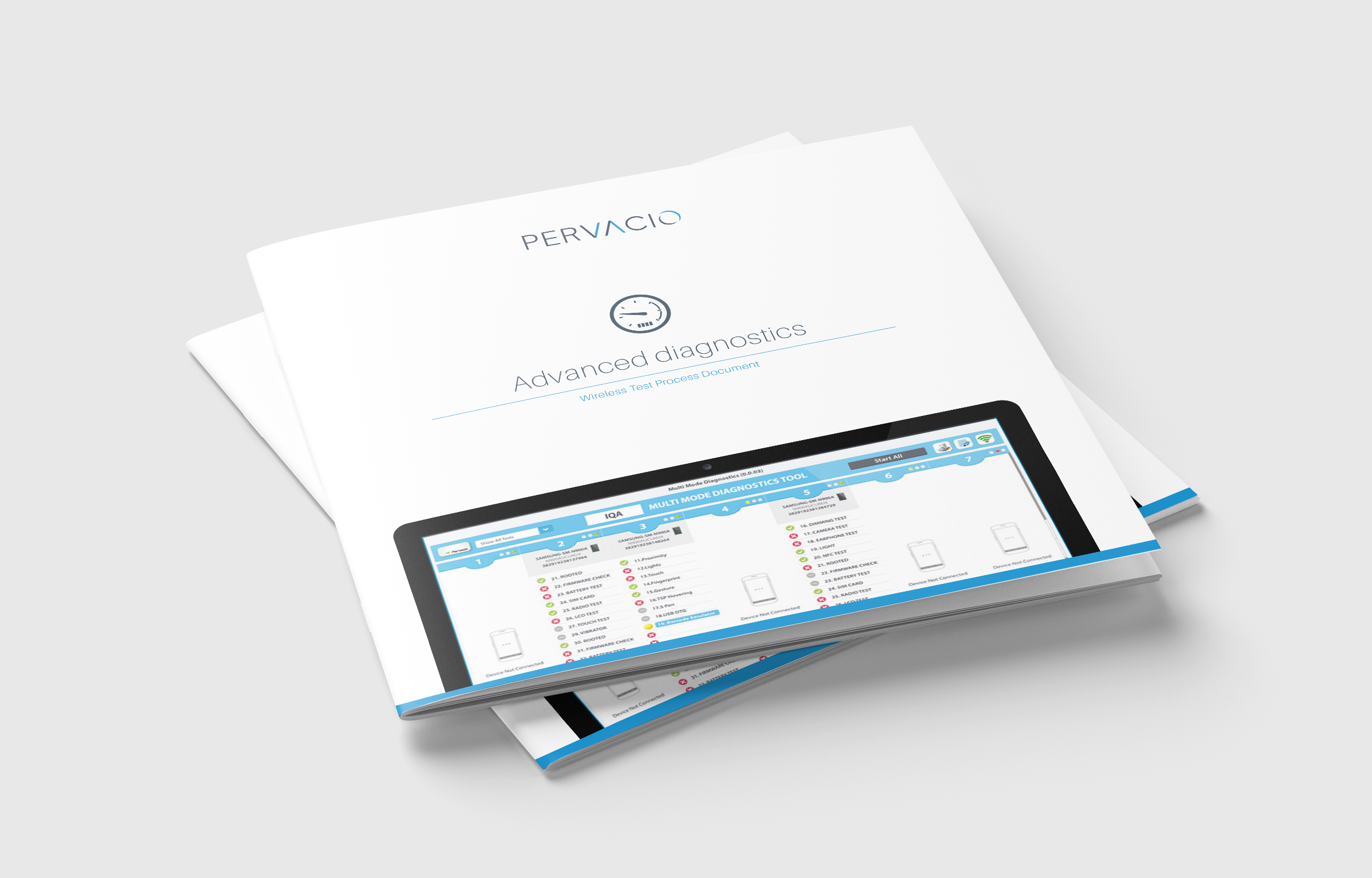
The Guidebook provides detailed assistance of the system for the warehouse operators.
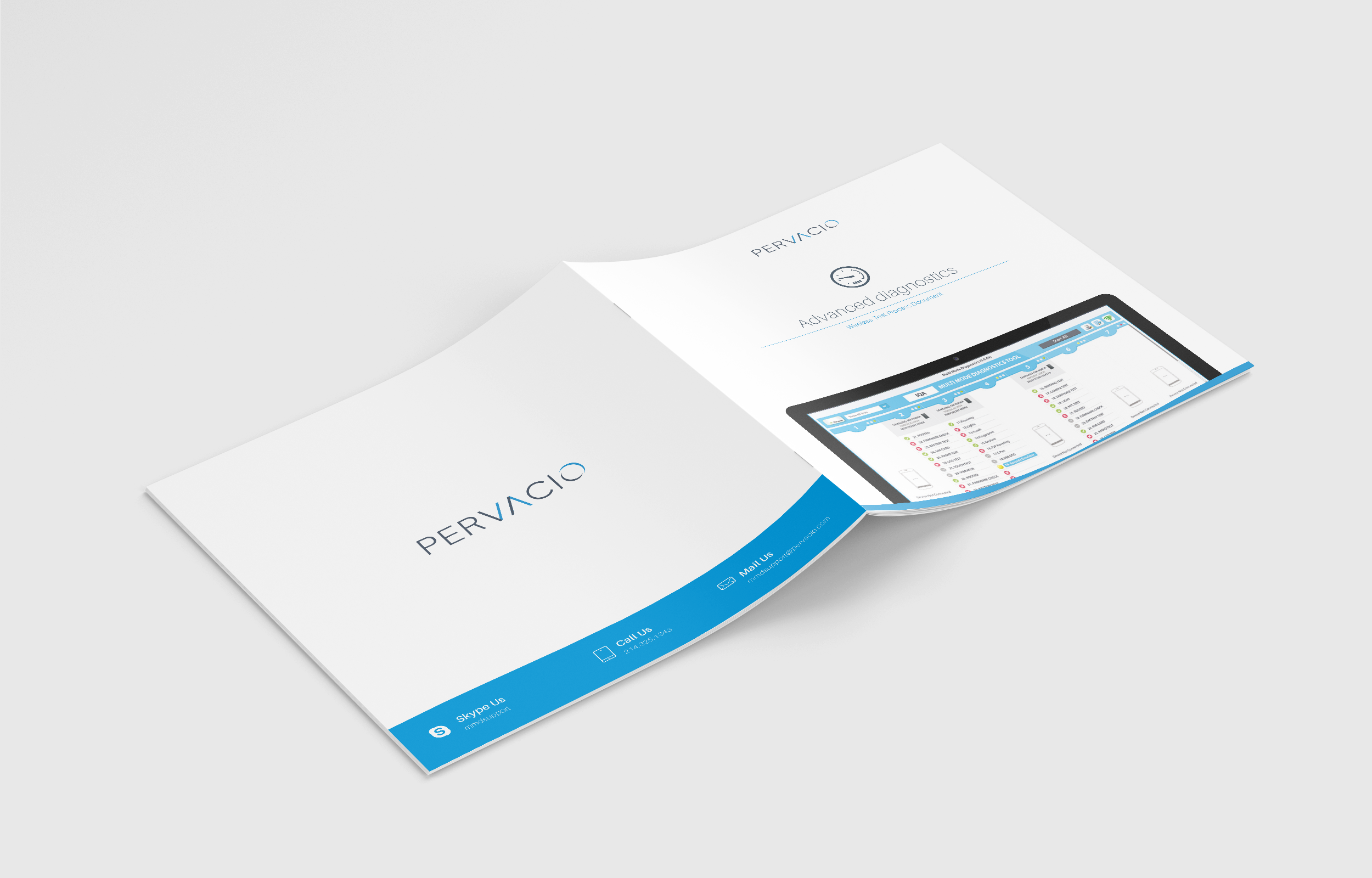
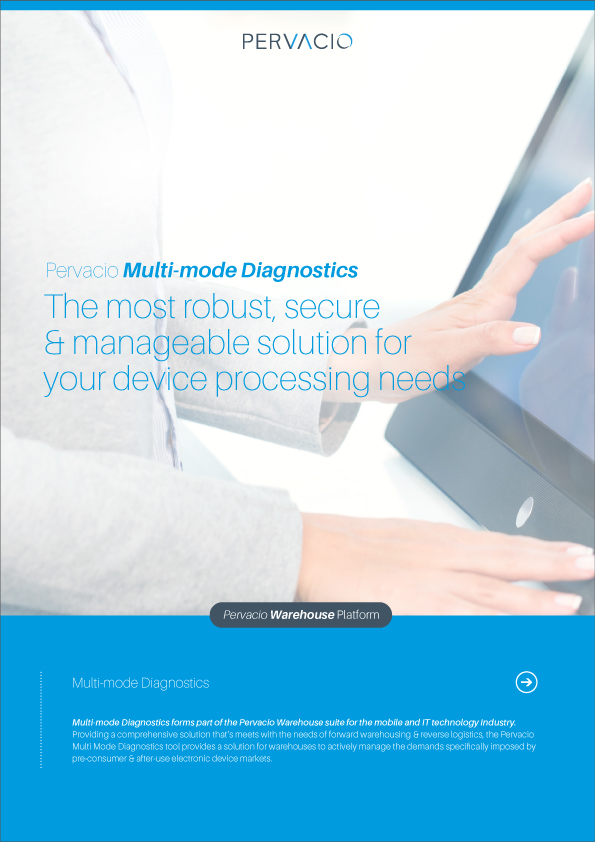
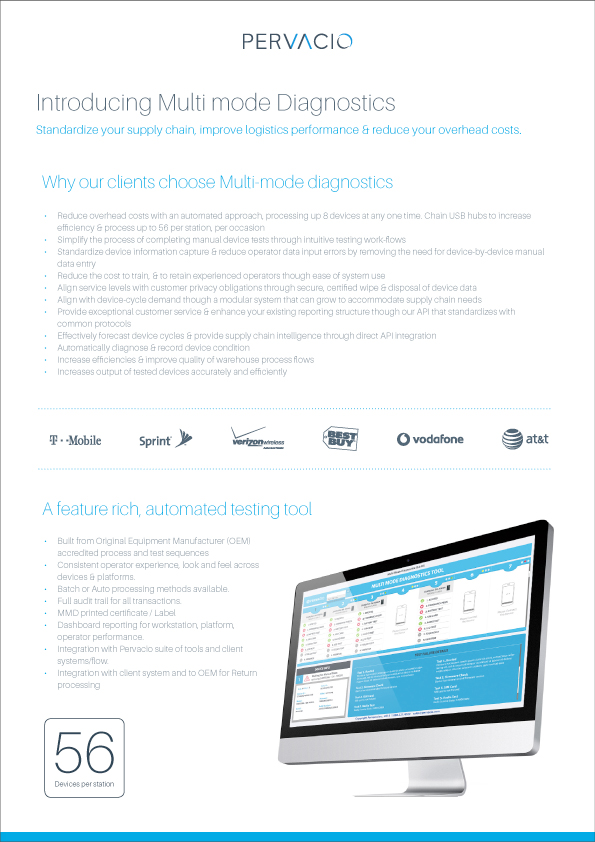
F. Sales promotion flyer
4
Support — 2018 · Asurion / Amazon
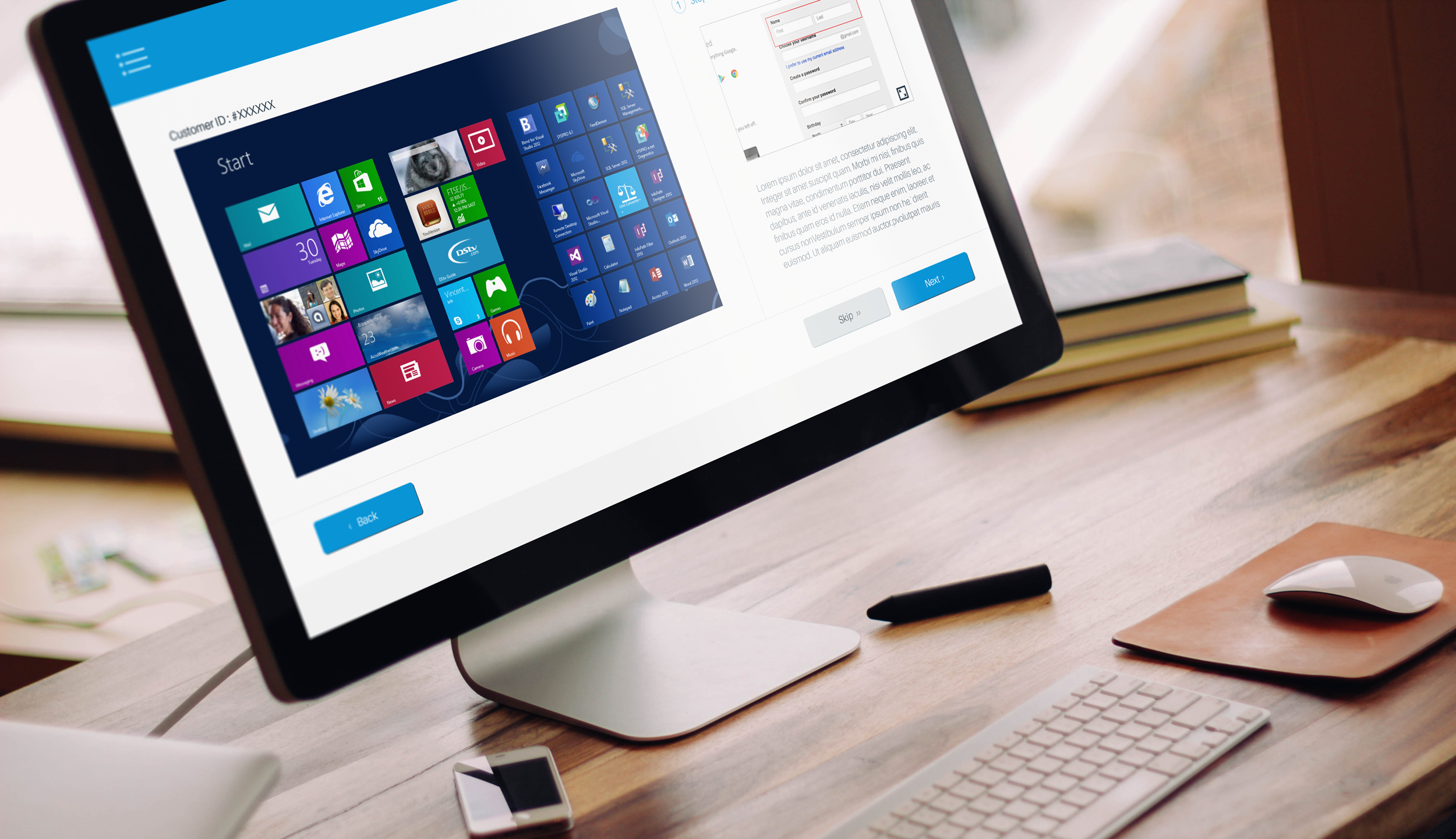
On-boarding tool
An agent on-boarding experience for Asurion and Amazon PC support — helping support
agents get customers set up quickly and confidently. I designed the flow around a
real customer story, mapping objectives to an agent-facing journey.
Client
Asurion support service
Role
UX design manager
Year
2018
Designer
Amy Shin (Lead), Ganesh Burle
The client Asurion, LLC
Asurion, LLC is a privately held company based in Nashville, Tennessee that provides device protection and support services for smartphones, tablets, consumer electronics, appliances, satellite receivers and jewelry. The company's services are sold through mobile phone carriers, direct broadcast satellite service providers and retailers.
Customer story & objectives
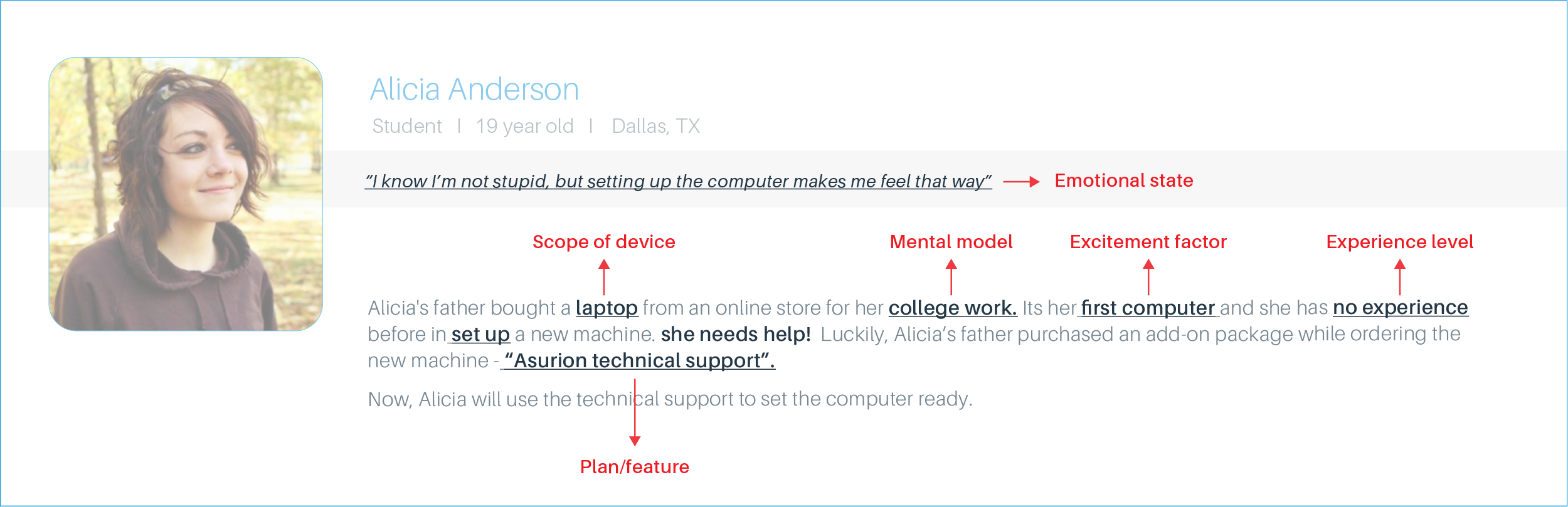
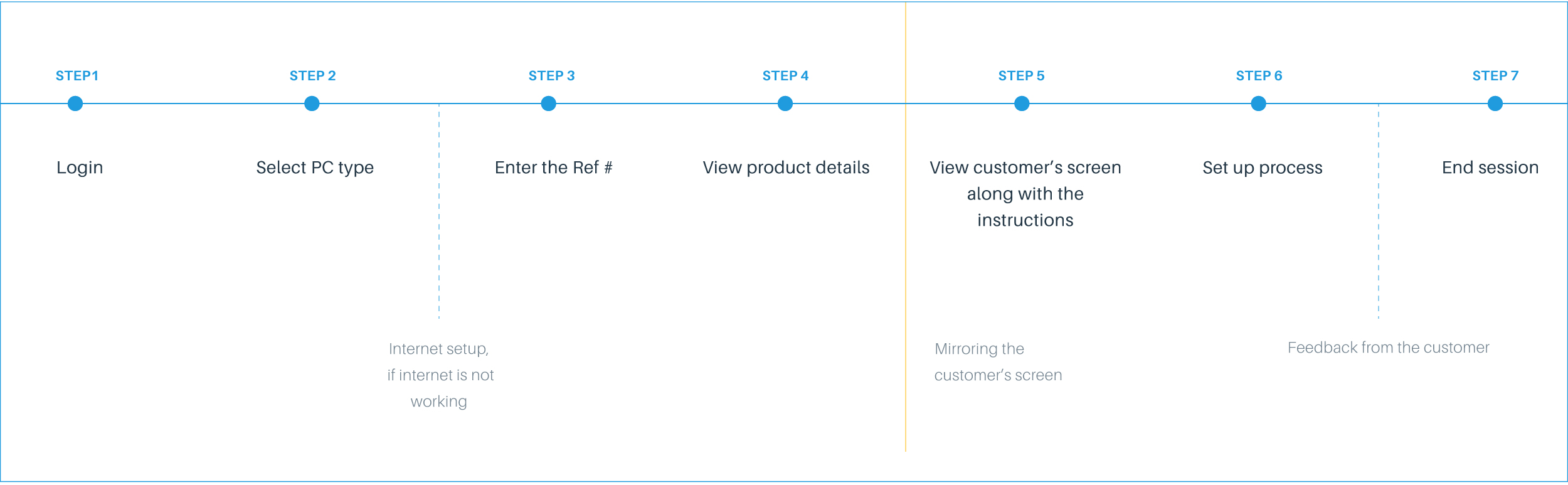
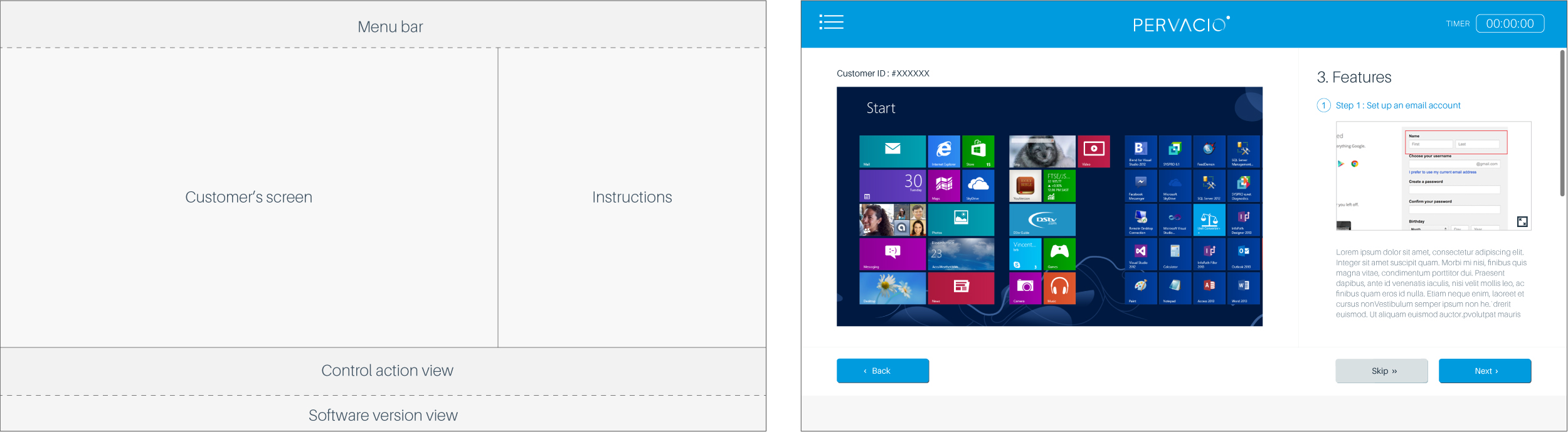
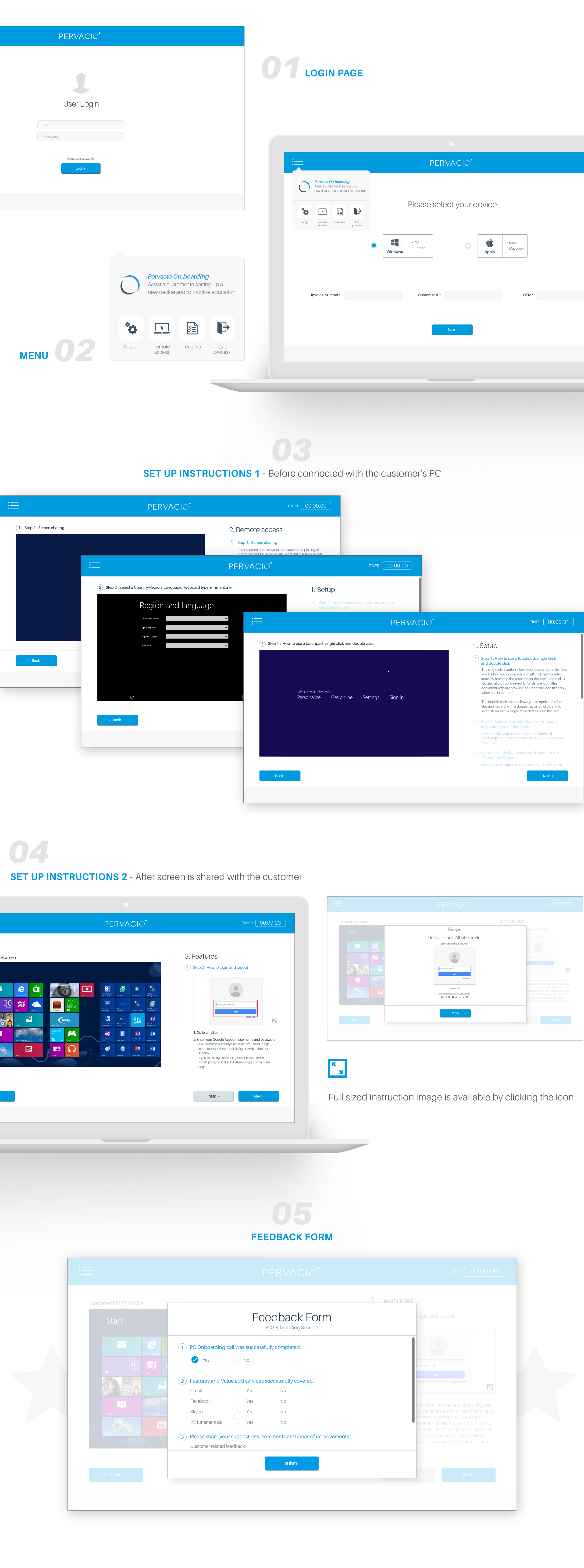
Customer storyGrounding the design in a real scenario.ObjectivesWhat the on-boarding needed to achieve.The agentDesigning for the support agent's context.JourneyThe end-to-end on-boarding journey.User flowThe detailed interaction flow.Software layoutTranslating the flow into interface layout.
Final design
The shipped agent on-boarding experience.
Four products, four contexts, one system — diagnostics designed for the people who use them, from the store floor to the production line.